
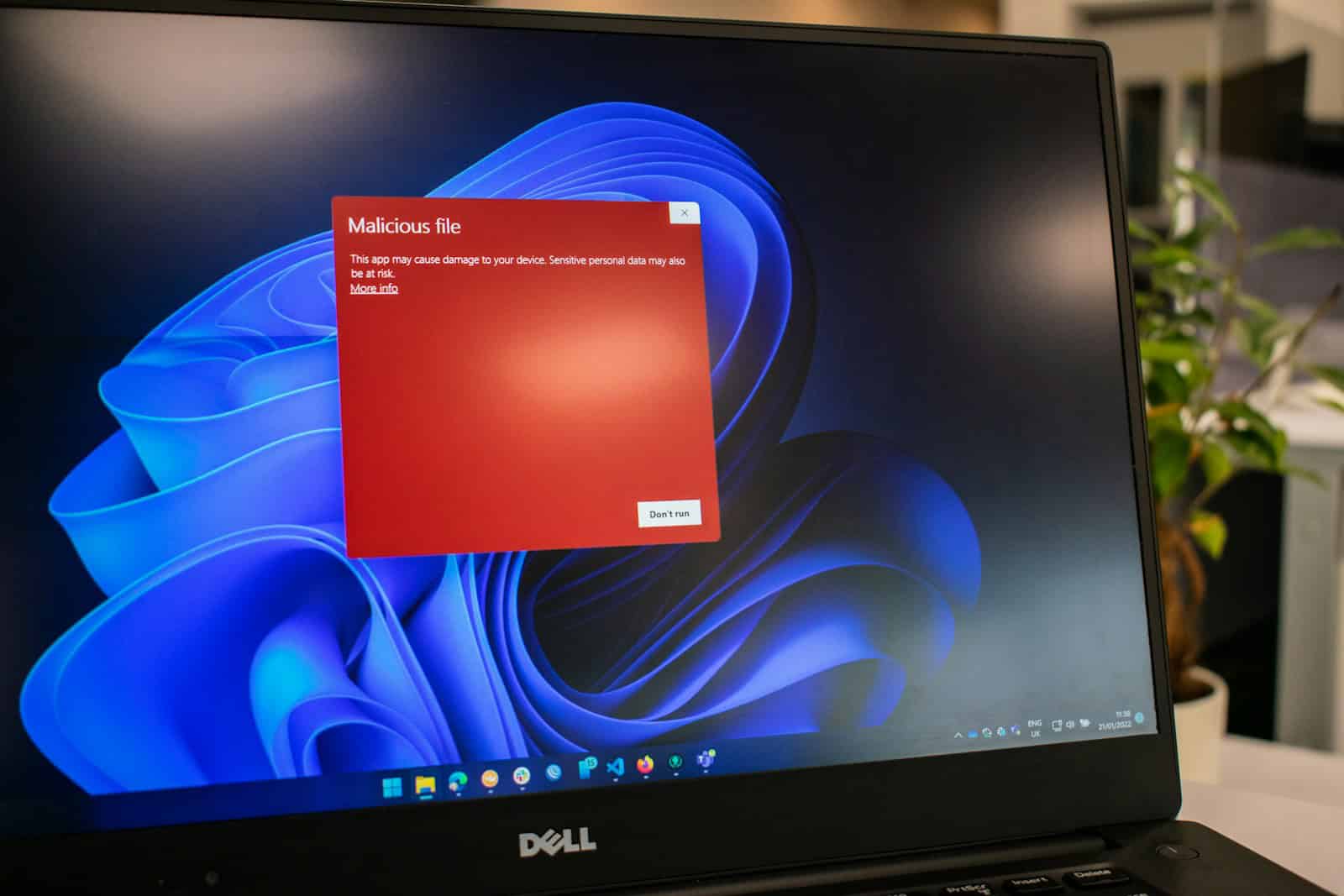
Computer viruses are harmful programs that attach to other software and spread from one device to another. They work by inserting their own code into files, allowing them to replicate and cause damage to your computer. A computer virus can corrupt data, steal information, and even take control of your system without you knowing it.
These digital pests don’t appear on their own. They need someone to activate them, usually by opening an infected file or program. Once active, viruses can spread quickly through your computer, across networks, and even via email attachments or downloads. Some viruses work quietly in the background while others announce their presence with obvious signs like strange pop-ups or slower performance.
Protection against viruses isn’t complicated, but it requires good habits. Using antivirus software, avoiding suspicious links, and keeping your system updated can help keep these digital threats at bay. Many people only think about viruses after their computer starts acting strangely, but by then, the damage might already be done.
What Is a Computer Virus?
A computer virus is a type of malicious software (malware) that replicates itself by modifying other computer programs and inserting its own code. Unlike other forms of malware, viruses require a host file to spread and typically need user action to activate (source: Comparitech).
Key Characteristics of Viruses:
- Self-replicating: They copy themselves to spread
- Host-dependent: Require existing files or programs to attach to
- Destructive potential: Can corrupt, delete, or steal data
- Stealth operation: Often run without user knowledge
Common Types of Computer Viruses
Understanding different virus types helps with identification and removal (source: Comparitech):
1. File Infector Viruses
- Attach to executable files (.exe, .com)
- Activate when infected program runs
- Can spread to other programs
2. Boot Sector Viruses
- Infect the master boot record
- Load before operating system starts
- Difficult to detect and remove
3. Macro Viruses
- Spread through document files (Word, Excel)
- Activate when document is opened
- Can spread through email attachments
4. Polymorphic Viruses
- Change their code to avoid detection
- Create encrypted copies of themselves
- Challenging for antivirus software
5. Resident Viruses
- Hide in system memory (RAM)
- Remain active even after host program closes
- Can infect files continuously
Signs Your Computer Is Infected
Watch for these common symptoms (source: WikiHow):
- Performance Issues: Slow startup, sluggish performance
- Unusual Behavior: Programs opening/closing unexpectedly
- Pop-up Ads: Excessive advertisements, especially when offline
- File Problems: Missing files, corrupted data, unknown files appearing
- Network Activity: Unexpected internet usage, slow connection
- System Crashes: Frequent blue screens or system freezes
- Browser Changes: New toolbars, changed homepage, redirected searches
Step-by-Step Virus Removal Guide
Step 1: Disconnect from the Internet
Immediately disconnect your computer from the internet to prevent data theft and further infection spread.
Step 2: Boot into Safe Mode
Safe Mode loads only essential system files, making virus removal easier (source: WikiHow):
Windows:
- Restart computer and press F8 repeatedly during startup
- Select “Safe Mode with Networking” from the menu
Mac:
- Restart and hold Shift key until Apple logo appears
Step 3: Delete Temporary Files
Clear temporary files that may harbor viruses:
- Run Disk Cleanup utility
- Delete browser cache and temporary internet files
- Empty Recycle Bin
Step 4: Run Antivirus Scan
Use reputable antivirus software to perform a full system scan (source: Malwarebytes):
Recommended Steps:
- Update antivirus definitions
- Run full system scan (not quick scan)
- Quarantine or delete detected threats
- Run additional scans until no threats found
Step 5: Use Anti-Malware Tools
Supplement antivirus with specialized anti-malware tools (source: MalwareTips):
Popular Options:
- Malwarebytes Anti-Malware
- Spybot Search & Destroy
- AdwCleaner
- HitmanPro
Step 6: Check System Files
Verify system file integrity:
Windows:
- Open Command Prompt as Administrator
- Type:
sfc /scannow - Let system file checker repair corrupted files
Step 7: Update Everything
Ensure all software is current:
- Install Windows/macOS updates
- Update all installed programs
- Update browser and plugins
Step 8: Restore from Backup
If virus damage is severe, consider restoring from a clean backup made before infection.
Advanced Removal Techniques
For Stubborn Infections (source: WinTips):
- Use Bootable Antivirus Rescue Disks
- Create rescue disk from another clean computer
- Boot from rescue disk to scan before OS loads
- Manual Removal Process
- Identify virus files in Task Manager
- Stop malicious processes
- Delete virus files and registry entries
- Caution: Advanced users only
- Professional Help
- Contact IT professionals for severe infections
- Consider specialized malware removal services
Microsoft’s Official Guidance
Microsoft provides comprehensive resources for virus removal (source: Microsoft Support):
- Use Windows Defender for real-time protection
- Download Microsoft Safety Scanner for additional scanning
- Follow official virus removal procedures
- Keep Windows updated with latest security patches
Prevention Best Practices
Prevent future infections:
- Install reputable antivirus software
- Keep operating system updated
- Avoid suspicious email attachments
- Don’t click unknown links
- Use standard user accounts (not administrator)
- Regular system backups
- Enable firewall protection
When to Seek Professional Help
Consider professional assistance if:
- Multiple removal attempts fail
- System won’t boot properly
- Critical data is encrypted (ransomware)
- Business/sensitive data is at risk
- You’re uncomfortable with technical procedures
Conclusion
Computer viruses can cause significant damage, but with proper knowledge and tools, most infections can be successfully removed. The key is acting quickly, using multiple scanning tools, and following systematic removal procedures. Remember, prevention through good security practices is always better than dealing with an infection after it occurs.
If you’re dealing with a severe infection or feel overwhelmed by the removal process, don’t hesitate to seek professional help to protect your data and system integrity.
Key Takeaways
- Computer viruses are malicious programs that self-replicate by attaching to other files and can damage your data and system operations.
- Viruses spread through infected files, email attachments, downloads, and can move across networks to other devices.
- Regular software updates, strong antivirus protection, and careful online behavior are your best defenses against virus infections.
Understanding Computer Viruses
Computer viruses remain one of the most persistent cybersecurity threats facing users today. This comprehensive guide will help you understand what viruses are, how to identify them, and most importantly, how to remove them from your system.
Computer viruses are harmful programs that can damage data, slow down systems, and spread themselves to other computers. They operate by attaching to legitimate programs and executing their malicious code when the host program runs.
Definition and History
A computer virus is a type of malware designed to replicate itself by modifying other programs and inserting its own code. Unlike other malware, viruses need a host program to spread. The first known computer virus, Elk Cloner, appeared in 1982 on Apple II systems and spread via floppy disks. It displayed a poem on infected computers after 50 system boots.
The term “virus” was formally defined by Fred Cohen in 1983, though the concept existed earlier. The 1990s saw explosive growth in virus development with the rise of the internet and email. Early viruses like Brain (1986) infected boot sectors of floppy disks, while later ones like Melissa (1999) spread through email attachments.
Viruses have evolved from simple annoyances to sophisticated threats that can steal information and cause significant financial damage.
Types of Viruses
Boot Sector Viruses infect the master boot record of hard drives or removable media. They activate when a computer boots from infected media.
Resident Viruses lodge in computer memory and can intercept operations performed by the operating system. This allows them to infect any program that runs on the computer.
Direct Action Viruses don’t install themselves in memory but activate when a specific file is executed.
Polymorphic Viruses change their code each time they spread, making detection difficult for antivirus software.
Macro Viruses infect documents that contain macros, like Microsoft Word files. They spread when infected documents are shared.
Web Scripting Viruses infect websites and can spread to visitors’ computers.
Other malware often confused with viruses include:
- Worms: Self-replicate without host programs
- Trojans: Disguise as legitimate software
- Ransomware: Encrypts files and demands payment
Characteristics of Viruses
Computer viruses share several key traits that distinguish them from other software. First, they have self-replication capabilities, allowing them to make copies of themselves without user intervention.
Second, viruses contain activation mechanisms that trigger their malicious actions. These triggers might be time-based (activating on specific dates), event-based (after certain user actions), or logic-based (when specific conditions are met).
Third, all viruses have payload components that perform their harmful functions. Payloads range from mildly annoying (displaying messages) to destructive (deleting files or encrypting data).
Viruses typically follow a life cycle:
- Dormancy – hiding before activation
- Propagation – spreading to other systems
- Triggering – activating based on specific conditions
- Execution – releasing their payload
Most modern viruses use various techniques to avoid detection, including encryption, stealth mechanisms, and polymorphic code that changes with each infection.
How Viruses Spread and Infect Systems
Computer viruses move through networks and devices using various entry points. They replicate themselves and cause damage once they’ve infected a system.
Common Vectors of Infection
Computer viruses typically enter systems through several pathways. Email attachments remain one of the most common methods, where hackers send malicious files that execute when opened.
Downloading files from untrusted websites poses another major risk. These downloads might appear legitimate but contain hidden malicious code.
Removable storage devices like USB drives can spread viruses when moved between computers. The virus copies itself to the new system when the device is connected.
Social engineering tricks users into installing malware. Hackers might create fake system alerts or disguise malicious software as helpful programs.
Infected websites can deliver viruses through “drive-by downloads” that don’t require user action. These exploit security flaws in browsers or plugins.
Network connections sometimes allow worms to spread without human interaction. These specialized viruses scan for vulnerable computers and infect them automatically.
Virus Replication Mechanisms
Once inside a system, viruses use different methods to reproduce and spread. File infectors attach themselves to executable programs (.exe files) and activate when the program runs.
Macro viruses target document files and use built-in programming features (macros) in applications like Microsoft Office. They run when infected documents are opened.
Boot sector viruses infect the part of storage drives that contains startup instructions. These viruses load before the operating system, making them particularly harmful.
Some viruses create copies of themselves in multiple locations to avoid detection and removal. This redundancy helps ensure their survival.
Polymorphic viruses constantly change their code to evade antivirus programs. Each new copy looks different from the original, making detection more difficult.
Trojans don’t self-replicate but disguise themselves as useful programs. They create backdoors for hackers to access infected systems remotely.
Preventive Measures and Best Practices
Protecting your computer from viruses requires both good software tools and smart user habits. These strategies work together to create a strong defense system.
Antivirus and Security Software
Installing reputable antivirus software is your first line of defense against malicious programs. These tools scan your computer regularly, removing threats before they cause damage. Choose software from trusted companies and keep it updated with the latest virus definitions.
Most antivirus programs offer real-time protection that monitors your system continuously. This feature blocks suspicious activities as they happen.
Many security suites now include additional tools like:
- Firewall protection
- Email scanning
- Web browsing shields
- Ransomware protection
Free antivirus options provide basic protection, but paid versions typically offer more comprehensive security features. Whatever you choose, make sure it runs automatic scans weekly and updates daily.
System and Network Hygiene
Good digital habits are just as important as security software. Update your operating system and applications regularly since these updates often fix security holes that viruses exploit.
Create strong, unique passwords for all your accounts. Consider using a password manager to keep track of them securely. Enable two-factor authentication when available for extra protection.
Be cautious with email attachments and links, even from known senders. Verify the source before opening anything suspicious.
Back up your important data regularly to external drives or cloud storage. This practice ensures you can recover your digital assets if a virus attack occurs.
When using public Wi-Fi, connect through a VPN to encrypt your data and protect it from hackers who might be monitoring the network. This extra layer follows the defense-in-depth approach to security.
Data Recovery and Virus Removal
When your computer gets infected with a virus, quick action can save your files and protect your system. Knowing the right steps for removal and data recovery can make a big difference in limiting damage.
Dealing with an Infection
If you suspect a virus has infected your computer, disconnect from the internet immediately. This prevents the malware from sending your data to attackers or downloading additional harmful code. Next, boot your computer in safe mode to limit what programs run at startup.
Run a full system scan with reputable antivirus software. Programs like Norton, McAfee, or free options such as Windows Defender can identify and remove many types of malicious software. Make sure your antivirus is up-to-date before scanning.
For stubborn infections, try specialized removal tools. Many antivirus companies offer standalone virus removal utilities that can tackle specific threats. In extreme cases, you might need to reset your operating system while preserving personal files.
Recovering Compromised Data
Data loss from virus attacks can be devastating, but recovery is often possible. Start by checking if your operating system’s built-in backup tools have recent copies of your files. Windows File History and macOS Time Machine can restore previous versions of affected documents.
For files deleted by malware, recovery software like Data Rescue can help. These programs scan your drive for file signatures that remain even after deletion.
Important digital assets like photos and financial documents should be regularly backed up to cloud storage or external drives. This creates multiple recovery options if your main system becomes compromised.
After recovery, strengthen your data security by:
- Updating all software regularly
- Using strong, unique passwords
- Enabling two-factor authentication
- Installing a reliable antivirus program
Emerging Threats and Trends
The cybersecurity landscape continues to evolve with new types of malware that use advanced techniques. These threats require stronger protection methods and greater awareness from users.
AI and Future Malware
Artificial Intelligence is changing how hackers create computer viruses. AI-powered malware can learn and adapt to security measures, making it harder to detect. These smart viruses can change their code to avoid being spotted by antivirus programs.
Ransomware attacks are becoming more targeted. Instead of random attacks, hackers now research their victims before striking. This lets them demand higher payments and increases their success rate.
New threats called “fileless malware” don’t need to install files on your computer. They hide in memory or use legitimate tools already on your system. This makes them almost invisible to traditional security scans.
Some experts predict we’ll soon see “autonomous malware” that can spread and make decisions without human control. These could cause widespread damage before security teams can respond.
Evolving Cybersecurity Landscape
Defense strategies are shifting to a “Defense in Depth” approach. This uses multiple security layers rather than relying on just one protection method. If one layer fails, others can still stop threats.
Mobile devices are becoming primary targets for new malware. As people do more banking and shopping on phones, hackers are creating specialized viruses for these platforms.
Cloud services face unique security challenges. When companies store data in the cloud, they need new ways to protect it. Traditional security methods don’t always work in cloud environments.
Security experts now focus on faster detection and response rather than just prevention. This means using AI-powered tools that can spot unusual behavior and respond automatically before damage spreads.
Frequently Asked Questions
Computer viruses remain a significant threat to digital security. The following questions address common concerns about virus types, transmission methods, examples, prevention strategies, legal issues, and identification techniques.
What are the different categories of computer viruses?
Computer viruses fall into several distinct categories based on their behavior and infection methods. Boot sector viruses target the startup areas of storage devices and activate when a system boots.
File infectors attach themselves to executable files and run when these programs are launched. Macro viruses embed in document files and execute when the document is opened.
Polymorphic viruses change their code to avoid detection. Multipartite viruses use multiple infection methods, attacking both boot sectors and files to maximize damage and persistence.
How do computer viruses spread and what are the common causes?
Viruses spread through various pathways in our connected world. Email attachments remain a primary vector, with harmful code hiding in seemingly innocent files.
Downloading software from untrusted sources often leads to infections. Infected websites can deploy drive-by downloads that install viruses without user consent.
Removable media like USB drives can carry infections between computers. Social engineering tricks users into taking actions that install viruses, such as clicking fake alerts or opening malicious links.
What are some typical examples of computer viruses in recent years?
WannaCry ransomware struck in 2017, encrypting files and demanding Bitcoin payments. It spread rapidly using a Windows vulnerability, affecting hospitals and businesses worldwide.
NotPetya appeared the same year, disguised as ransomware but designed primarily to destroy data. It caused billions in damages to major companies.
Emotet began as a banking trojan but evolved into a delivery system for other malware. It spreads through spam emails with infected Word documents and creates backdoors for attackers.
How can individuals and organizations effectively prevent computer virus infections?
Install reputable antivirus software and keep it updated to detect new threats. Run regular system scans to check for hidden infections.
Update operating systems and applications promptly when security patches become available. These updates fix vulnerabilities that viruses exploit.
Practice careful email habits by avoiding suspicious attachments and links. Verify sender identities before opening anything unexpected.
Back up important data regularly to external devices or cloud services. If a virus strikes, you can restore your information without paying ransoms.
Enable firewalls on networks and devices to block unauthorized connections. Use strong, unique passwords and consider password managers to maintain them.
What are the legal implications of creating or distributing a computer virus?
Creating and spreading computer viruses typically violates computer crime laws in most countries. In the United States, the Computer Fraud and Abuse Act can result in heavy fines and imprisonment.
The severity of penalties often depends on the damage caused. Minor disruptions might bring lesser charges, while viruses that harm critical infrastructure can lead to decades in prison.
International cooperation has increased to prosecute virus creators across borders. Many countries now have cybercrime treaties to address these global threats.
How can one identify the characteristics that differentiate a computer virus from other malware?
Self-replication is the key feature that distinguishes viruses from other malware types. Viruses must attach to host files or programs and spread by making copies of themselves.
Trojans, by contrast, don’t self-replicate but disguise themselves as legitimate software. Worms spread independently without needing host files, often through network connections.
Most viruses activate when infected programs run or specific conditions occur. They may announce their presence through text messages, graphics, or sounds, though modern viruses tend to remain hidden.





