
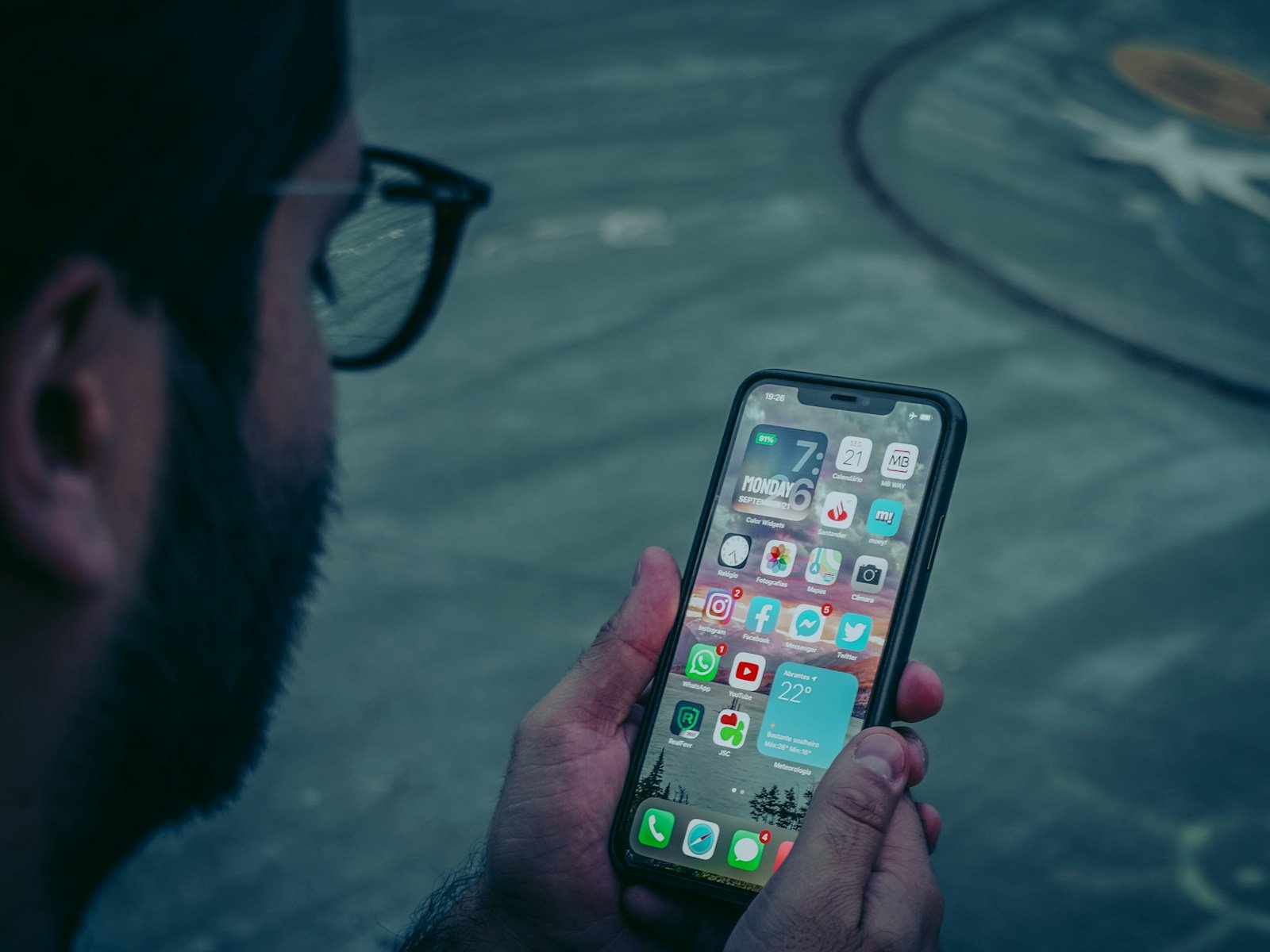
Apple’s Face ID system provides a secure and convenient way for iPhone users to unlock their devices using biometric authentication. This technology employs advanced sensors and algorithms to map the user’s face, which becomes the key to accessing their phone. Its introduction marked a shift from traditional passcodes to a more seamless method of securing personal information. While Face ID is designed to protect against unauthorized access, it has made some users curious as to whether this system can be outsmarted.
Understanding how Face ID operates is crucial for anyone interested in the security aspects of their iPhone. It involves a delicate balance between convenience and privacy, as users rely on their unique facial features to keep their data safe. Since its inception, researchers and tech enthusiasts have explored the limits of Face ID’s security features, sometimes revealing methods to bypass the system under certain conditions.
Understanding Face ID and How to Protect It
Face ID is Apple’s facial recognition system that uses advanced 3D mapping and machine learning to verify your identity securely. It’s designed to resist spoofing attempts using photos, masks, or videos.
1. How Face ID Works
Face ID uses several technologies working together:
- TrueDepth Camera System: Projects over 30,000 infrared dots to create a detailed 3D map of your face.
- Infrared Imaging: Captures depth and contour data, not just a flat image.
- Neural Networks: Apple’s Secure Enclave processes this data locally — your face data never leaves the device.
This combination makes it extremely difficult to fool with 2D images or videos (source: Apple Support).
2. Why “Tricking” Face ID Usually Fails
Attempts to bypass Face ID using photos, masks, or deepfakes don’t work reliably because:
- It detects depth — flat images have no contour data.
- It uses infrared sensing — printed or digital faces reflect light differently.
- It checks for liveness — subtle facial movements like blinking or breathing.
- Each scan is encrypted and matched locally in the Secure Enclave, not accessible to apps or hackers.
Even high-quality 3D masks rarely succeed, and Apple continuously improves the system to close any vulnerabilities (source: KYC AML Guide).
3. Real Threats: Face Spoofing and Deepfakes
While Face ID itself is secure, facial identity spoofing is a growing problem in online verification systems (like banking or KYC apps).
Scammers may use:
- AI-generated faces
- Video replays
- 3D models
These attacks target weaker facial recognition systems, not Apple’s Face ID (source: Facia.ai).
4. How to Protect Yourself
- Keep iOS updated – Apple regularly patches biometric vulnerabilities.
- Enable “Require Attention for Face ID” – ensures your eyes are open and looking at the device.
- Avoid jailbreaking – it can disable security protections.
- Use a passcode fallback – for times when Face ID fails.
- Be cautious with third-party apps – only use official verification tools.
5. What to Do If You Suspect Face ID Tampering
If you think someone has tried to spoof or tamper with your Face ID:
- Reset Face ID: Go to Settings → Face ID & Passcode → Reset Face ID.
- Change your passcode immediately.
- Update your Apple ID password.
- Contact Apple Support or visit an Apple Store for diagnostics.
✅ Summary
| Feature | Purpose | Security Benefit |
|---|---|---|
| 3D Depth Mapping | Captures facial contours | Prevents photo-based spoofing |
| Infrared Sensing | Detects live texture | Works in darkness |
| Neural Matching | Local data processing | Keeps biometric data secure |
| Liveness Detection | Requires blinking/attention | Stops mask or video attacks |
Key Takeaways
- Face ID uses a user’s facial features for secure iPhone access.
- Balancing convenience and privacy is a key aspect of Face ID.
- Researchers test Face ID’s limits to understand security vulnerabilities.
Understanding Face ID Technology
Face ID uses advanced tech to recognize a person’s face for unlocking an iPhone and making payments. It’s a key part of iPhone security, combining hardware and software to keep data safe.
Anatomy of Face ID: TrueDepth Camera and Sensors
At the core of Face ID is the TrueDepth camera system. It includes a:
- Dot projector: It throws out more than 30,000 invisible dots.
- Infrared camera: This snaps an image of the dot pattern.
- Flood illuminator: It helps the infrared camera work in low light.
These work together to map the face and create a detailed 3D image.
The Role of Machine Learning in Face ID
Machine learning in Face ID adapts to changes in a user’s appearance. It uses a mathematical model of the face. The technology learns over time to improve accuracy with:
- New hairstyles
- Beards
- Glasses
Apple updates this tech with new iOS versions like iOS 15.4 to stay ahead.
Biometric Security and Privacy Implications
Face ID is a biometric system. It’s like a digital fingerprint for the face. Apple ensures privacy by storing face data in a place called the Secure Enclave. Face ID’s security features include:
- Attention awareness: It checks if you’re looking at the phone.
- Security experts work to keep Face ID safe through continuous updates.
Apple’s Evolution of Biometric Technologies
Apple started with Touch ID using fingerprints. Later, they introduced Face ID for:
- Faster access
- Better security
This tech also supports Apple Pay for quick payments. Apple improves Face ID with each new iPhone and iOS release.





