
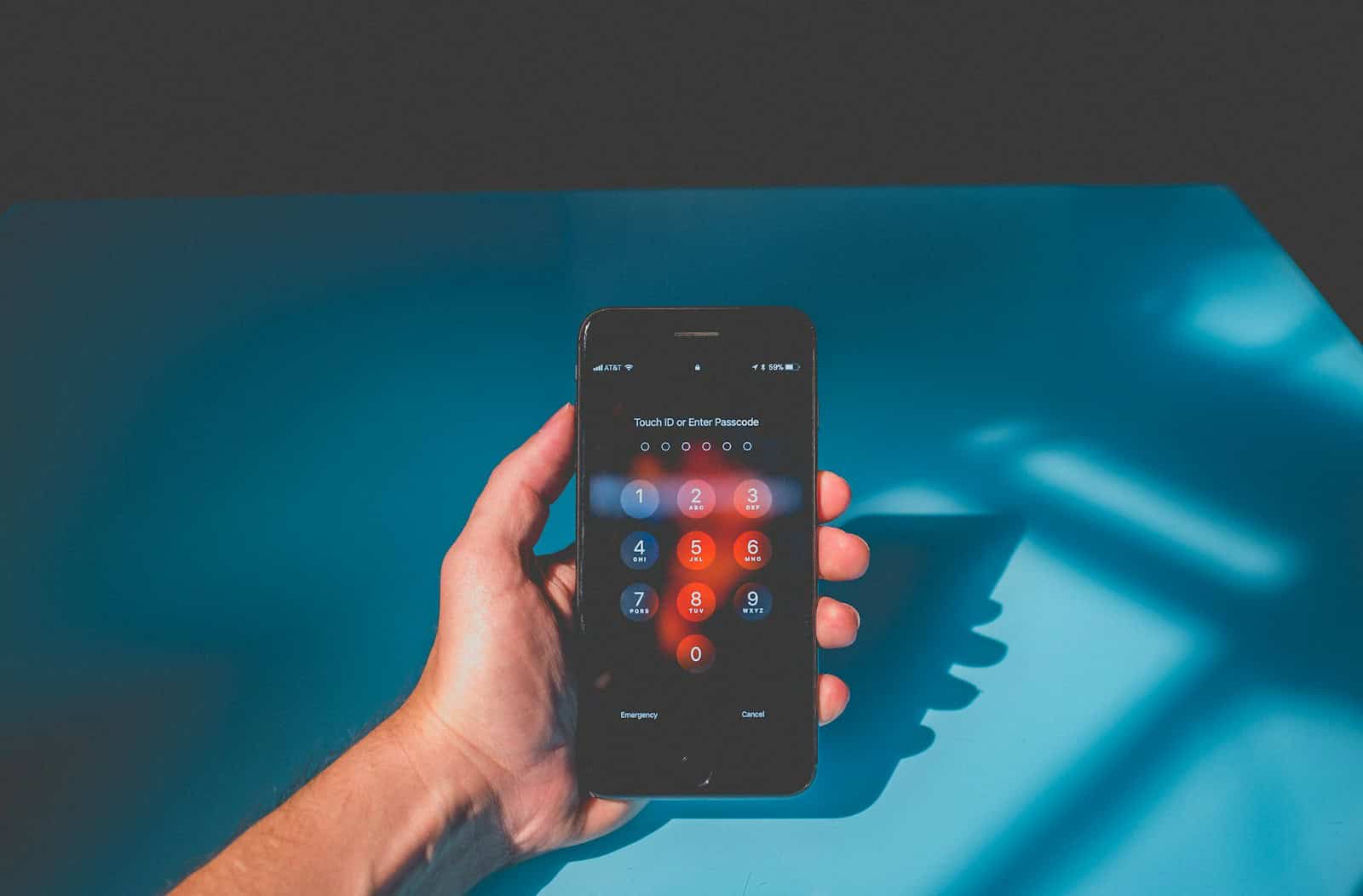
iPhone users may suddenly find their device asking for a 6-digit passcode instead of the usual 4-digit one. This can happen due to a recent iOS update or security enhancement. To fix this, you can change your passcode settings in the iPhone Settings menu or perform a force restart.
Switching from a 4-digit to a 6-digit passcode improves security. It makes it harder for potential unauthorized users to guess the code. Nonetheless, some users may prefer the simplicity of a 4-digit passcode.
Changing your passcode back to 4 digits is possible. Go to Settings, Touch ID & Passcode, and select Change Passcode. Enter your current passcode and choose the option for a 4-digit passcode.
6-Digit Passcode Instead of 4: What It Means and How to Fix It
If your iPhone suddenly asks for a 6-digit passcode instead of the familiar 4-digit one, you’re not alone. This change can be confusing, especially if you never set a 6-digit code yourself. Here’s a guide to help you understand why this happens and how to resolve it.
Why Is My iPhone Asking for a 6-Digit Passcode?
1. Security Enhancements by Apple
Starting with iOS 9, Apple increased the default passcode length from 4 to 6 digits to improve security. If you updated your iPhone or reset it, the system may require a 6-digit code even if you previously used a 4-digit one.
2. Device Reset or iOS Update
After a factory reset or major iOS update, your iPhone might prompt you to create or enter a 6-digit passcode as part of the setup process.
3. Using Two-Factor Authentication or Apple ID Security
If Apple detects security concerns or you enabled two-factor authentication, it may enforce a stronger passcode.
4. If It’s Asking for a Passcode You Never Set
Sometimes after a reset, the iPhone asks for the passcode of the previous device or Apple ID. This is a security feature called Activation Lock designed to prevent unauthorized use.
How to Fix or Bypass the 6-Digit Passcode Request
1. Try Your Old 4-Digit Passcode
- Sometimes the old 4-digit code still works even if it asks for 6 digits. Just enter your usual code.
2. Set a New 6-Digit Passcode
- If prompted during setup, create a new 6-digit passcode to proceed.
3. Use Apple ID to Unlock
- If Activation Lock is triggered, enter the Apple ID and password used on the device.
4. Reset Passcode via Recovery Mode (If Locked Out)
- Connect your iPhone to a computer with iTunes/Finder.
- Put your iPhone in recovery mode and restore it.
- This erases data but removes the passcode requirement.
- You’ll need your Apple ID credentials to reactivate.
How to Change Passcode Length Back to 4 Digits
If you prefer a 4-digit passcode after setting up your iPhone:
- Go to Settings > Face ID & Passcode (or Touch ID & Passcode).
- Enter your current passcode.
- Tap Change Passcode.
- Enter your current passcode again.
- Tap Passcode Options.
- Select 4-Digit Numeric Code.
- Enter your desired 4-digit passcode.
Additional Tips
- Always remember your Apple ID and password to avoid being locked out.
- Use a strong passcode to keep your data secure.
- If you bought a used iPhone asking for a passcode you don’t know, contact the seller or Apple support.
Summary
The iPhone asking for a 6-digit passcode instead of 4 is usually due to Apple’s enhanced security standards or device reset. You can enter your old code, set a new 6-digit code, or revert to a 4-digit code via settings. If locked out, recovery mode and Apple ID credentials are key to regaining access.
For more help, see:
- Apple Support: If you forgot your iPhone passcode
- iMobie: iPhone Asking for 6 Digit Passcode After Update
- Tenorshare: Fix iPhone Asking for 6 Digit Passcode
Key Takeaways
- iOS updates may cause iPhones to request a 6-digit passcode instead of 4.
- A 6-digit passcode increases security by making it harder to guess.
- Users can switch back to a 4-digit passcode through Settings.
Understanding iPhone Security Enhancements
Apple has made several changes to iPhone security to keep users’ data safe. These enhancements include the switch from 4-digit to 6-digit passcodes and updates in iOS that affect passcode requirements.
Transition from 4-Digit to 6-Digit Passcodes
Apple moved from 4-digit to 6-digit passcodes to improve security. This change greatly increases the number of possible passcode combinations.
A 4-digit code has 10,000 possible combinations, while a 6-digit code has 1,000,000 combinations. This makes it much harder for unauthorized users to guess the passcode.
This switch is in line with Apple’s commitment to user security. Users may notice their iPhones prompting them to set a 6-digit passcode when they update iOS or reset their device.
Impact of iOS Updates on Passcode Requirements
iOS updates can also change passcode requirements. For instance, an iOS update might require users to switch to a 6-digit passcode.
These updates are designed to enhance security and protect user data. Each iOS update includes security improvements to counter new threats and vulnerabilities.
Updating to the latest iOS ensures that users benefit from the most recent security features. This includes stronger passcode requirements and other safeguards to keep data secure.





