
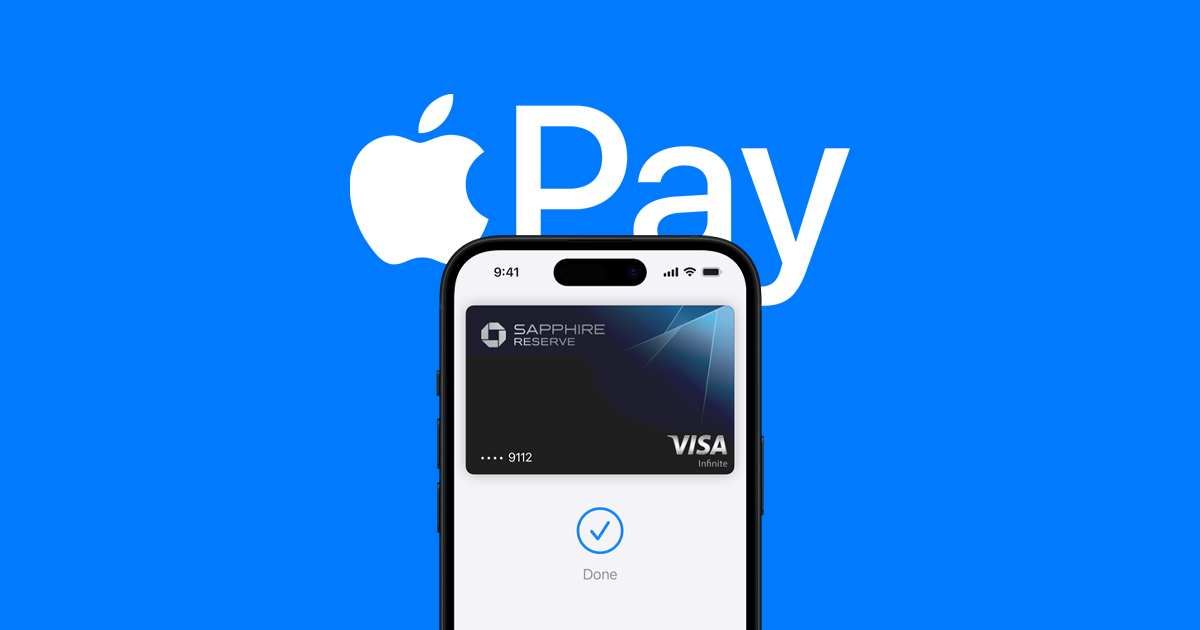
With the rise of mobile payments, security remains a top concern for users globally. Apple Pay, a service by the tech giant Apple, is at the forefront of secure payment options. This mobile payment and digital wallet service allows users to make payments using their supported Apple devices. It works on the iPhone, Apple Watch, iPad, and Mac, offering a convenient way to pay in stores, apps, and on the web without handling physical cards or cash.
The security features integral to Apple Pay aim to protect user privacy and reduce the risk of fraud. Apple Pay’s technology creates a unique, encrypted code for each transaction, so card numbers aren’t stored on the device or Apple servers and are never shared with merchants. In addition to encryption, Apple requires users to authenticate every transaction via Touch ID, Face ID, or a passcode on their device, adding another layer of security.
By integrating hardware, software, and services, Apple ensures that transactions are not just convenient but also secure. These measures offer peace of mind to users conducting daily transactions.
How Secure Is Apple Pay? Understanding Its Safety Features
Apple Pay is one of the most widely used mobile payment systems, with hundreds of millions of users worldwide. Its design focuses on security, privacy, and convenience, making it safer than using a physical card in many cases.
1. How Apple Pay Works
When you add a card to Apple Pay:
- Your actual card number is never stored on your device or Apple’s servers.
- Instead, a Device Account Number (DAN) is created, encrypted, and stored in the Secure Element — a special chip designed to protect payment data.
- Every transaction generates a unique, one-time dynamic security code.
2. Key Safety Features
a. Tokenization
- Your real card number is replaced with a token (DAN) so merchants never see your actual card details (source: Apple Support).
b. Secure Element
- A hardware chip inside your iPhone, iPad, or Apple Watch that stores payment info securely and is isolated from the main operating system.
c. Biometric & Passcode Authentication
- Payments require Face ID, Touch ID, or your device passcode — preventing unauthorized use if your device is stolen.
d. Dynamic Security Codes
- Each payment uses a one-time code that can’t be reused, making intercepted data useless.
e. Privacy Protection
- Apple doesn’t track what you buy or store transaction details linked to you. Merchants only see the information needed to complete the sale.
3. Security Compared to Physical Cards
- Physical card risk: If stolen, anyone can use it for contactless payments without PIN (in some regions).
- Apple Pay: Requires biometric or passcode authentication, and your real card number is never exposed.
4. How to Make Apple Pay Even Safer
- Enable Face ID or Touch ID — Avoid using only a passcode.
- Turn on “Find My iPhone” — Lets you remotely lock or erase your device if lost.
- Monitor your bank statements — Report suspicious charges immediately.
- Use strong Apple ID security — Enable two-factor authentication.
- Only add cards from trusted banks — Avoid unsupported or suspicious issuers.
5. What Happens If Your Device Is Lost or Stolen
- You can use Find My to suspend or remove Apple Pay remotely.
- Your cards remain protected because transactions require authentication.
✅ Bottom Line:
Apple Pay is very secure, thanks to tokenization, the Secure Element, and biometric authentication. In most cases, it’s safer than using a physical card because your real card number is never shared with merchants or stored on your device.
Key Takeaways
- Apple Pay uses encryption and a unique transaction code to enhance security.
- It requires user authentication for every transaction with Touch ID, Face ID, or passcode.
- Apple Pay’s design combines convenience with an emphasis on protecting privacy and reducing fraud risks.
Understanding Apple Pay Security Features
Apple Pay uses advanced security features to keep payment information safe. This section highlights how Apple Pay ensures secure transactions through authentication, technology, and privacy measures.
Authentication Methods
Apple Pay requires user authentication for each transaction. This step ensures that the person trying to make a payment is the owner of the device. Users can authenticate using Face ID, Touch ID, or a passcode, offering flexibility and strong security.
Secure Technology Implementation
The Secure Element is a special chip in Apple devices that stores payment information safely. Apple Pay also uses Near Field Communication (NFC) technology for contactless payments. Instead of using a card number, Apple Pay generates a Device Account Number, assigning a dynamic security code with each transaction. This method, called tokenization, replaces sensitive data with a unique token, preventing theft of card details.
Transaction Privacy and Encryption
Apple Pay does not store transaction information that can be tied back to the user, ensuring privacy. Information sent to Apple servers is encrypted, and Apple Pay works with the payment network to safeguard user data. This means even when transactions occur, the real card numbers are never shared with merchants or stored on the device.





