
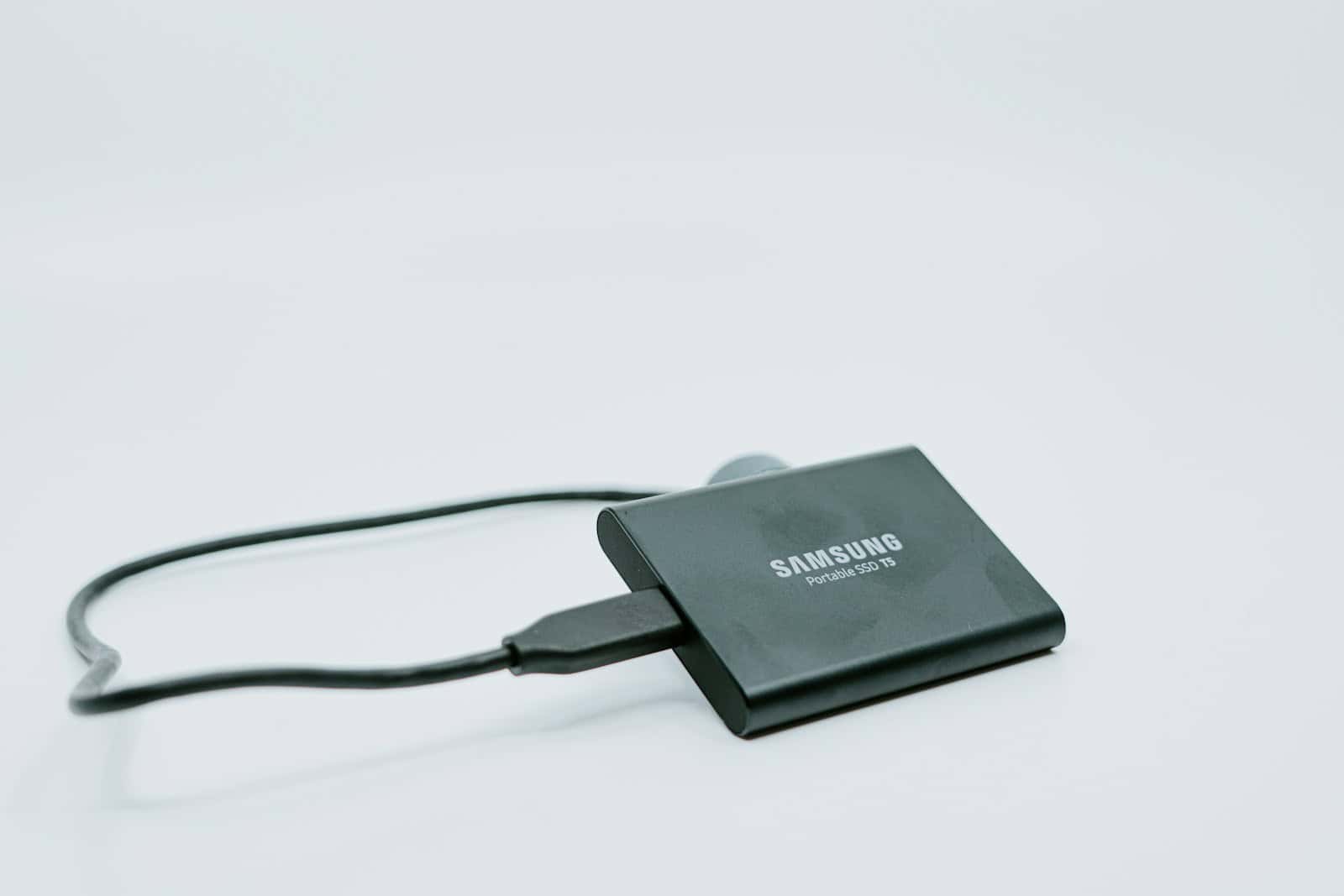
Modern workflows demand storage that’s as flexible as your data habits—fast enough to render 4K footage on the fly, roomy enough to archive sprawling photo libraries, and tough enough to survive a cross-country commute. Solid-state drives deliver blinding NVMe speeds; hulking desktop HDDs win on sheer capacity per dollar; pocket-sized flash drives and hybrid SSDs bridge the gap for creators who bounce between phone, tablet, and laptop.
To help you decide, we’ve distilled months of hands-on testing into a definitive, ranked list of the best external storage buys right now.
Best External Storage Devices, Ranked
Best Data Storage Solutions
Choosing the right data storage solution is crucial for both personal and business needs. Our team has tested and reviewed the top options on the market, considering factors like capacity, transfer speeds, reliability, and value for money. From external hard drives and SSDs to cloud storage services, we’ve evaluated each product to help you find the perfect storage solution for your specific requirements.
YOTUO 1TB Portable External Hard Drive
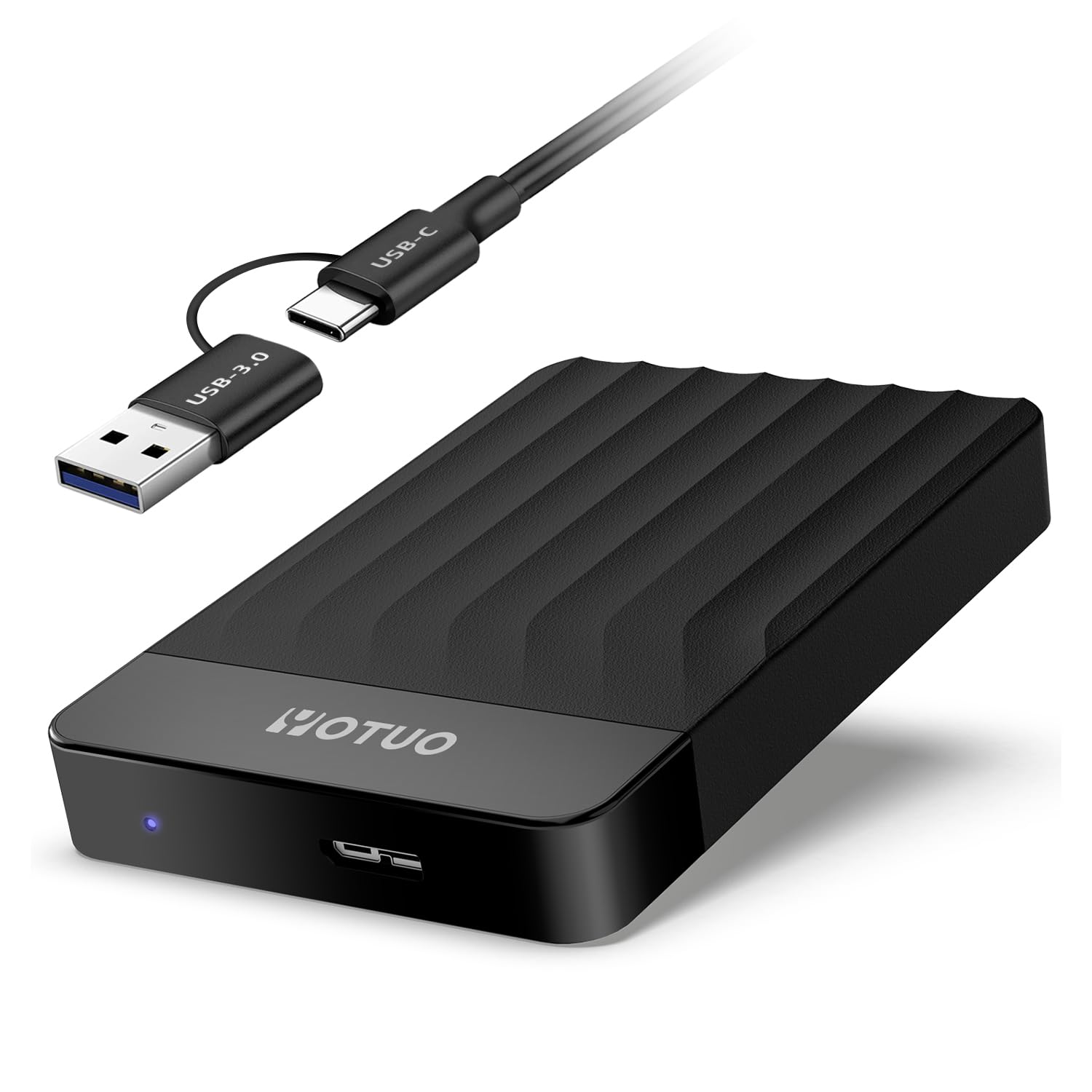
This affordable, versatile external hard drive offers excellent value for casual users needing extra storage for both gaming systems and computers.
Pros
- Wide compatibility with computers and gaming consoles
- Protective silicone sleeve for drop resistance
- Sleek, lightweight design for easy portability
Cons
- Cannot run PS5 or new Xbox Series games directly
- Requires reformatting when switching between device types
- Some users report unexpected disconnection issues
The YOTUO 1TB external hard drive delivers impressive storage capacity in a compact package. Measuring just 4.84 x 3.07 x 0.67 inches and weighing under 9 ounces, it easily fits in a pocket or bag. The mix of mirror and frosted textures gives it a modern look that stands out from typical external drives.
USB 3.0 connectivity provides fast data transfer speeds of up to 5.0 Gbps, making it suitable for moving large files between devices. You can use it with Windows, Mac, and Linux systems, though Mac users will need to format it to ExFat first. The drive also works with PlayStation and Xbox consoles, but with some limitations – it can store PS5 games but can’t run them directly, following console manufacturer restrictions.
A standout feature is the patented silicone sleeve that wraps around the drive for added protection against drops and impacts. This makes it more durable than many budget alternatives. Setting up the drive is straightforward on most systems – it’s plug-and-play on Windows, while gaming consoles require following on-screen formatting instructions. Keep in mind that you can’t transfer data between different gaming platforms, so plan your usage accordingly.
Toshiba Canvio Basics 2TB External Drive
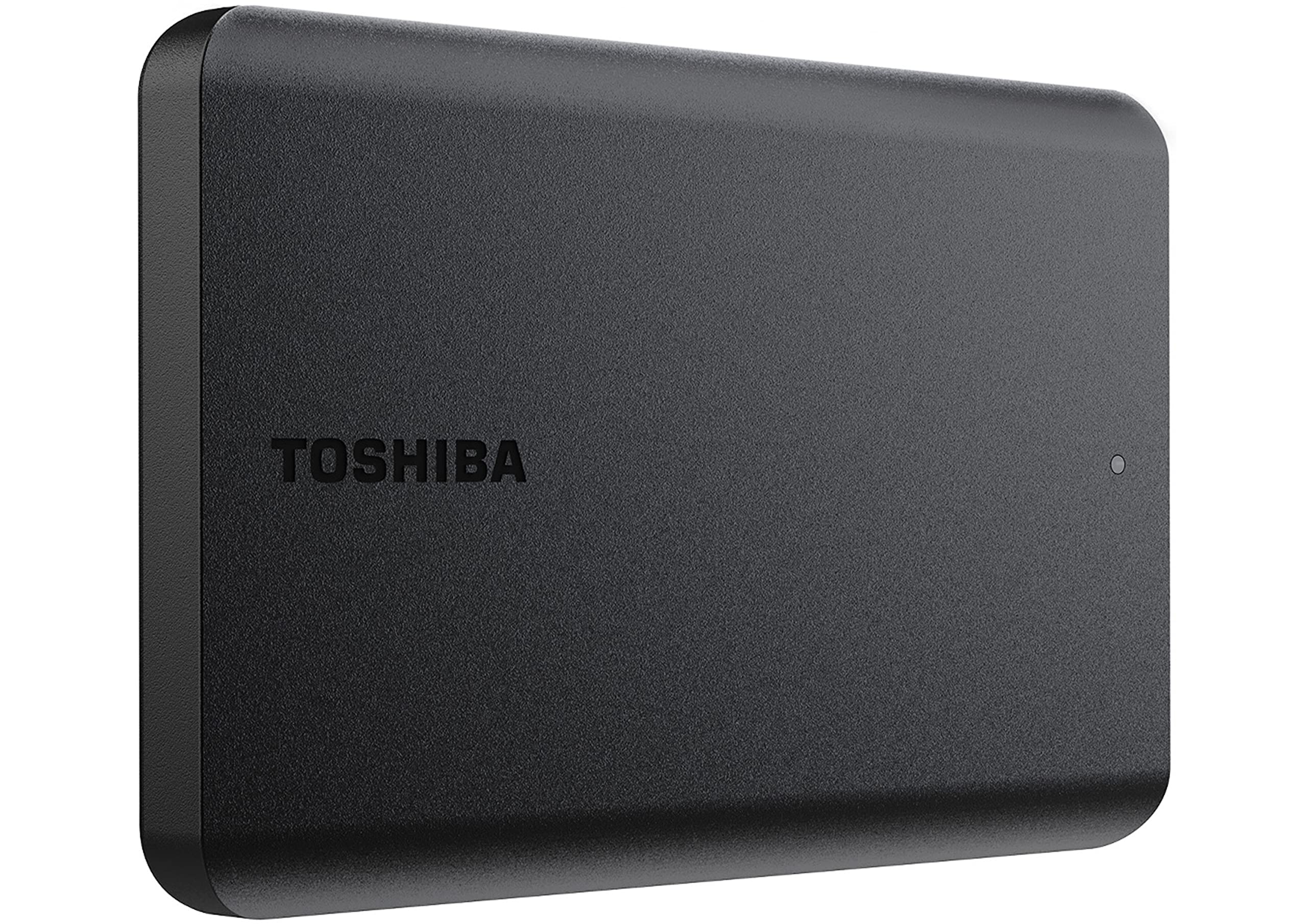
This portable hard drive offers excellent value with its generous storage capacity and plug-and-play functionality for users who need reliable data backup.
Pros
- Sleek, compact design with no external power cord needed
- Ready to use out of the box with no software installation
- Compatible with both USB 3.0 and 2.0 connections
Cons
- Requires reformatting for Mac users
- Standard 5400 RPM speed isn’t the fastest option
- No password protection or encryption features
The Toshiba Canvio Basics 2TB External Hard Drive solves storage problems with minimal fuss. Its matte black finish resists fingerprints and smudges, making it an ideal companion for daily use. You’ll appreciate how this slim drive fits easily into laptop bags or even pockets when you’re on the move.
Setting up this drive couldn’t be simpler. You simply connect it to your Windows PC, and it’s immediately recognized without requiring any software installation. This plug-and-play functionality saves you time and prevents the hassle of navigating through complex setup procedures. The drive comes pre-formatted with NTFS for Windows users.
Storage capacity is a major strength here. With 2TB of space, you can store approximately 500,000 photos or 500 hours of HD video. The USB 3.0 connection ensures reasonably fast file transfers, though it won’t match the speeds of SSDs. For backing up documents, photos, and media files, this drive provides a cost-effective solution that balances performance with affordability.
Physical durability matters for portable drives. At just 5.3 ounces and measuring 4.3 x 3.1 x 0.55 inches, this unit strikes a good balance between portability and sturdiness. The drive doesn’t include advanced features like password protection, but this simplicity contributes to its reliability and ease of use.
WD 20TB Elements Desktop External Drive

The WD Elements 20TB external hard drive offers massive storage capacity and reliable performance at a reasonable price point for anyone needing extensive backup space.
Pros
- Enormous 20TB capacity for extensive file storage
- Plug-and-play simplicity with Windows systems
- Fast data transfer speeds with USB 3.0 connectivity
Cons
- Requires reformatting for Mac compatibility
- Bulky design compared to portable drives
- External power adapter needed for operation
This Western Digital external hard drive provides an impressive 20TB of storage space, making it ideal for professionals working with large media files or gamers with extensive libraries. The device features a straightforward setup process for Windows users, requiring just a simple USB connection to get started. No complex installation procedures or additional software are needed for basic functionality.
Transfer speeds are notably quick thanks to the USB 3.0 interface, allowing you to move large batches of files efficiently. The backward compatibility with USB 2.0 devices ensures versatility across different computer setups, though you’ll get optimal performance from the newer standard. Many users report reliable performance for regular backups of critical data like photo collections and video archives.
The build quality reflects Western Digital’s reputation for durability in storage solutions. While the device requires external power rather than drawing from your USB port, this design choice supports its substantial storage capacity and consistent performance. Mac users should note that reformatting will be necessary before use, a minor inconvenience for those working in Apple ecosystems. For reliable mass storage at a reasonable price-per-terabyte, this desktop external drive delivers impressive value.
Amazon Basics 256GB Ultra Fast USB Drive
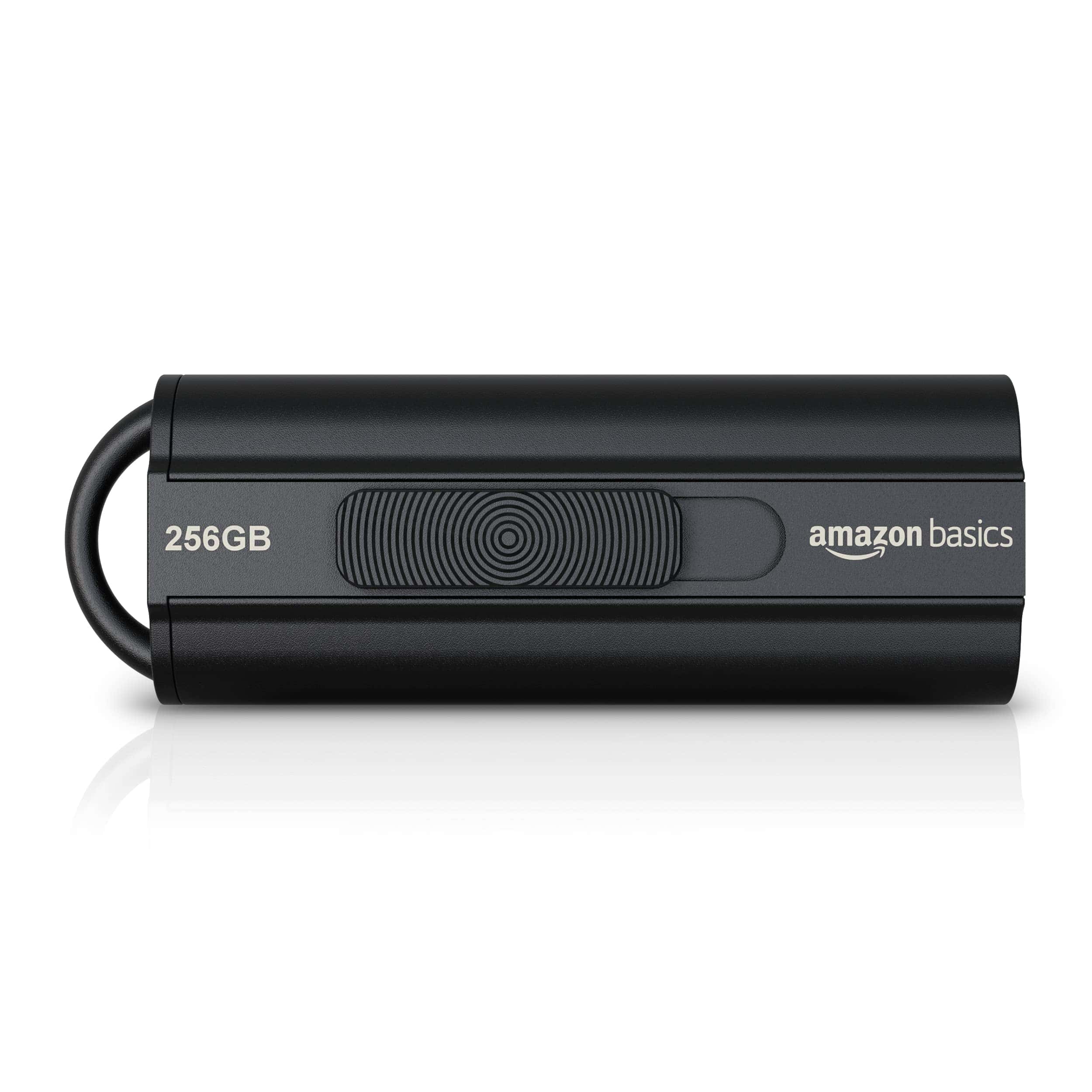
This USB flash drive offers excellent value with high capacity storage and decent transfer speeds at a price point that makes it a smart purchase for everyday data storage needs.
Pros
- Generous 256GB capacity stores thousands of photos or hours of video
- Fast USB 3.1 data transfer speeds up to 130MB/s for quick file access
- Compact retractable design with keyhole for convenient portability
Cons
- Slower write speeds (30MB/s) compared to read performance
- No LED indicator light to show drive activity
- Button mechanism for extending USB connector can feel stiff
The Amazon Basics 256GB flash drive delivers impressive storage in a small package. You’ll find the sleek black design fits easily into any USB port, while the retractable mechanism protects the connector when not in use. The keyhole feature adds convenience for attaching to your keyring or lanyard, making it harder to misplace.
Performance varies depending on your setup. The drive reaches read speeds up to 130MB/s when connected to USB 3.1 ports, making it quick to access your files. Write speeds top out around 30MB/s, which works fine for occasional transfers but might feel slow when moving large files. Backward compatibility with USB 2.0 ensures you can use it with older devices, though speeds will be reduced.
Storage capacity is a major strength of this drive. With 256GB at your disposal, you can store approximately 64,000 high-resolution photos or over 16 hours of 1080p video. The drive comes formatted as FAT32 for broad compatibility with both Windows and Mac systems. For files larger than 4GB, you’ll need to reformat to exFAT or NTFS. The quality NAND flash memory chips help protect your data, making this an affordable yet reliable option for everyday storage and backup needs.
SamData 32GB USB Flash Drives 2-Pack
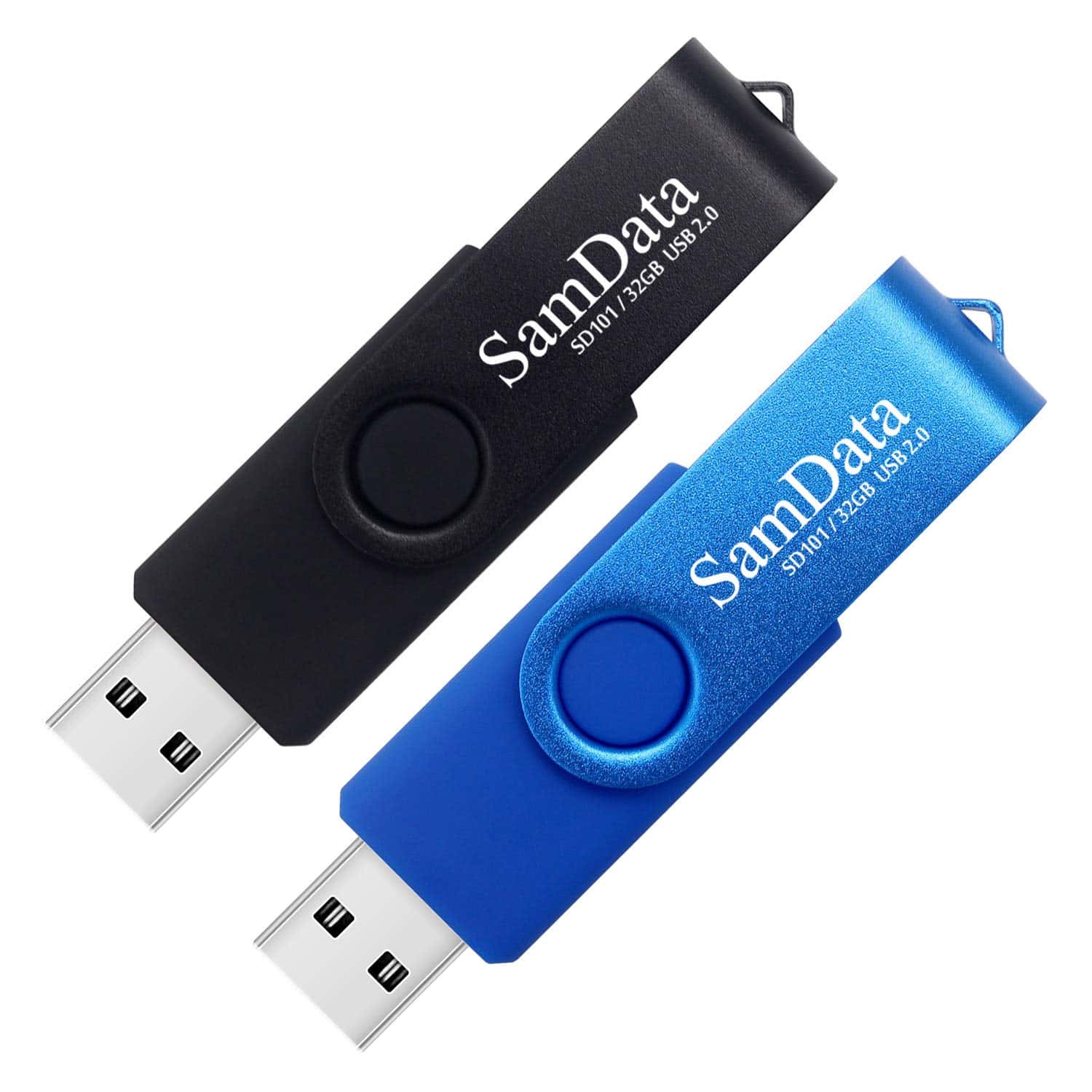
These affordable SamData USB drives offer good value with their reliable performance and convenient capless design for everyday storage needs.
Pros
- Two different colored drives (black and blue) help organize different content
- Capless swivel design prevents lost caps while protecting the USB connector
- Compatible with multiple operating systems including Windows, Mac, and Linux
Cons
- USB 2.0 connection means slower transfer speeds than modern USB 3.0 drives
- Actual storage capacity will be less than the advertised 32GB
- Some users report formatting issues with certain ISO files
The SamData 2-pack of 32GB flash drives provides excellent value for anyone needing basic portable storage. Each pack includes two differently colored drives—black and blue—making it easy to organize files by category or purpose. You’ll appreciate the practical swivel design that protects the USB connector without requiring a separate cap to keep track of.
With USB 2.0 connectivity, these drives offer adequate transfer speeds for most common file storage needs. The read speed reaches up to 18 MB/s while write speeds hit about 8 MB/s. While not blazingly fast compared to premium USB 3.0 options, these speeds are perfectly suitable for documents, photos, and occasional video transfers.
Compatibility is a strong point for these drives. You can use them with Windows, Mac OS, and Linux systems without installing additional software. The plug-and-play functionality makes them immediately useful for storing school assignments, work documents, family photos, or music files. SamData backs these drives with a 12-month warranty, giving you peace of mind for your data storage needs.
SanDisk 512GB Ultra USB Flash Drive
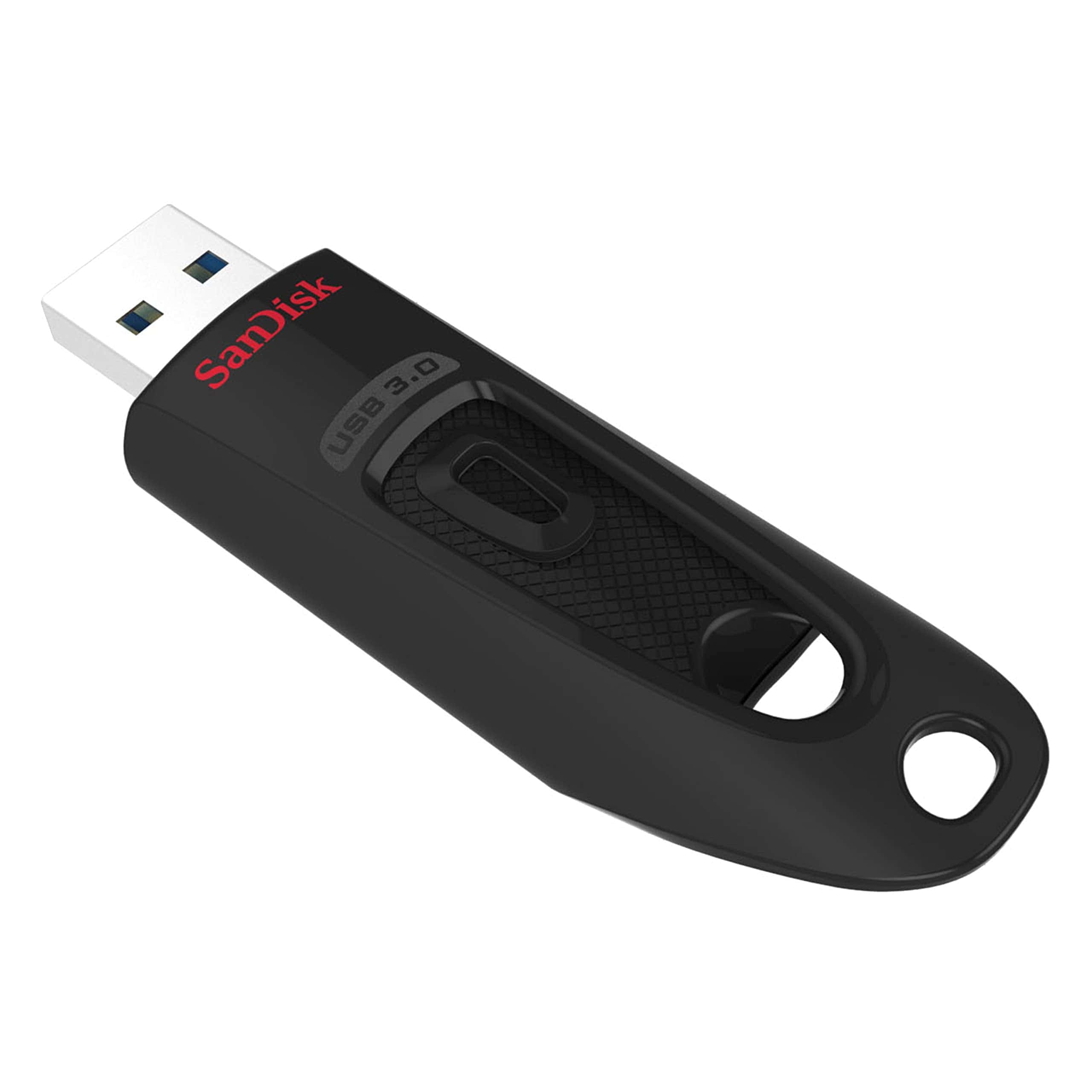
You should purchase this SanDisk USB flash drive for its impressive speed, generous storage capacity, and reliable security features.
Pros
- Transfer speeds up to 10x faster than standard USB 2.0
- Password protection with 128-bit AES encryption
- Five-year limited warranty from a trusted brand
Cons
- Maximum performance requires a USB 3.0 port
- Relatively basic design compared to premium models
- Higher price point than generic alternatives
This pocket-sized powerhouse offers 512GB of storage space—enough to hold thousands of documents, photos, or hours of video. The Ultra USB 3.0 Flash Drive delivers read speeds up to 130MB/s, making file transfers remarkably quick compared to older USB 2.0 devices. You can move a full-length movie in under a minute with the right setup.
SanDisk built security into this drive with password protection and 128-bit AES encryption. These features help keep sensitive files private while still allowing you to share other content with family and friends. The encryption software works across Windows and Mac operating systems, though Mac users will need to download additional software.
Durability matters for portable storage, and this flash drive’s compact black design holds up well to daily use. Backward compatibility ensures you can use it with older computers that haven’t upgraded to USB 3.0 ports yet. SanDisk’s 25+ years of quality manufacturing shows in this reliable device that ranks #5 in Amazon’s USB flash drive category with over 44,000 positive ratings.
Seagate Portable 2TB External Hard Drive
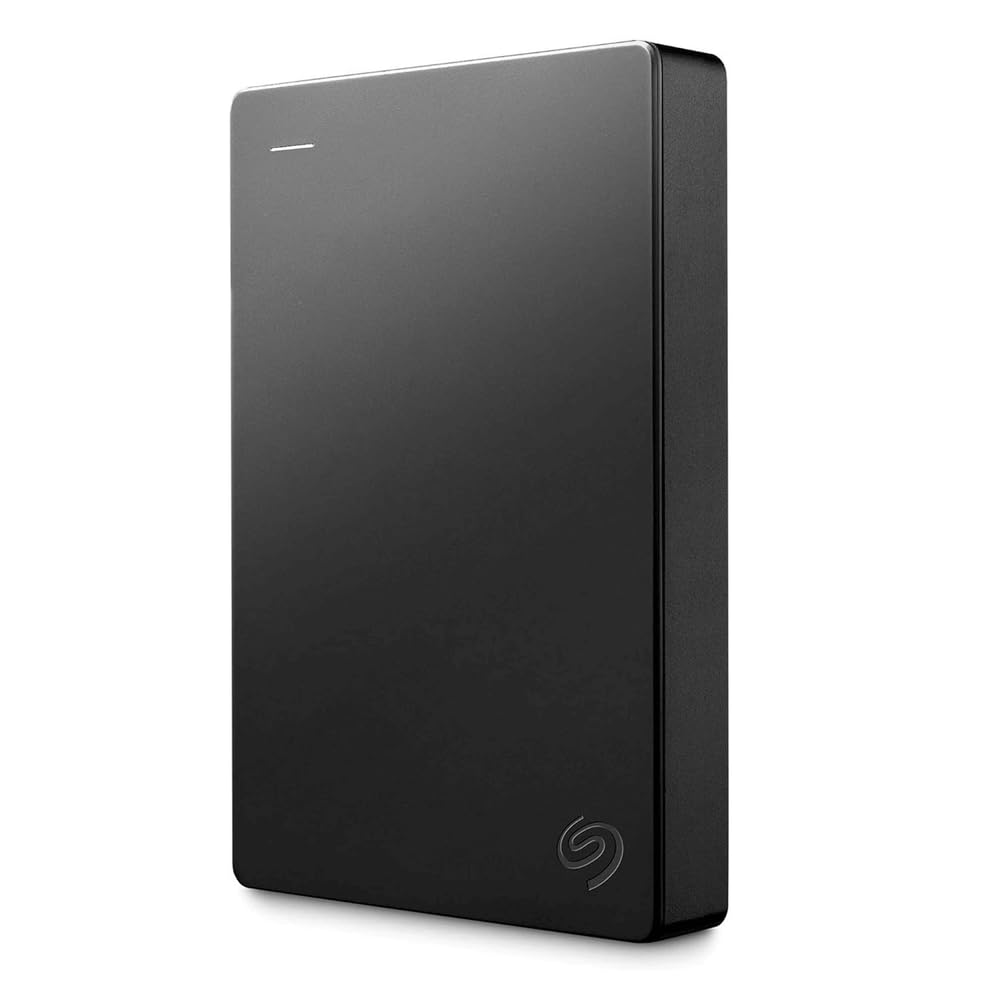
The Seagate Portable 2TB External Hard Drive offers excellent value with its reliable performance, plug-and-play simplicity, and generous storage capacity for everyday backup needs.
Pros
- Effortless plug-and-play setup with no software required
- Compact, portable design that works with both Windows and Mac
- Fast data transfer speeds via USB 3.0 connection
Cons
- Limited to 2TB when larger capacities are available
- Mechanical drive is more fragile than SSD alternatives
- No password protection or encryption features included
This compact external hard drive gives you 2TB of storage space in a sleek black casing that fits easily in your laptop bag. Measuring just 4.6 x 3.15 x 0.58 inches and weighing only 6.7 ounces, you can take your important files, photos, and videos wherever you go. The drive connects via the included 18-inch USB 3.0 cable, providing fast transfer speeds for quick backups.
Setup couldn’t be simpler with this drive. Just connect it to your computer, and it’s automatically recognized with no software installation needed. The drag-and-drop functionality makes file transfers intuitive. This cross-platform compatibility means you can use it with Windows or Mac systems without reformatting, which saves time and reduces hassle.
At its core, the Seagate Portable Drive offers reliable performance backed by Seagate’s reputation for quality storage products. The drive includes a one-year Rescue Service plan that helps protect your data. For students, professionals, or anyone needing extra storage space, this external hard drive strikes a good balance between affordability and functionality. Its position as the #1 bestseller in External Hard Drives reflects its popularity and customer satisfaction.
SanDisk Extreme Portable SSD
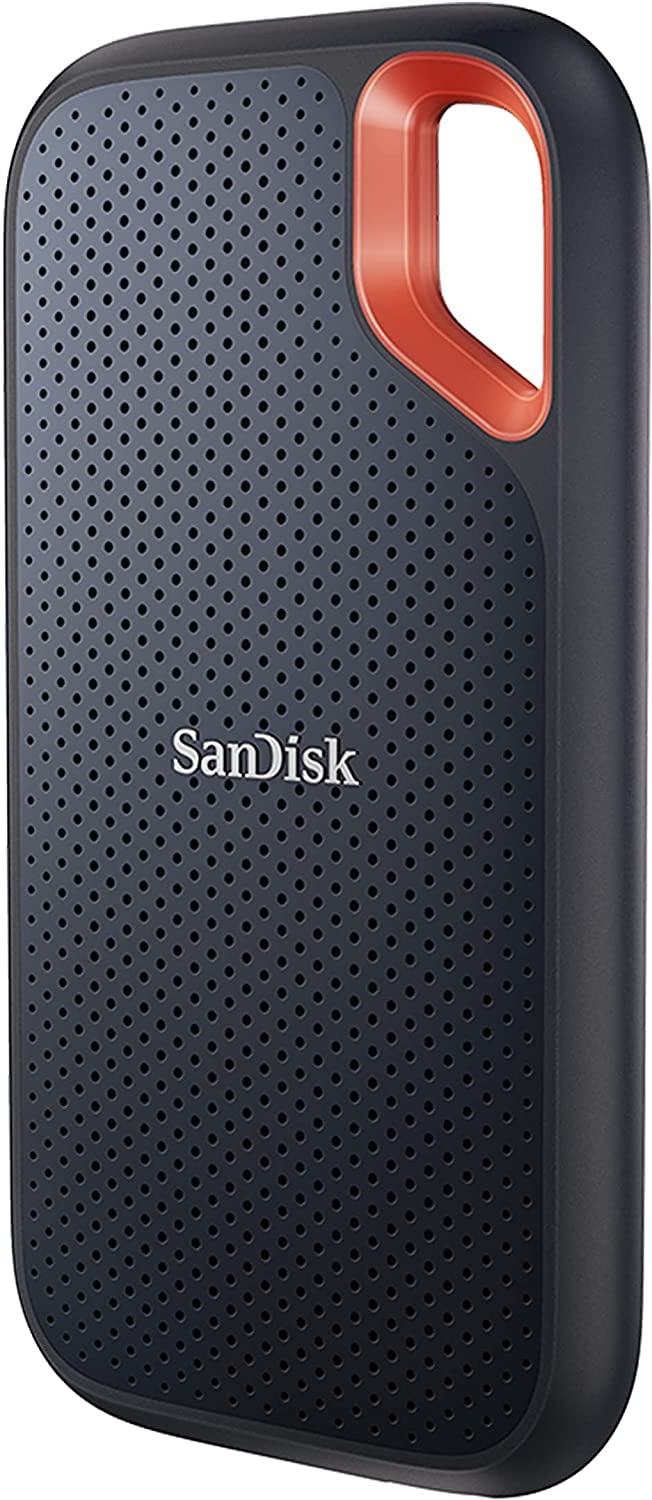
This portable SSD combines blazing speeds with rugged durability that makes it the perfect storage companion for active users who need reliable data access on the go.
Pros
- Lightning-fast transfer speeds up to 1050MB/s read and 1000MB/s write
- Tough IP65 water and dust resistance with 3-meter drop protection
- Compact design with convenient carabiner loop for easy carrying
Cons
- Premium price compared to standard portable drives
- Requires compatible devices to achieve maximum transfer speeds
- Password protection software requires separate download for Mac users
The SanDisk Extreme Portable SSD delivers impressive performance in a surprisingly small package. At just 0.38 x 2.07 x 3.97 inches and weighing under two ounces, you can easily slip this drive into a pocket or attach it to your gear using the built-in carabiner loop. Despite its compact size, it offers substantial 1TB storage capacity that can hold thousands of high-resolution photos or hours of 4K video.
Speed is where this drive truly shines. With NVMe technology enabling read speeds up to 1050MB/s and write speeds up to 1000MB/s, you’ll spend less time waiting for files to transfer and more time creating. Large photo collections, video projects, and game libraries move quickly between devices. The USB-C connection with USB 3.2 Gen 2 support ensures you get optimal speeds when paired with modern computers and tablets.
Durability features make this drive ideal for travelers and outdoor enthusiasts. The upgraded IP65 rating means it resists both water jets and dust ingress, while the ability to survive drops from up to 3 meters provides peace of mind during active use. Security hasn’t been overlooked either – the included 256-bit AES hardware encryption lets you password-protect sensitive files. The SanDisk Memory Zone app helps manage your storage and automatically backs up content from your devices.
Samsung Type-C Flash Drive
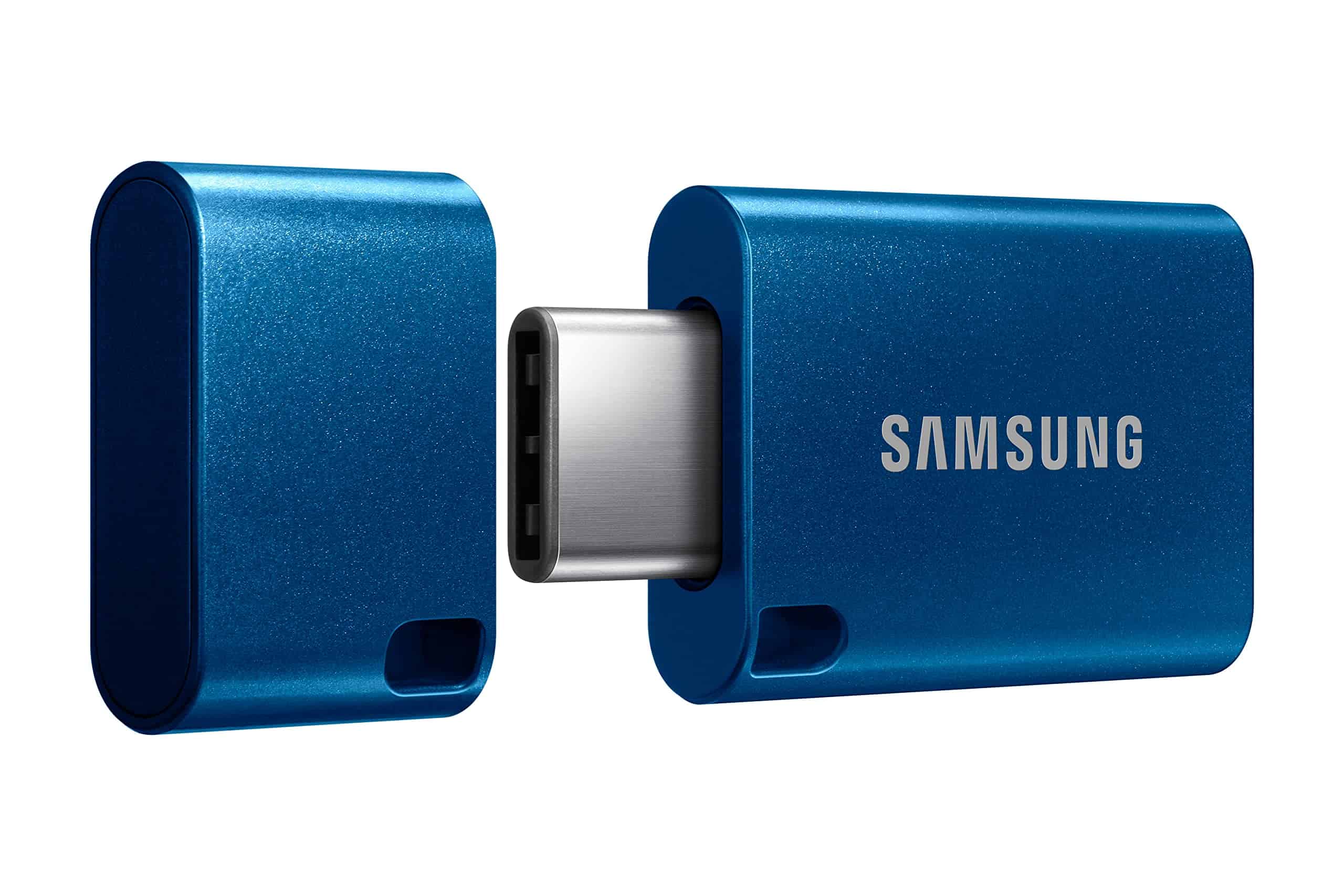
You should buy this Samsung flash drive if you need fast, reliable storage that works across multiple devices including the iPhone 15.
Pros
- Impressive 400MB/s read speeds with 4GB transfers in just 11 seconds
- Durable design that’s waterproof, shock-proof, and X-ray-proof
- Universal USB-C compatibility with phones, tablets, and computers
Cons
- Higher price point than some competitor drives
- Only comes with USB-C connector (no USB-A adapter included)
- The compact size might make it easier to misplace
This pocket-sized powerhouse packs an impressive 256GB of storage into an ultra-compact form factor. The Samsung Type-C Flash Drive easily slips into your pocket or bag, making it perfect for on-the-go data transfers. Its sleek blue design looks professional while delivering serious performance.
Transfer speeds make this drive stand out from the competition. With read speeds up to 400MB/s, you can move large files quickly between devices without waiting around. The reversible USB-C connector eliminates the frustration of trying to plug it in the right way – it works in any orientation.
Durability sets this drive apart from cheaper alternatives. Samsung built this drive to withstand harsh conditions including water immersion for up to 72 hours, magnetic exposure, temperature extremes, and even X-ray machines at airports. The 5-year warranty provides additional peace of mind that your data remains safe. For iPhone 15 users, this drive offers excellent compatibility for transferring ProRes 4K video files and large photo collections.
SSK 1TB Dual Drive External SSD
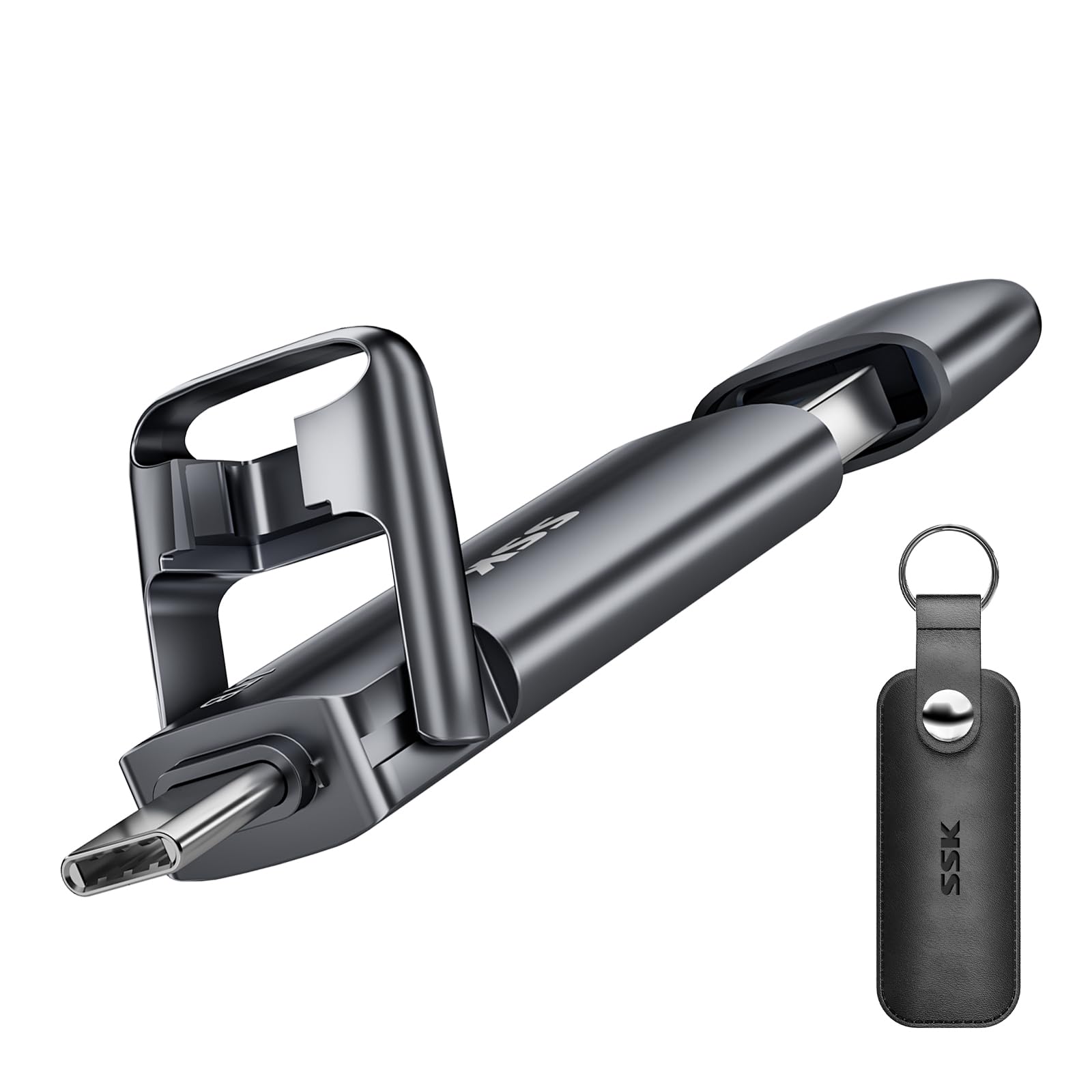
The SSK 1TB External SSD offers excellent value with its dual USB-C and USB-A connectivity, making it an ideal storage solution for users who need to transfer data between multiple device types.
Pros
- Versatile dual USB-C and USB-A connectivity
- Impressive transfer speeds up to 550MB/s
- Durable zinc alloy construction with protective covers
Cons
- Comes formatted as exFAT (may need reformatting for some devices)
- Slightly bulkier than some portable flash drives
- Performance varies depending on connected devices
This external SSD stands out from typical flash drives with its 1TB capacity and dual-interface design. You can easily transfer files between your smartphone, tablet, laptop, and other compatible devices without adapter hassles. The USB 3.2 Gen 2 technology delivers speeds up to 550MB/s read and 500MB/s write, making it roughly ten times faster than standard USB 3.0 drives.
Build quality is impressive with a zinc alloy shell that offers both shock resistance and effective heat dissipation. The protective covers for both ports add another layer of durability for everyday carrying. At just 3.07 x 0.81 x 0.34 inches and 1.76 ounces, it remains quite portable despite packing serious storage capacity.
Compatibility is a major strength for this drive. It works with most modern devices including Android phones, tablets, Windows PCs, Macs, smart TVs, car audio systems, and the iPhone 15. The plug-and-play functionality means you won’t need to install additional software to get started. For specialized uses like game consoles or older TVs, you might need to reformat from the default exFAT to NTFS or another file system.
Buying Guide
Selecting the right data storage solution requires careful consideration of several factors. You need to balance capacity, speed, reliability, and cost to find the perfect match for your needs.
Storage Capacity
Storage needs vary significantly based on your usage. Consider not just current requirements but also future growth.
| Usage Type | Recommended Storage |
|---|---|
| Basic documents & photos | 500GB – 1TB |
| Media collection | 2TB – 4TB |
| Professional video editing | 8TB+ |
| Enterprise data | 16TB+ |
Plan for at least 30% more capacity than you think you’ll need to accommodate future files.
Speed Requirements
Different technologies offer various speed profiles that impact your daily workflow.
- HDD: Economical but slower (80-160MB/s)
- SSD: Fast performance (350-550MB/s)
- NVMe: Premium speed (3000-7000MB/s)
Choose faster storage for operating systems and frequently accessed files. You can use slower, less expensive options for archival purposes.
Reliability Factors
Data loss can be devastating. Look for these reliability indicators:
- Mean Time Between Failures (MTBF) rating
- Warranty length (longer warranties suggest manufacturer confidence)
- Built-in error correction capabilities
For critical data, consider solutions with redundancy features like RAID compatibility.
Connectivity Options
Your storage device must connect properly to your systems.
- USB 3.0/3.1/3.2: Universal but speed varies
- Thunderbolt: High-speed option for compatible devices
- Network connectivity for shared access
Check your device specifications before purchasing to ensure compatibility.





