
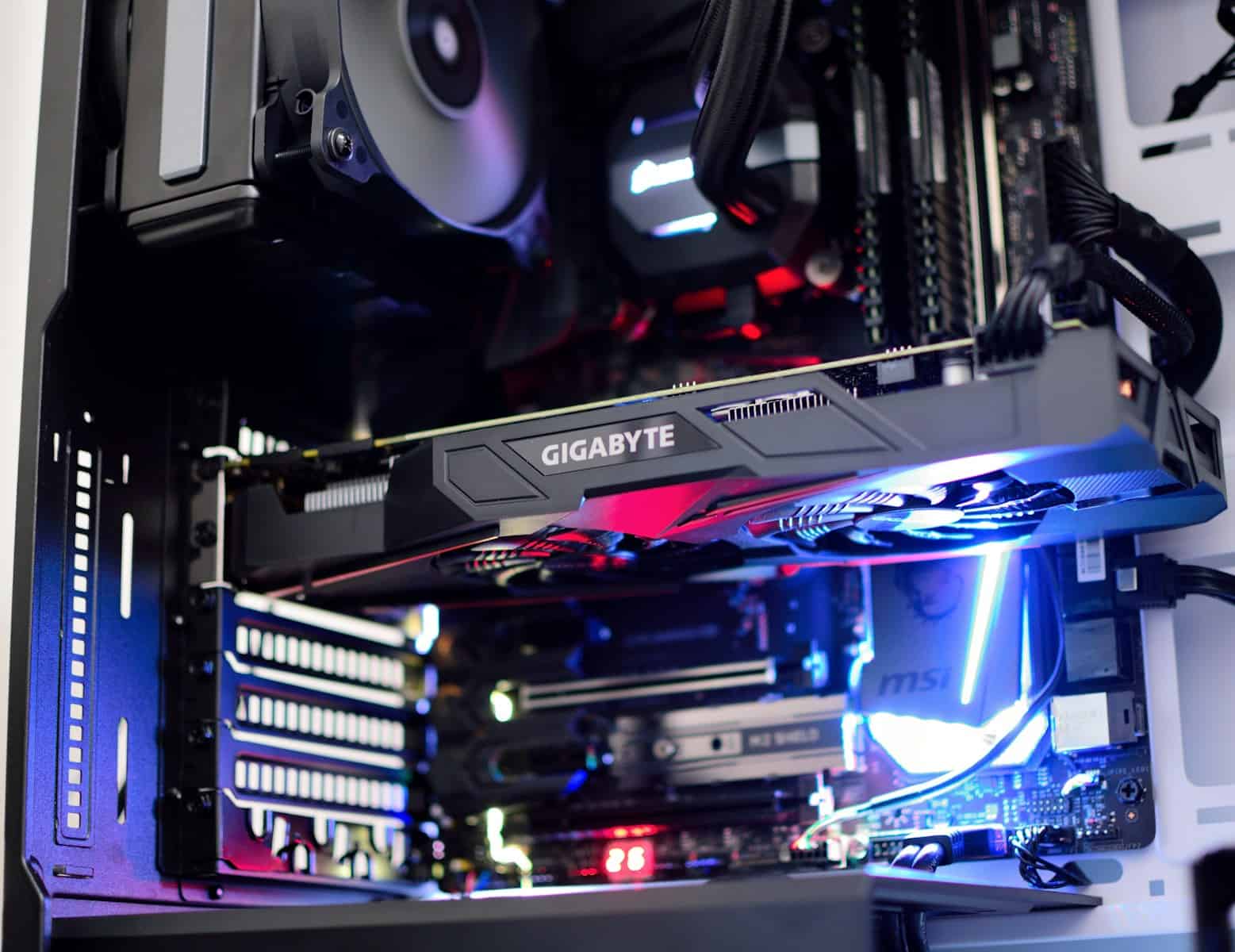
Keeping your CPU and GPU within the ideal temperature range is essential for performance, longevity, and system stability. Overheating can cause throttling, crashes, or even permanent hardware damage, while unusually low temperatures may indicate cooling system issues or inaccurate sensor readings.
In this guide, we’ll break down the ideal temperature ranges for CPUs and GPUs, what’s considered normal under load, and how to keep your system running cool.
Why CPU and GPU Temperatures Matter
Modern processors are designed to run hot — but only within safe limits. When temperatures exceed those limits:
- Performance drops due to thermal throttling
- System stability decreases
- Hardware lifespan shortens
- Fans run louder
- Risk of shutdowns increases
Maintaining optimal temperatures ensures peak performance, especially during gaming, content creation, or heavy workloads.
Ideal CPU Temperature Range
✅ Normal CPU Temperatures
| Usage State | Ideal Temperature |
|---|---|
| Idle | 30°C – 45°C (86°F – 113°F) |
| Light Use (Browsing, Office Work) | 40°C – 60°C (104°F – 140°F) |
| Gaming / Heavy Load | 60°C – 80°C (140°F – 176°F) |
| Maximum Safe Limit | 90°C – 95°C (194°F – 203°F) |
🔥 When Is It Too Hot?
- Sustained temperatures above 90°C
- Frequent thermal throttling
- System shutdowns
- Sudden performance drops
Most modern CPUs (Intel 13th/14th Gen and AMD Ryzen 7000/8000 series) are designed to safely boost into the high 80s or even low 90s under heavy load. However, consistent operation above 90°C isn’t ideal long-term.
Ideal GPU Temperature Range
✅ Normal GPU Temperatures
| Usage State | Ideal Temperature |
|---|---|
| Idle | 30°C – 50°C (86°F – 122°F) |
| Gaming | 60°C – 85°C (140°F – 185°F) |
| Heavy Rendering / 4K Gaming | 70°C – 88°C (158°F – 190°F) |
| Maximum Safe Limit | 90°C – 95°C (194°F – 203°F) |
🔥 When Is It Too Hot?
- Sustained temperatures above 88–90°C
- Loud, constantly maxed-out fans
- Frame rate drops
- Visual artifacts or crashes
Modern GPUs from NVIDIA (RTX 40/50 series) and AMD (RX 7000 series) are engineered to operate safely up to around 90°C, but optimal performance is typically achieved below 85°C.
What Affects CPU and GPU Temperature?
Several factors influence your hardware temperatures:
1. Cooling System
- Stock cooler vs. aftermarket air cooler
- AIO liquid cooling vs. custom loop
- GPU cooler design (dual vs. triple fan)
2. Case Airflow
- Intake and exhaust fan setup
- Dust buildup
- Case size and airflow design
3. Ambient Room Temperature
Hot room = hotter PC. Every 1°C increase in room temperature directly impacts system temps.
4. Overclocking
Higher voltage and clock speeds generate significantly more heat.
5. Thermal Paste Quality
Old or poorly applied thermal paste reduces heat transfer efficiency.
Laptop vs Desktop Temperature Differences
Laptops naturally run hotter due to limited airflow.
Laptop CPU/GPU Temps
- Idle: 40°C – 60°C
- Gaming: 70°C – 90°C
- Peak load: Up to 95°C (short bursts)
Temperatures above 95°C for extended periods in a laptop may signal cooling issues.
How to Check Your CPU and GPU Temperature
Popular monitoring tools:
- HWMonitor
- HWiNFO
- MSI Afterburner
- Core Temp
- Built-in BIOS/UEFI monitor
For real-time gaming monitoring, MSI Afterburner with RivaTuner overlay is a popular choice.
How to Lower CPU and GPU Temperatures
If your temps are too high, try the following:
✅ Improve Airflow
- Add more case fans
- Clean dust filters
- Optimize fan orientation (front intake, rear/top exhaust)
✅ Upgrade Cooling
- Install a better CPU cooler
- Upgrade to liquid cooling
- Improve GPU fan curve
✅ Replace Thermal Paste
Reapply high-quality thermal paste every 2–3 years.
✅ Undervolt
Reducing voltage can significantly lower temperatures without noticeable performance loss.
✅ Adjust Fan Curves
Increase fan speed earlier to prevent temperature spikes.
Ideal Target Temperatures (Quick Summary)
🎯 CPU Goal:
- Under 80°C during gaming
- Under 90°C at maximum load
🎯 GPU Goal:
- Under 85°C during gaming
- Avoid sustained 90°C+ operation
Final Thoughts
Modern CPUs and GPUs are built to handle heat, but maintaining temperatures within the ideal range ensures:
- Better performance
- Quieter operation
- Longer hardware lifespan
- Greater system stability
If your CPU stays under 80°C during gaming and your GPU under 85°C, your system is operating in an optimal temperature range.
Regular cleaning, proper airflow, and quality cooling solutions go a long way in keeping your PC running cool and efficient.





