
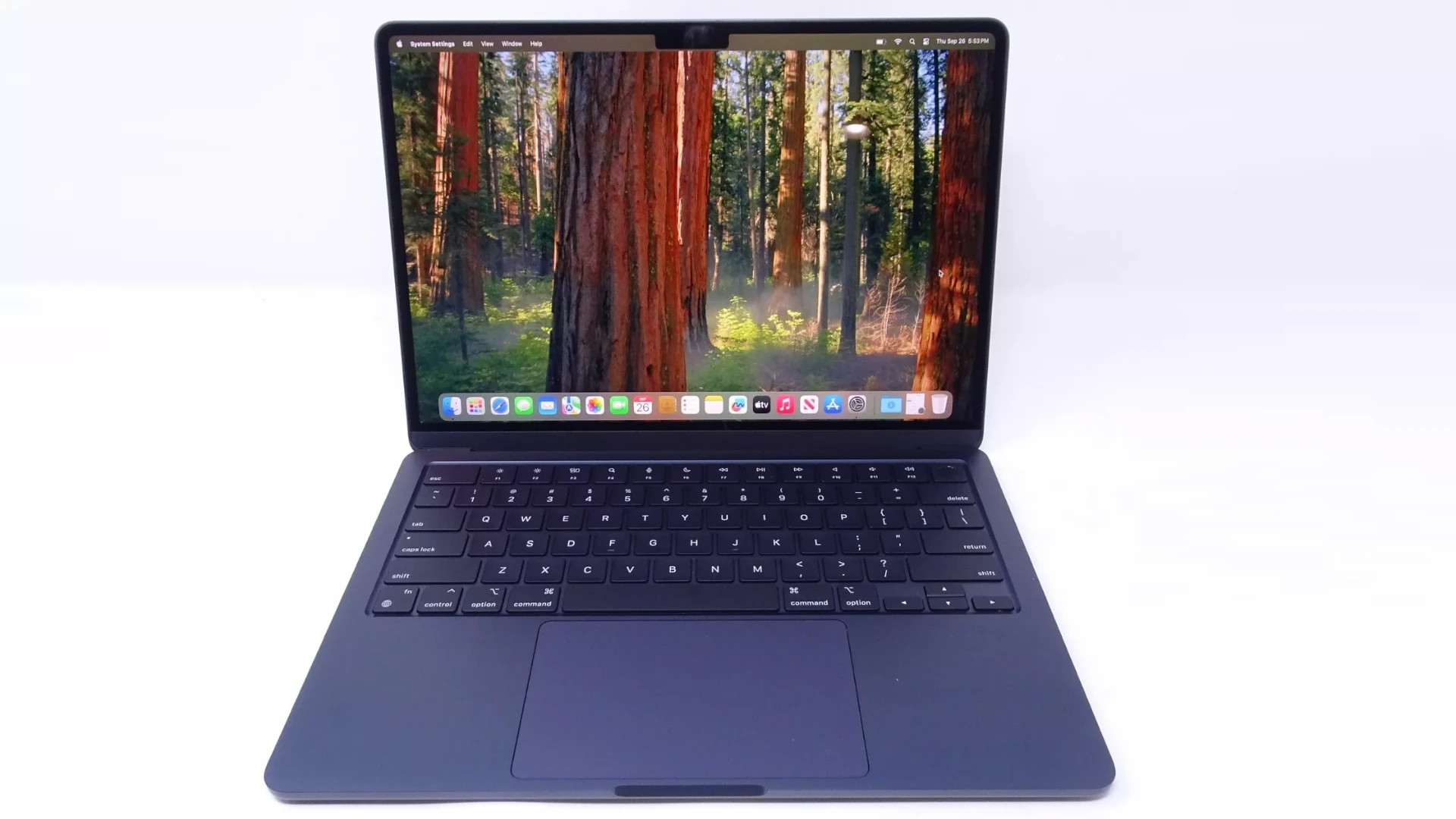
For years, Macs had a reputation for being “not great for gaming.” But that’s changed significantly. Thanks to Apple silicon (M1, M2, M3 chips), improved graphics performance, and better developer support, gaming on Mac is more viable than ever.
So, can you play games on Mac?
Yes — but there are some important things to understand.
1. What Types of Games Can You Play on Mac?
You can play a wide range of games on macOS, including:
✅ Native macOS Games
These are games built specifically for Mac and run smoothly without extra setup.
Examples include:
- Baldur’s Gate 3
- Resident Evil Village
- No Man’s Sky
- Civilization VI
- The Sims 4
- Minecraft
You can find Mac-compatible games on:
- Steam
- Mac App Store
- Epic Games Store
- GOG
Always check system requirements before purchasing.
✅ Apple Arcade Games
If you subscribe to Apple Arcade, you get access to hundreds of games that work seamlessly on Mac.
Benefits:
- No ads or in-app purchases
- Cross-device syncing (Mac, iPhone, iPad)
- Controller support
This is a great option for casual and indie gaming.
✅ Cloud Gaming Services
Cloud gaming has made Mac gaming even more accessible.
Popular services include:
- Xbox Cloud Gaming
- NVIDIA GeForce NOW
- Amazon Luna (where available)
These services stream games from powerful remote servers, meaning:
- You don’t need a high-end Mac.
- You can play Windows-only titles.
- Performance depends on your internet speed.
2. Can Macs Handle AAA Games?
With Apple silicon, modern Macs are much more capable.
Apple Silicon Advantages:
- Unified memory architecture
- Strong GPU performance
- Energy efficiency
- Metal graphics API optimization
High-end models like the MacBook Pro with M3 Pro or M3 Max can run demanding AAA titles at solid frame rates.
However:
- Not all AAA games are available on macOS.
- Windows still has broader gaming support.
3. What About Windows Games?
Many PC games are built only for Windows. But there are ways to play them on a Mac.
✅ Option 1: Cloud Gaming
Easiest method. No installation required.
✅ Option 2: Virtualization Software
Programs like:
- Parallels Desktop
- VMware Fusion
Let you run Windows on macOS. Performance is decent but may not match native Windows gaming PCs.
✅ Option 3: Game Porting Tools
Apple has introduced developer tools that make it easier to bring Windows games to Mac. This has led to more AAA titles arriving on macOS.
4. Do Macs Support Game Controllers?
Yes.
Mac supports:
- PlayStation DualSense controllers
- Xbox Wireless controllers
- Nintendo Switch Pro controllers
- Bluetooth third-party controllers
You can connect via:
- Bluetooth
- USB cable
Many games automatically detect controllers.
5. Can You Upgrade a Mac for Gaming?
Unlike many Windows PCs:
- You generally can’t upgrade the GPU.
- RAM is usually not user-upgradable on newer models.
- Storage upgrades are limited after purchase.
If gaming is a priority, choose a Mac with:
- Higher unified memory (16GB or more recommended)
- More GPU cores
- Larger SSD storage
6. Are Macs Good for Competitive Gaming?
For casual and moderate gaming — yes.
For high-refresh competitive gaming:
- Windows PCs still dominate.
- macOS has fewer esports titles.
- High-end gaming PCs offer more customization.
That said, Macs can handle many popular games comfortably.
7. Best Macs for Gaming (General Guidelines)
For better gaming performance, look for:
- MacBook Pro (M3 Pro or M3 Max)
- Mac Studio (M2 Max or newer)
- iMac with Apple silicon
Entry-level MacBook Air models can handle lighter and indie games but may struggle with demanding titles.
Pros and Cons of Gaming on Mac
✅ Pros:
- Strong performance with Apple silicon
- Excellent battery life (for laptops)
- Quiet operation
- High-quality displays
- Growing AAA support
❌ Cons:
- Smaller game library than Windows
- Limited hardware upgrades
- Some compatibility hurdles
Final Verdict: Can You Play Games on Mac?
Yes, you absolutely can play games on a Mac — and the experience is better than ever.
While Windows PCs still offer the largest selection of games and more customization, modern Macs are fully capable of handling:
- Indie titles
- Strategy games
- RPGs
- Many AAA games
- Cloud gaming services
If you’re a casual or moderate gamer, a Mac can be a solid gaming machine. If you’re a hardcore competitive gamer, a dedicated gaming PC may still be the better choice.
But the days of “Macs can’t game” are officially over.





