
Displays

8K vs 4K Video: Is the Upgrade Worth It?
Video resolution technology continues to advance rapidly. 4K and 8K are two high-resolution formats that offer stunningly detailed images. While ...
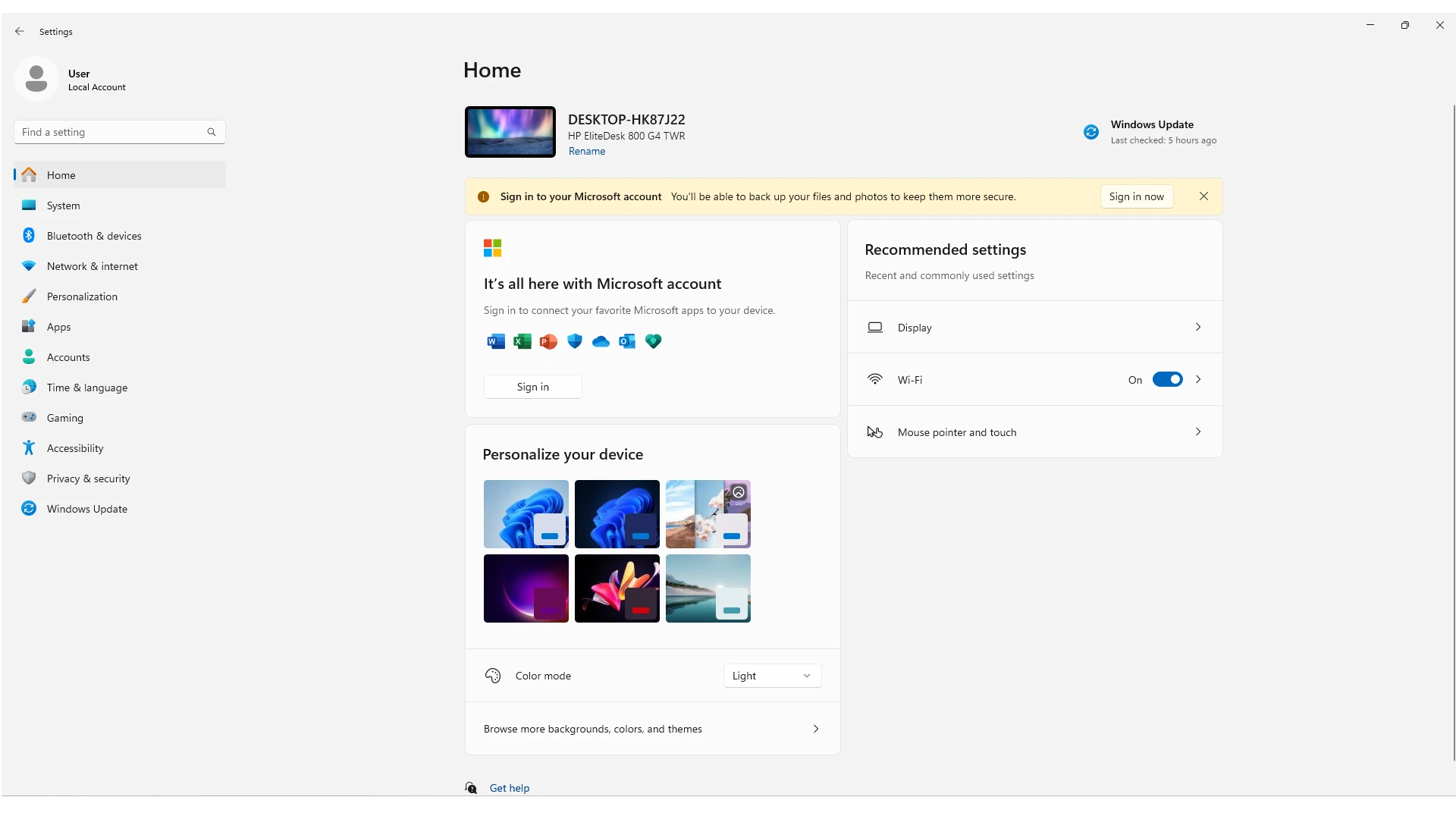
How Do I Make My PC Full Size: Maximizing Display Settings
Making your PC display full size can improve your viewing experience and productivity. Windows has several ways to adjust the ...
The Advantages of 1080p Resolution for Gaming
1080p resolution is a popular choice for gaming because it offers a good balance of visual quality and performance. Many gamers prefer 1080p ...
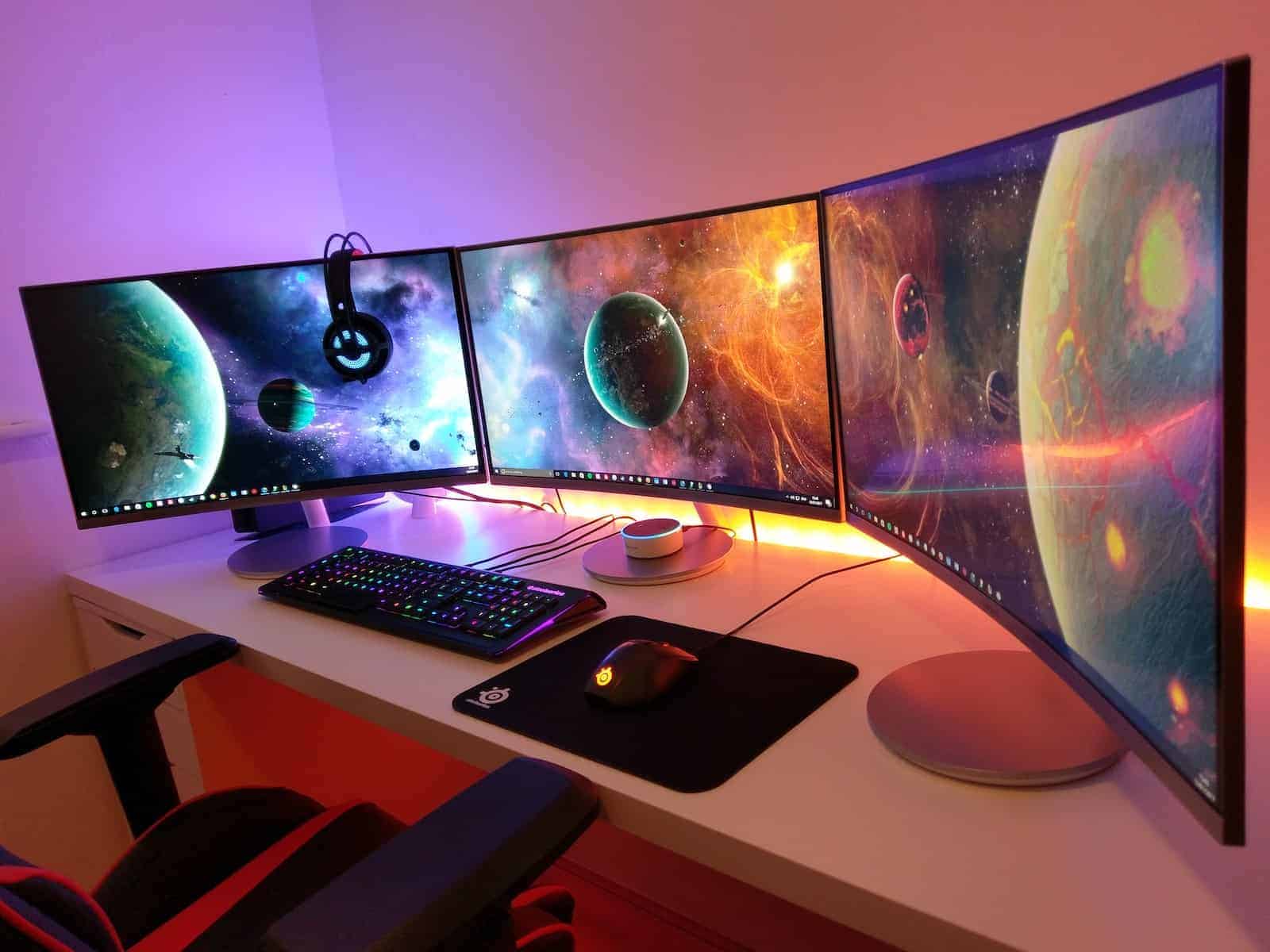
60Hz vs 120Hz vs 144Hz vs 240Hz Monitors: Decision Guide
Monitor refresh rates are important for how well images and motion appear on your screen. The refresh rate, measured in hertz (Hz), ...
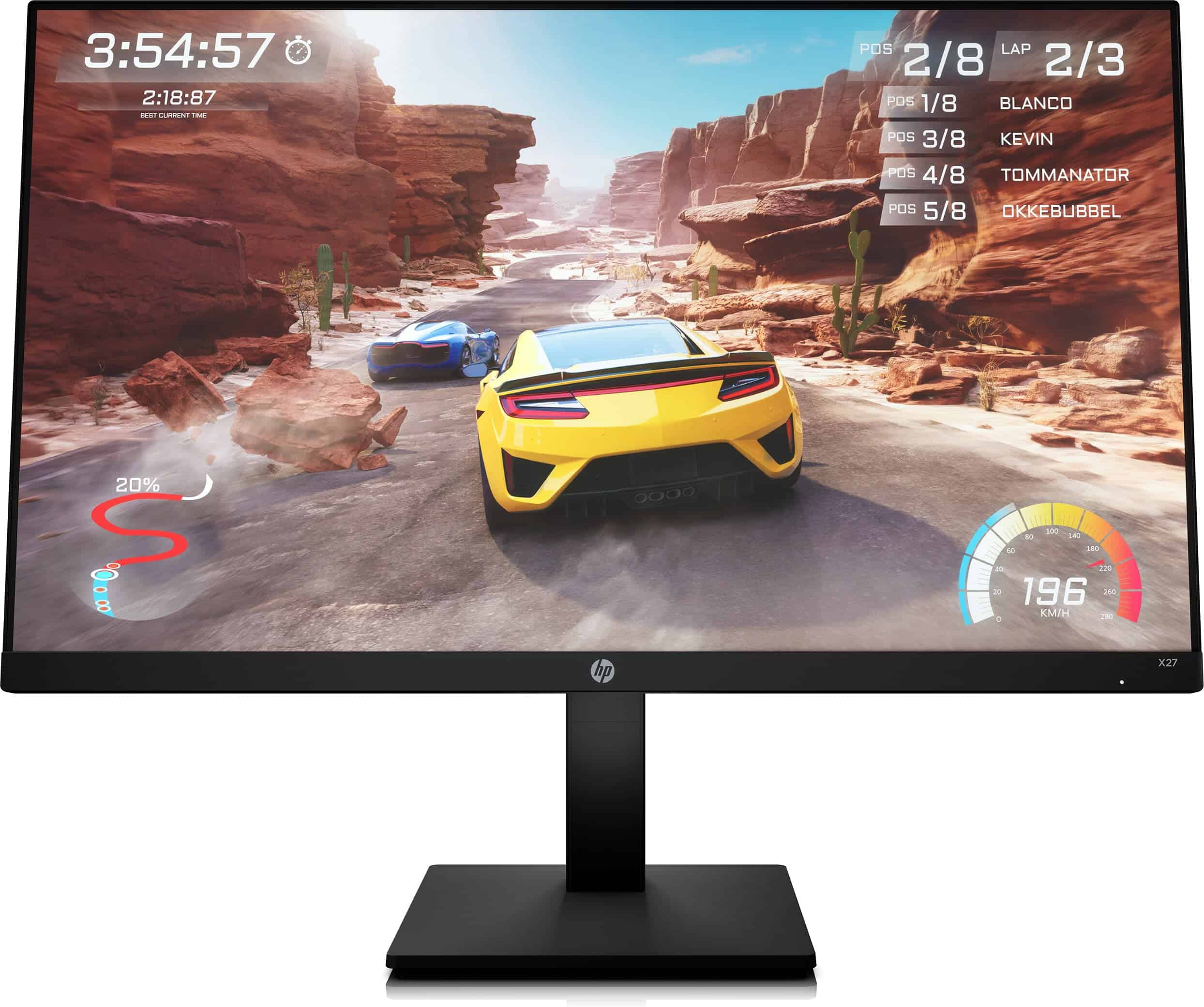
HP X27 FHD Gaming Monitor Troubleshooting Guide
The HP X27 FHD Gaming Monitor is a popular choice for gamers, but like any tech device, it can sometimes ...
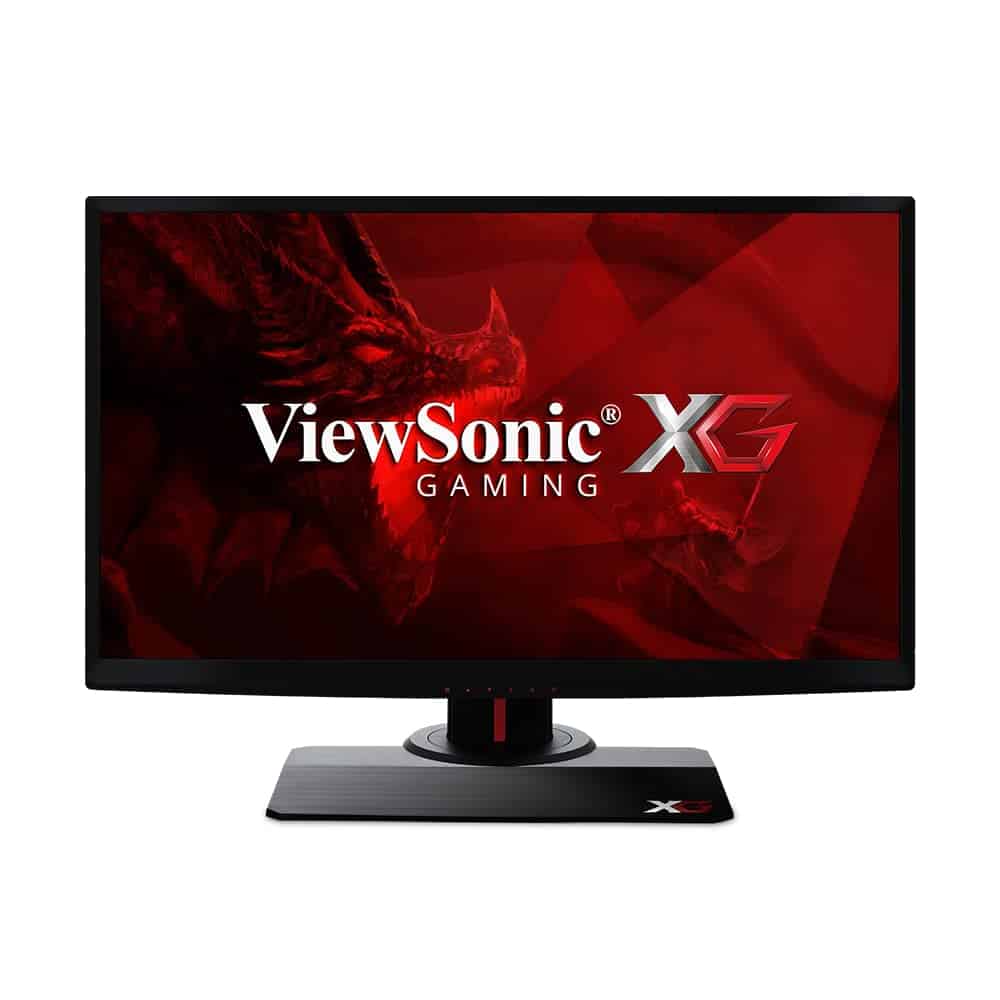
24.5″ ViewSonic XG2530 Troubleshooting: Quick Fixes
The ViewSonic XG2530 is a popular 240Hz gaming monitor that offers smooth gameplay. But like any tech, it can have ...
Should I Buy A 4K Monitor and Downscale to 1440p or Just Get a 1440p Monitor?
Quick Take: Opt for a 1440p monitor. When you downscale resolution, there will always be some loss in image quality ...

FHD, UHD, QHD Resolutions Compared: Differences and Benefits
Choosing the right screen resolution can greatly enhance your viewing experience, whether you’re watching movies, playing games, or browsing the ...
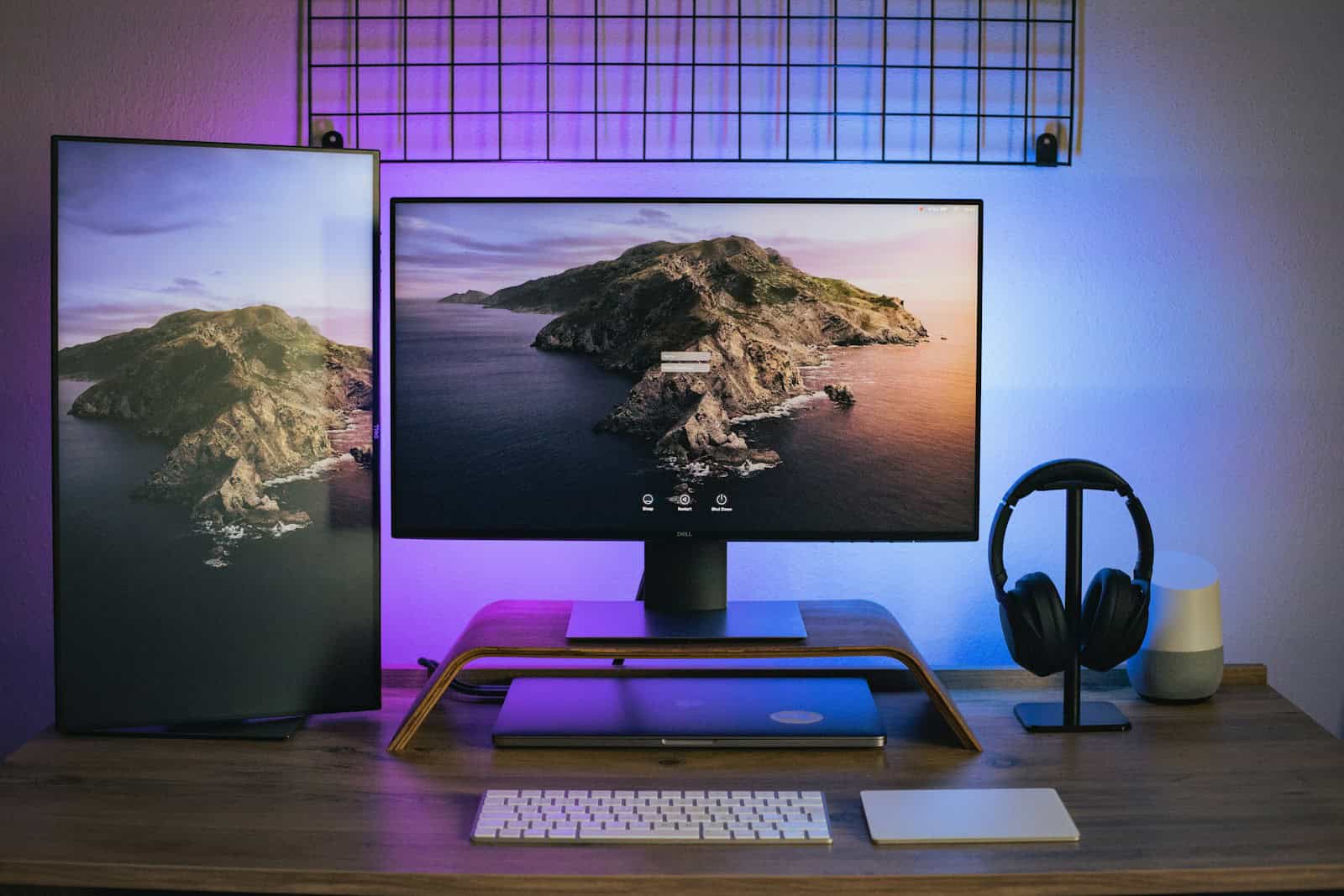
Daisy Chain Multiple Monitors Using DisplayPort MST
To connect multiple monitors using a single cable from your computer, you can use a method called daisy chaining. This method utilizes DisplayPort Multi-Stream ...
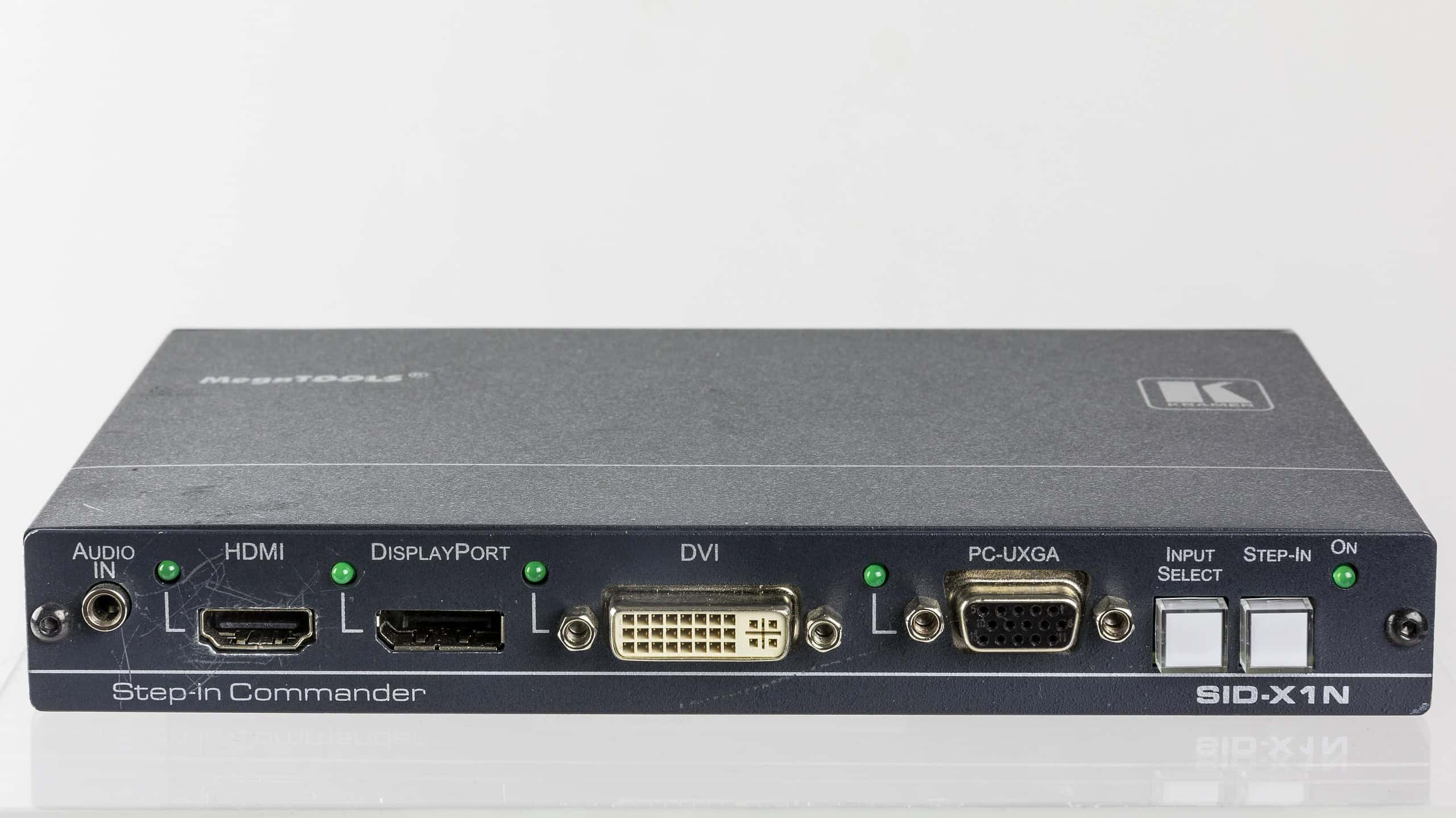
Video Port Types: Understanding Your Connectivity Options
Understanding the differences between video port types is crucial for easy device connectivity. Video ports are what transmit video signals ...





