
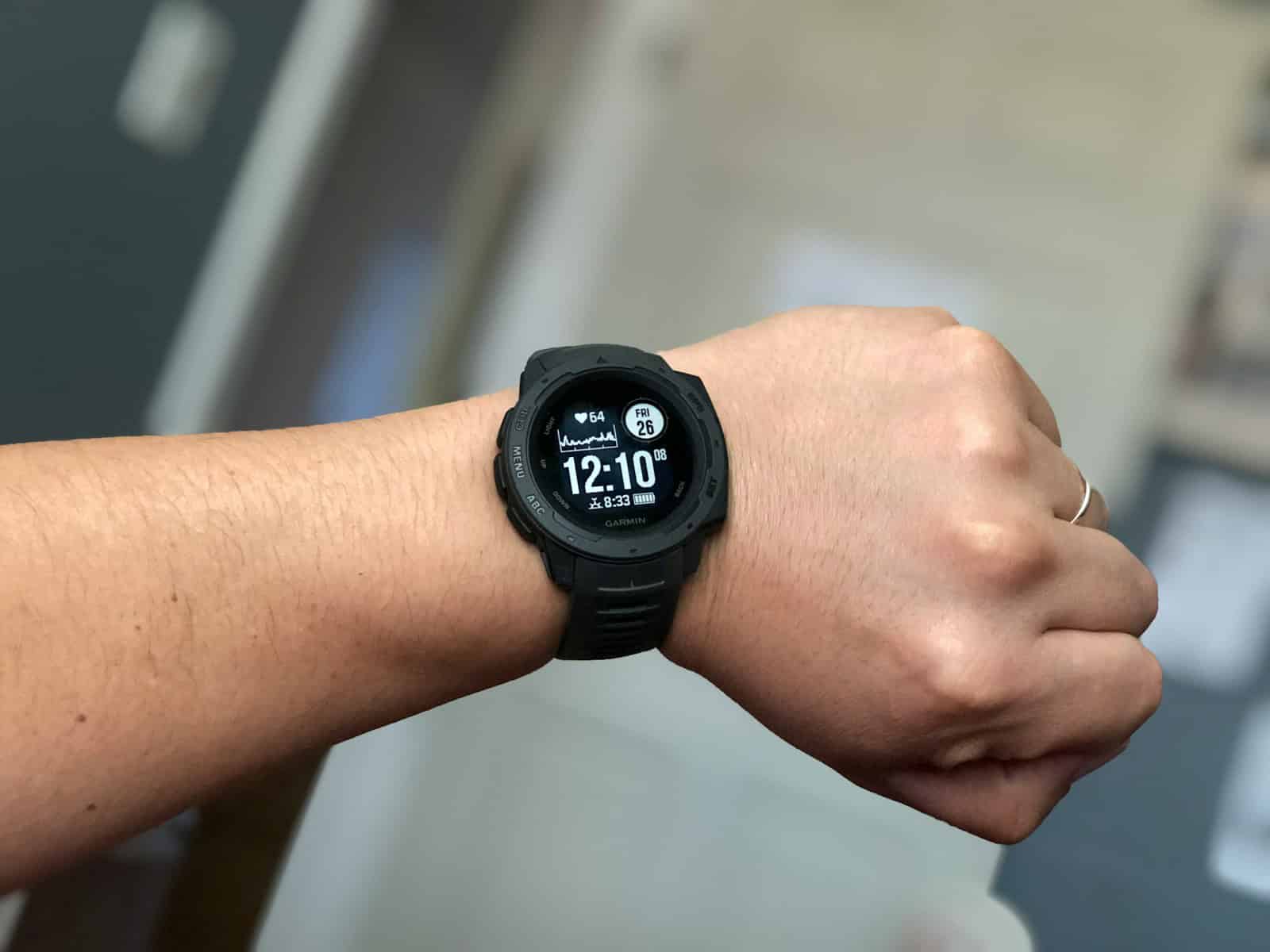
Garmin has developed a sleep tracking feature that offers insights into users’ sleep patterns. With the Garmin Sleep Score, individuals can understand their sleep quality better through various health stats. By collecting data like heart rate, blood oxygen levels, and body movements throughout the night, these devices provide a comprehensive overview of sleep.
The score is presented on a scale from 0 to 100, with higher numbers indicating better sleep. It allows users to quantify their rest and see the potential areas for improvement. In this way, Garmin tools help people make informed decisions about their sleep and overall health.
Armed with this data, users can adjust their habits or seek further health advice if needed. Garmin’s advanced sleep tracking strives to present a clearer picture of one’s sleep health, which is a crucial aspect of overall well-being.
Garmin Sleep Score Guide
Garmin’s Sleep Score gives you a detailed look at how well you slept — not just how long. It combines your sleep stages, movement, heart rate, and stress levels to provide a single, easy-to-understand number that reflects your overall sleep quality.
Whether you’re using a Garmin Forerunner, Venu, Instinct, or Fenix, this guide explains how Garmin Sleep Score works, how to read it, and how to improve your nightly rest.
📊 What Is Garmin Sleep Score?
Your Garmin Sleep Score is a number between 0 and 100 that summarizes the quality of your previous night’s sleep.
It’s designed to help you understand:
- How long you slept
- How restorative your sleep was
- How ready your body is for the next day
You can view your Sleep Score:
- On your watch’s sleep widget or glance
- In the Garmin Connect™ app (under Sleep)
🧮 How Garmin Calculates Sleep Score
Garmin uses data from your watch’s sensors to analyze multiple factors throughout the night.
According to Garmin’s official documentation, the Sleep Score is based on:
| Factor | Description |
|---|---|
| Sleep Duration | Total time asleep compared to your typical sleep target. |
| Sleep Quality | Amount of time spent in deep and REM sleep, plus how restful your sleep was. |
| Recovery Metrics | Heart rate, HRV (heart rate variability), and stress levels during sleep. |
| Restlessness | Movement detected throughout the night. |
| Awakenings | Frequency and duration of waking periods. |
Garmin uses all these metrics to generate a score and a short message (e.g., “Good Sleep” or “Fair Sleep”).
📈 Garmin Sleep Score Ranges
| Score Range | Rating | Meaning |
|---|---|---|
| 0–49 | Poor | Your sleep was short or restless. Your body didn’t recover well. |
| 50–59 | Fair | You got some rest, but not enough deep or REM sleep. |
| 60–79 | Good | You had a decent night’s sleep and moderate recovery. |
| 80–100 | Excellent | You slept long and deeply, with strong recovery indicators. |
Your watch may also display a Sleep Insight — a short note explaining why your score was high or low (e.g., “You had less deep sleep than usual”).
💤 Sleep Stages Explained
Garmin tracks your sleep stages automatically based on heart rate, HRV, and movement data:
| Stage | Description | Importance |
|---|---|---|
| Light Sleep | Makes up most of your night; helps with mental recovery. | Common transition stage. |
| Deep Sleep | Physically restorative; muscles repair and energy is restored. | Key for body recovery. |
| REM Sleep | Important for memory, learning, and mood regulation. | Key for brain recovery. |
| Awake | Brief awakenings are normal throughout the night. | Excessive wake time reduces score. |
You can view a sleep graph in Garmin Connect showing how long you spent in each stage.
🧠 How Sleep Score Affects Training Readiness
Many Garmin watches (like the Forerunner 570, Fenix 8, and Venu 3) use your Sleep Score as part of the Training Readiness metric.
This means your sleep quality directly impacts how “ready” you are to train the next day.
Training Readiness Factors:
- Sleep Score (last night)
- Sleep history (last 3 nights)
- HRV status
- Recovery time
- Stress history
- Acute training load
(Source: Garmin Forerunner 570 Manual)
📱 Viewing Sleep Score in Garmin Connect
- Open the Garmin Connect app.
- Tap Sleep on the home screen.
- You’ll see:
- Your Sleep Score and rating (e.g., Good, Excellent)
- A sleep stage breakdown (light, deep, REM)
- Resting heart rate and stress graph
- Sleep insights and personalized suggestions
💡 If your Sleep Score shows on your watch but not in Garmin Connect, ensure your app and firmware are up to date.
🌙 Tips to Improve Your Garmin Sleep Score
- Stick to a consistent bedtime.
Going to bed and waking up at the same time helps regulate your circadian rhythm. - Avoid caffeine and screens late at night.
Blue light and stimulants can delay deep sleep. - Use Garmin’s Lifestyle Logging.
In the Garmin Connect app, log factors like caffeine intake, exercise, or stress to see how they affect sleep (source: Garmin D2 Air X15 Manual). - Keep your sleeping environment cool and dark.
Ideal temperature: around 65–68°F (18–20°C). - Wind down with relaxation techniques.
Try breathing exercises or reading before bed. - Monitor sleep trends.
Look at your 7-day and 30-day averages in Garmin Connect to spot patterns.
🔄 Troubleshooting Sleep Tracking
| Problem | Possible Fix |
|---|---|
| No sleep detected | Ensure you’re wearing your watch snugly and have sleep tracking enabled. |
| Sleep score missing in Garmin Connect | Update the Garmin Connect app and your watch firmware. |
| Inaccurate sleep times | Adjust your normal sleep hours in Garmin Connect user settings. |
| Frequent wake-ups recorded | Try tightening the band slightly to improve sensor accuracy. |
🧩 Supported Devices
Garmin Sleep Score is available on most modern devices, including:
- Forerunner Series: 255, 265, 570, 745, 965
- Fenix Series: 7, 8, Epix Pro
- Venu Series: 2, 3, Sq 2
- Instinct 2 and 2X Solar
- D2 Air X15
(Check Garmin’s product page for compatibility.)
🧠 Summary
| Metric | Description |
|---|---|
| Sleep Score | 0–100 rating of sleep quality |
| Key Factors | Duration, quality, recovery, restlessness |
| Good Range | 60–79 (Good), 80+ (Excellent) |
| Improves | Recovery, mood, and training readiness |
| View In | Garmin Connect app or watch Sleep widget |
🔗 References
- Garmin D2 Air X15 Owner’s Manual – Lifestyle Logging
- Garmin Forerunner 570 Manual – Training Readiness
- Garmin Support: Sleep Tracking and Sleep Score
✅ Final Thoughts
Garmin’s Sleep Score is more than just a number — it’s a reflection of how well your body recovered overnight. By understanding your score and the factors behind it, you can make smarter lifestyle choices, improve your rest, and enhance your overall health and training performance.
Key Takeaways
- Garmin Sleep Score evaluates sleep quality using a 0-100 scale.
- The score is based on heart rate, blood oxygen, and movement data.
- Sleep tracking supports healthier lifestyle choices and better sleep habits.
Understanding Garmin’s Advanced Sleep Tracking
Garmin has developed a system that tracks different stages of sleep to help users understand their sleep quality. This technology measures various physical activities during sleep with Garmin watches.
Components of Sleep Analysis
Garmin’s sleep tracking technology assesses several factors. It uses heart rate variability, movement, and respiration rate to track sleep stages including light sleep, deep sleep, and REM. Some watches also measure blood oxygen saturation. The collected data provides insight into sleep quality and restfulness.
Garmin Devices with Sleep Tracking
Various Garmin watches offer advanced sleep tracking. Models such as the Venu® 2 series, fēnix® 6 series, Forerunner® 945, and more, have this capability. These devices work in conjunction with the Garmin Connect App, allowing users to review their sleep data.
Interpreting Your Sleep Score
After each night’s sleep, users receive a sleep score from their Garmin device. This score is a reflection of the sleep quality based on the analyzed data. Factors like restlessness, time spent in each sleep stage, and overall duration influence this score. Garmin also offers a feature called Body Battery, which helps gauge overall energy levels based on sleep and activity data.





