
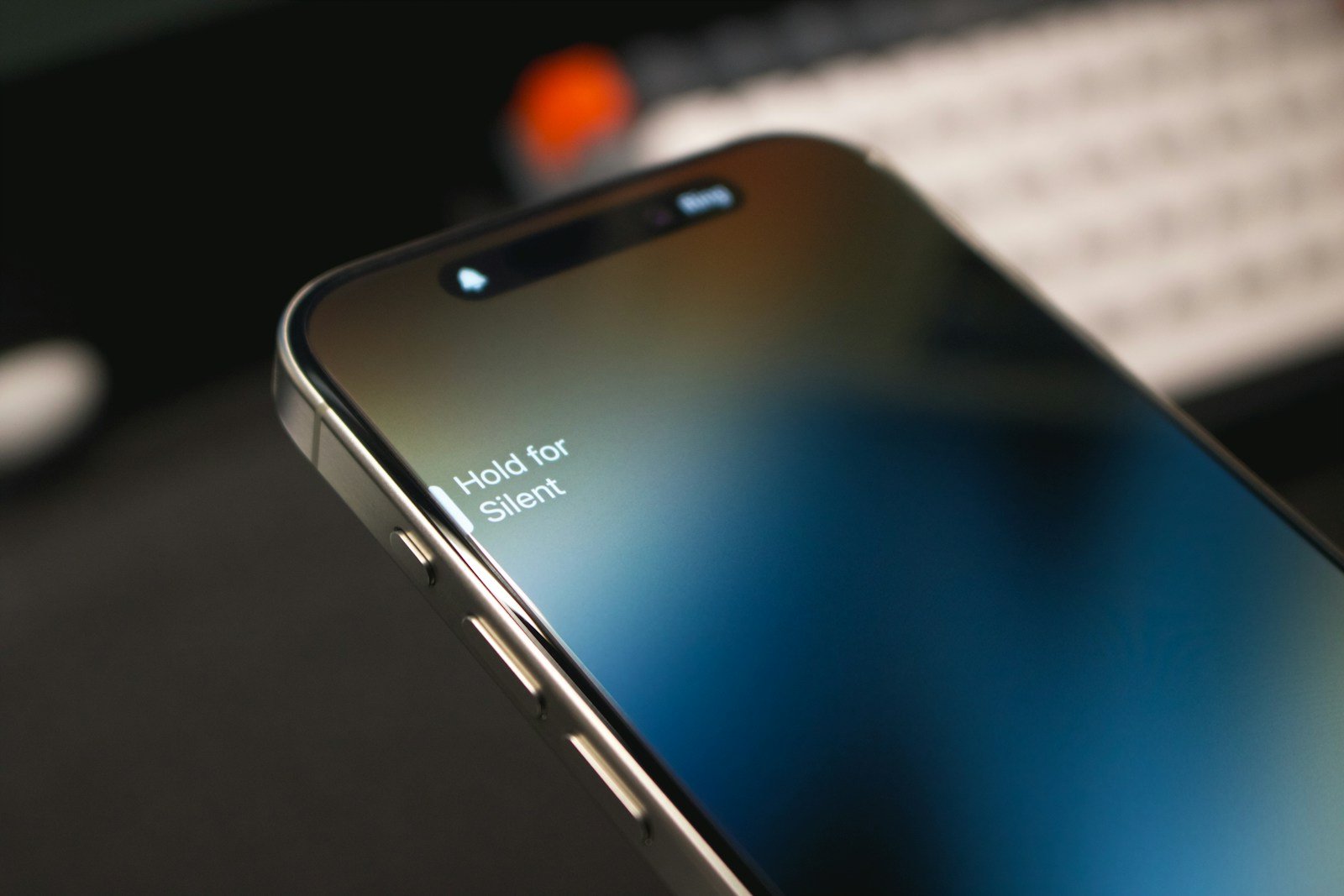
Having trouble with your iPhone’s silent button can be frustrating, especially if you rely on it often. When the silent button gets stuck, it may seem like a significant issue. The good news is there are a few simple steps you can follow to resolve this problem quickly. You can manage silent mode through the AssistiveTouch feature in the Settings app if the physical button is unresponsive.
Another method is to check the Do Not Disturb settings. Sometimes, users accidentally enable Do Not Disturb, which can mute your phone. Make sure this setting is turned off. If these steps don’t work, updating your iOS or resetting your device might help.
By addressing these issues, you can get your iPhone back to normal operation. Fixing the silent button helps you avoid missing important calls and notifications.
How to Fix a Stuck Silent Button on iPhone
The silent switch on the side of your iPhone lets you quickly mute or unmute sounds. If it’s stuck or not working properly, here are some easy ways to fix it.
1. Inspect the Silent Switch
- Check if the switch is physically stuck or jammed.
- Try gently toggling it back and forth a few times to loosen it.
- Use a flashlight to see if dirt or debris is blocking the switch.
2. Clean Around the Switch
- Power off your iPhone.
- Use a soft brush (like a clean toothbrush) or a toothpick to carefully clean around the switch.
- Avoid using liquids or sharp metal objects that might damage the mechanism.
3. Restart Your iPhone
- Hold the power button and either volume button until the slider appears.
- Slide to power off.
- Turn it back on after 30 seconds.
- Restarting can clear minor glitches affecting hardware buttons.
4. Update iOS
- Go to Settings > General > Software Update.
- Install any available updates.
- Software bugs can sometimes affect hardware button behavior.
5. Use AssistiveTouch as a Temporary Workaround
- Go to Settings > Accessibility > Touch > AssistiveTouch and turn it on.
- This adds an on-screen mute/unmute button you can use while fixing the physical switch.
6. Reset All Settings
- Go to Settings > General > Transfer or Reset iPhone > Reset > Reset All Settings.
- This won’t delete your data but resets system settings that might affect button function.
7. Contact Apple Support or Visit a Repair Center
- If the button remains stuck or unresponsive, it may be a hardware issue.
- Visit an Apple Store or authorized service provider for professional repair.
Summary Table
| Step | Action | Purpose |
|---|---|---|
| Inspect Switch | Check for physical blockage | Identify visible issues |
| Clean Around Switch | Remove dirt and debris | Free stuck mechanism |
| Restart iPhone | Power cycle device | Clear software glitches |
| Update iOS | Install latest updates | Fix software bugs |
| Use AssistiveTouch | Enable on-screen mute button | Temporary workaround |
| Reset All Settings | Reset system settings | Fix configuration issues |
| Contact Apple Support | Seek professional repair | Repair hardware faults |
For official help, visit: Apple Support – Silent Mode Switch.
Key Takeaways
- Use AssistiveTouch to manage silent mode.
- Check and disable Do Not Disturb.
- Update or reset your iPhone if issues persist.
Understanding the iPhone Silent Switch Mechanism
The iPhone silent switch, also known as the mute button or side switch, allows users to easily switch their device to silent mode. This section covers its functionality and how it integrates hardware and software.
The Functionality of the Silent Switch
The iPhone’s silent switch is located on the side of the device. Flipping this switch mutes the device, turning off sound for calls, notifications, and alerts without affecting media playback volume. This makes it easy for users to quickly silence their phones during meetings or in quiet environments.
The switch design allows for easy toggling. When the switch is pushed down, it shows an orange color, indicating that the device is in silent mode. In its upward position, the device is in ring mode. This visual cue helps avoid confusion about the phone’s current state.
Hardware and Software Integration
The silent switch integrates both hardware and software components. The physical switch engages with the internal circuitry, which sends signals to the iOS operating system. This interaction allows iOS to update the device mode instantly.
The software part involves the operating system interpreting the switch position and executing the mute function. When the switch is toggled, iOS disables sound notifications while keeping visual alerts on the screen. This ensures that users do not miss important updates even when the phone is silenced.
Physical damage to the switch can disrupt this balance. Issues like debris, wear and tear, or mechanical failure can cause the switch to malfunction. Regular maintenance and careful handling can prolong the life of the silent switch.





