
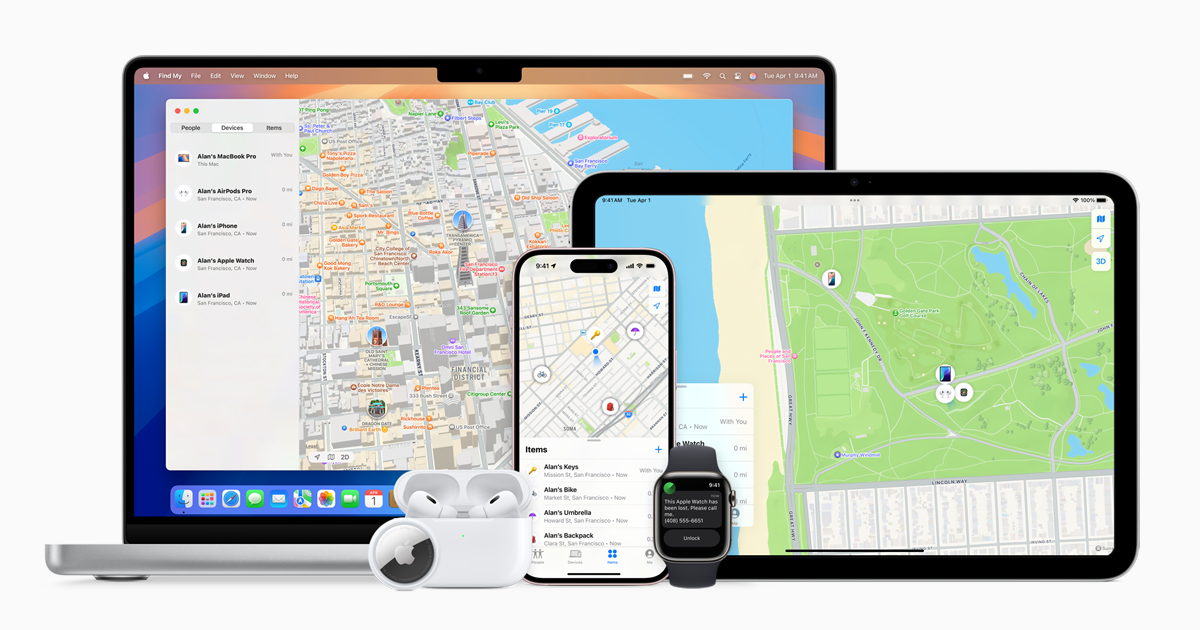
Losing an iPhone can be stressful, but finding one and wanting to return it to its owner can be a noble and rewarding act. The fastest way to locate the owner of a lost iPhone is to check if it has a Medical ID set up, as it often contains an emergency contact number. Additionally, you can ask Siri for the owner’s details without unlocking the device.
If the iPhone is unlocked, look at the recent call logs or contacts list to find someone who can help identify the owner. Another method is to check for any labels on the back of the phone or inside the SIM tray, which might include the IMEI number. Carriers can use this number to find the owner.
Returning a lost iPhone is not just about technology but also about connecting with people. Simple steps and minor efforts can lead to reuniting someone with their important device.
Found iPhone? How To Find The Original Owner
Finding a lost iPhone puts you in a position to help someone recover an important device. The best approach is to use built-in features without attempting to bypass security measures.
Most iPhones are protected by passcodes and linked to an Apple ID, but there are still ways to identify or contact the owner.
Steps to locate the owner:
- Check the lock screen for a contact message
- Ask Siri “Who does this iPhone belong to?”
- Wait for a call from the owner
- Keep the phone charged and powered on
Other helpful options:
- Remove the SIM card and contact the carrier
- Turn the phone in to a nearby store or lost-and-found
- If “Lost Mode” is enabled, follow on-screen instructions
Important:
- Do not attempt to unlock or reset the device
- Avoid accessing personal data
- Treat it as lost property and handle responsibly
Key Takeaways
- Medical ID on the lock screen can provide emergency contacts.
- Check recent calls or contacts for potential leads.
- Carriers can help if you provide the iPhone’s IMEI number.
Locating the Owner of a Lost iPhone
Losing an iPhone can be stressful, but there are various steps to find the owner. By using built-in features and other methods, you can help return the lost device.
Immediate Actions to Identify the Owner
First, activate the iPhone’s screen. If there is no passcode, you may find contact information directly. Try pressing the Home button or swiping up. Also, check the Contacts app. The owner’s name might be at the top of the list.
Look at recent calls in the Phone app. You might find someone to contact who knows the owner. Access the Medical ID from the lock screen. It often has emergency contacts.
Utilizing Built-In Features for Recovery
Use Siri if the iPhone is locked. Say, “Hey Siri, who owns this phone?” Siri might give you contact details. Another option is the Find My app. If the phone is in Lost Mode, there may be a message with the owner’s contact number.
Check the SIM card tray. Sometimes, contact info is printed there. Older models might have the IMEI number on the back. Use this number to get help from the carrier.
Contact and Legal Considerations
If you cannot find the owner, contact the police or local law enforcement. They can assist with finding the rightful owner. You can also reach out to the phone’s carrier using the IMEI number. Carriers might contact the owner on your behalf.
Turning the device into an Apple Store is another option. Apple can track ownership through the Apple ID registered on the device. Always handle the device carefully to avoid legal troubles.
Technical Avenues to Locate Owner
Open the phone’s Settings and look for the Apple ID at the top. It may have an email address or phone number. You can use this to contact the owner. The IMEI and serial number are also useful. The carrier can locate the owner with these details.
Use iCloud to check the Lost Mode message. The owner might have left a message with their info. Lastly, if the iPhone is turned on, Find My can show its location to the owner’s iCloud account.





