
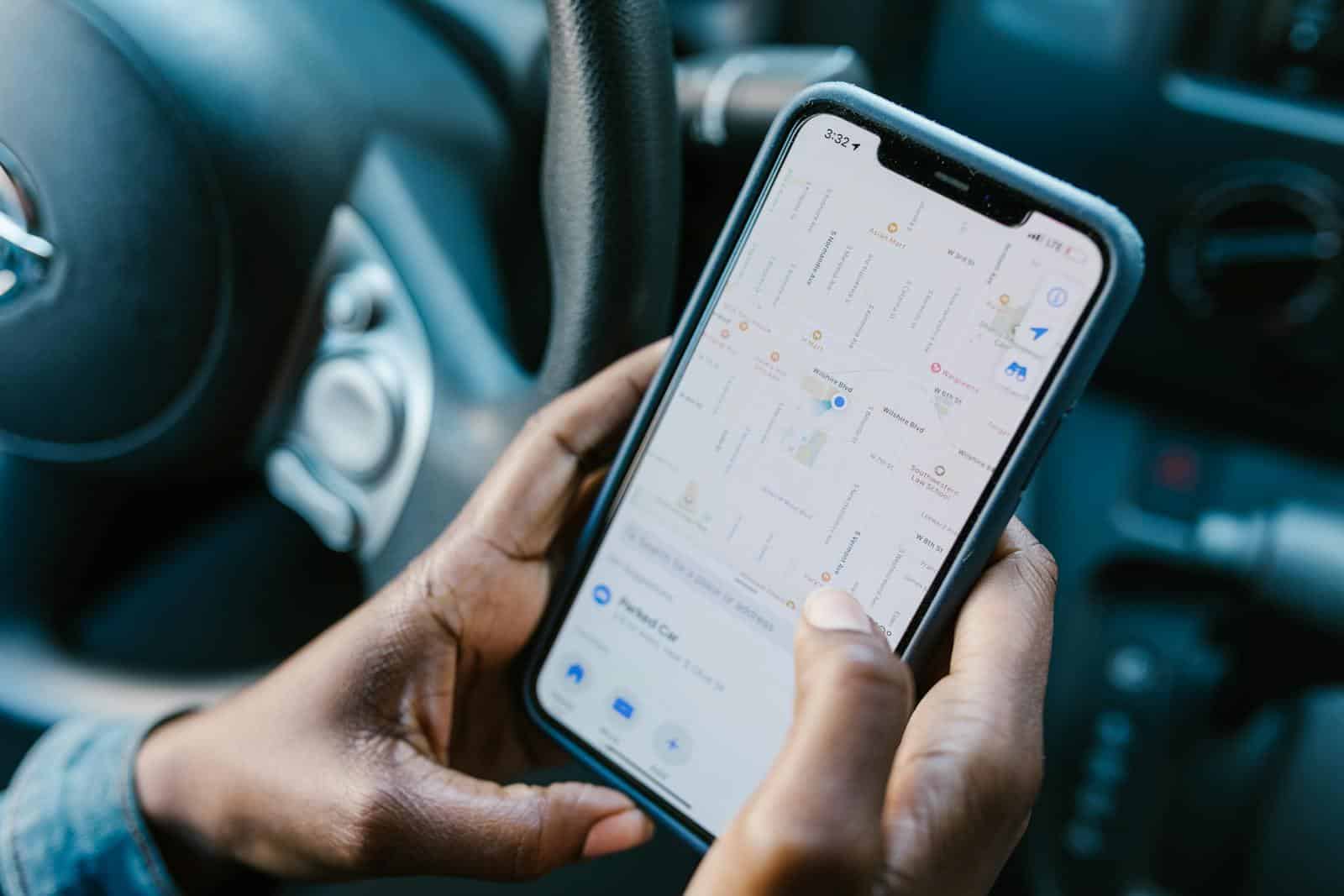
Faking your GPS location on an iPhone can seem tricky, but it’s actually straightforward if you know the right tools and steps. Many users want to change their GPS location for various reasons like playing location-based games or accessing region-locked apps. There are free methods available that let you spoof your GPS location without complex setups.
One easy method involves jailbreaking your iPhone and installing a tool called Location Faker through Cydia. This tool allows you to manipulate your GPS settings directly on the device. If you prefer not to jailbreak your device, another option is using Xcode on a Mac. This way, you can simulate a different location without any invasive modifications.
There’s also software available that lets you change your GPS location using a computer and a USB cable. These tools are simple, often require just a few clicks, and can be a great solution for those who don’t want to modify their device too much.
Free Ways To Fake Your GPS Location on iPhone
Faking your GPS location on iPhone is significantly more challenging than on Android due to Apple’s security restrictions. While truly free and reliable methods are limited, there are several options available—though most come with limitations or require additional equipment.
Understanding the Limitations
Before exploring your options, it’s important to know:
- No App Store Solutions: Apple’s App Store does not host apps that can freely change your GPS location without a computer connection, as iOS prevents this kind of system-level manipulation
- VPNs Don’t Change GPS: A VPN only masks your IP address (network location) but does not affect your phone’s actual GPS data
- Risk of Bans: Spoofing your location can violate terms of service for many apps (especially games like Pokémon Go or work-related apps), potentially leading to bans
- Most Reliable Tools Are Paid: The majority of no-jailbreak location spoofing software requires a paid license for full functionality, though some offer limited free trials
Free and Low-Cost Methods
1. Use a Spare/Old iPhone
The simplest workaround doesn’t involve technical spoofing at all. If you have an old iPhone:
- Set up the spare device with your Apple ID
- Leave it at your desired location
- Go to Settings > Privacy & Security > Location Services > Share My Location
- Select “This Device” on the phone you’re leaving behind
- When you return home, switch back to your regular phone using the same settings
This method works particularly well for Find My iPhone and family location sharing.
2. Xcode for Developers (Mac Required)
If you have access to a Mac computer and basic technical knowledge:
- Download Apple’s free Xcode developer tool
- Connect your iPhone via USB cable
- Use Xcode to manually simulate GPS coordinates
- Drawbacks: Requires keeping your phone connected to the computer; not a mobile solution
3. 3uTools (PC/Mac Software)
This general-purpose iOS utility offers a free “Virtual Location” feature:
- Download 3uTools on your Windows PC or Mac
- Connect your iPhone via USB
- Access the Virtual Location feature
- Limitation: The location may reset to your actual location after a short time, making it unreliable for extended use
4. Open Source Tools
Some technically-inclined users mention open-source projects like:
- LocationSimulator or Kinesis (require Mac and Xcode)
- GeoPort (available on GitHub)
- Drawback: These require significant technical know-how to set up and use
Paid Options with Free Trials
Most reliable location spoofing for iPhone requires commercial software, including:
- iAnyGo
- iMyFone AnyTo
- iTools Virtual Location
- LocaChange
These typically offer limited free trials before requiring a paid subscription, but they provide more stable and feature-rich experiences than free alternatives.
Important Safety Considerations
Legal and Ethical Concerns
- Workplace Fraud: Using location spoofing to fake visits or clock-ins for work may constitute fraud
- Relationship Trust: Deceiving partners or family members about your whereabouts can damage relationships
- Emergency Services: Spoofed locations can interfere with 911 calls and emergency response
- Find My iPhone: If your phone gets stolen, location spoofing will prevent you from finding it
Technical Risks
- Location may reset unexpectedly
- Some methods require constant computer connection
- Updates to iOS can break spoofing tools
- Limited compatibility with iOS 17, iOS 18, and newer versions
Alternative: Managing Location Privacy Properly
Instead of spoofing, consider these legitimate privacy options:
- Turn Off Location Sharing: Go to Settings and disable location sharing for specific contacts or apps
- Disable Location Services: Control which apps can access your location in Settings > Privacy & Security > Location Services
- Be Transparent: Have honest conversations about privacy boundaries with family members
Bottom Line
While free GPS spoofing methods exist for iPhone, they’re either unreliable, require technical expertise, or need constant computer connection. The “spare phone” method remains the most reliable free workaround, while paid software offers the most stable solution for those who genuinely need location control.
Key Takeaways
- Free methods exist to fake GPS locations on iPhones.
- Jailbreaking and Xcode are popular tools for this task.
- These options require minimal setup and can be done quickly.
Understanding GPS Spoofing on iPhone
Spoofing your GPS location on an iPhone involves tricking your device into thinking it’s in a different location. This can affect various apps and services, bringing potential risks and alternatives into consideration.
The Basics of GPS and Location Services
GPS stands for Global Positioning System. It’s used by iPhone to pinpoint your location. Location services work by connecting to satellites, cell towers, and Wi-Fi networks. This information tells apps where you are.
When you spoof your GPS location, you change this data. Your phone will think it’s somewhere else. This can be useful for privacy or accessing geo-blocked content. Apps like maps, games, and social media might get confused and show incorrect info.
Risks and Legal Implications of Spoofing
Faking your GPS location can have serious risks. First, it might violate terms of service for many apps. They might ban your account if they detect spoofing. Also, using these tools can expose your device to malware or other security threats.
From a legal perspective, spoofing can be illegal in some places. It can also interfere with emergency services that need accurate location data. These risks should be a major consideration before you decide to use GPS spoofing.
Alternatives to Fake GPS: VPN and Privacy Tools
Instead of faking your GPS location, consider using a VPN. A VPN can hide your IP address, helping you access geo-blocked content. It can improve your online privacy without altering your GPS data.
Other privacy tools can also protect your location. Using apps that allow you to control location permissions can help. You can choose to share your location only when necessary. This reduces the need for GPS spoofing. Many find VPNs and privacy settings to be safer and simpler options.





