
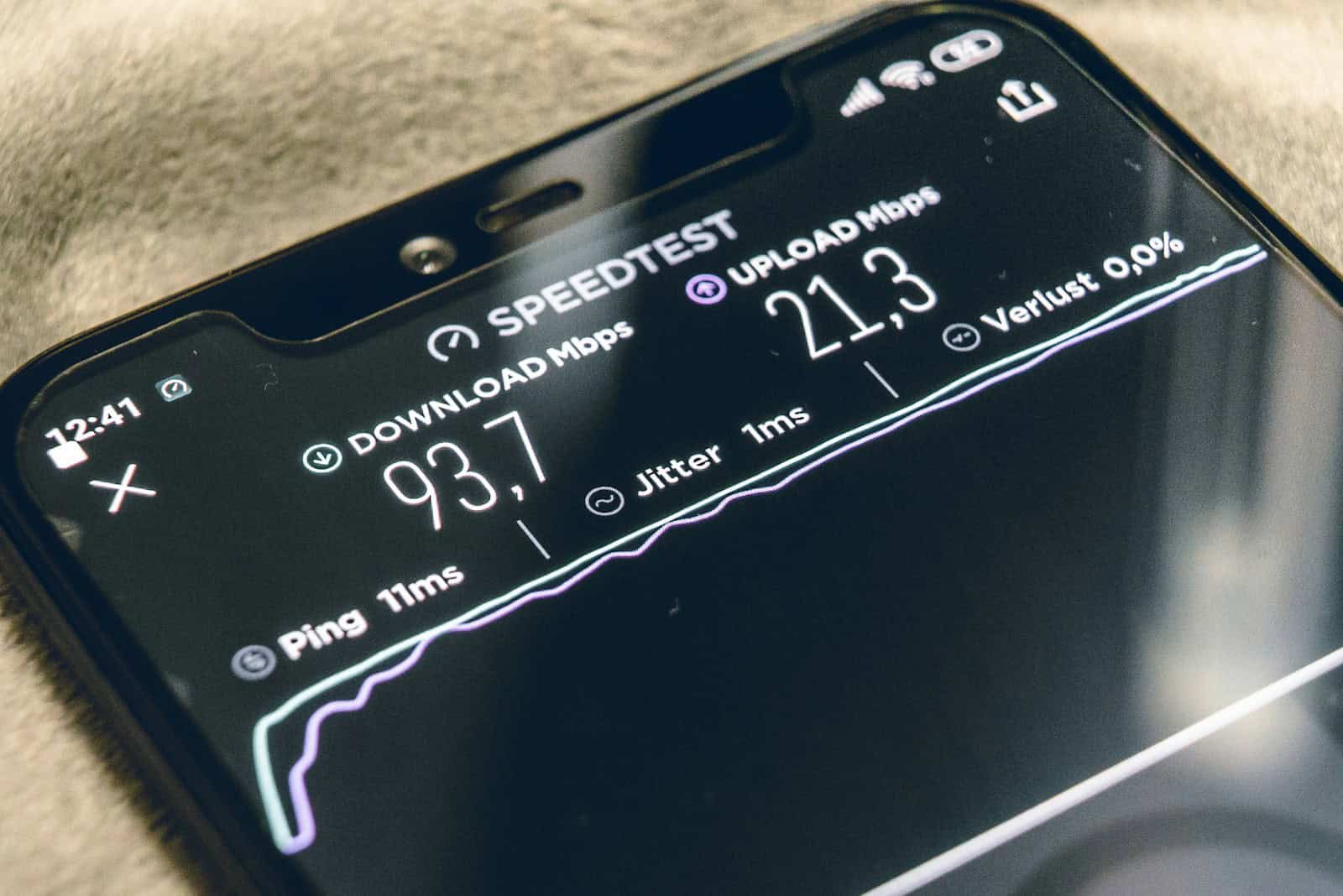
Measuring internet speed is vital to understanding the quality of your broadband service. TalkTalk provides a speed test tool for its customers to assess the performance of their internet connection. This is a simple yet effective way for users to measure their throughput speed, which is the rate at which data is transferred from the internet to their device. Broadband speed is typically measured in Megabits per second, with higher numbers indicating faster connections.
Knowing how quickly data can be transferred over your Wi-Fi is important for optimizing your online experience. Whether you are streaming videos, playing games, or simply browsing the web, the speed of your internet connection can greatly affect how efficiently you can accomplish those tasks. TalkTalk’s speed test enables users to check their download and upload speeds, as well as latency and jitter, which can affect the stability of the connection.
Overview
Running a TalkTalk speed test helps you measure how fast your internet connection is performing. It shows your download, upload, and ping (latency) speeds — key factors that determine how smoothly you can stream, browse, or game online.
You can run an official speed test directly via TalkTalk’s website:
👉 TalkTalk Broadband Speed Test
⚙️ Step-by-Step: How to Run a TalkTalk Speed Test
- Connect your device directly to your router
- For the most accurate results, use a wired Ethernet connection instead of Wi-Fi.
- If testing over Wi-Fi, make sure you’re close to your router and minimize interference (e.g., other devices or walls).
- Close background apps
- Pause downloads, streaming, or updates on all connected devices.
- This ensures the test measures your true broadband speed.
- Go to the official TalkTalk speed test page
- Run the test
- Click Start Test.
- The test will automatically measure your download speed, upload speed, and ping.
- Review your results
- Download speed (Mbps): How fast you can receive data (important for streaming, browsing, etc.).
- Upload speed (Mbps): How fast you can send data (important for video calls, file uploads, etc.).
- Ping (ms): The time it takes for data to travel to a server and back (lower is better for gaming or real-time apps).
📊 Understanding Your Results
| Metric | Description | What’s Considered Good |
|---|---|---|
| Download Speed | Speed of receiving data | 50+ Mbps for most households |
| Upload Speed | Speed of sending data | 10+ Mbps for HD video calls |
| Ping (Latency) | Delay between sending & receiving data | Under 50 ms is ideal |
(Source: TalkTalk Help Centre – Run a broadband speed test)
🧩 Troubleshooting Slow Speeds
If your speed test results are lower than expected, try these steps:
- Restart your router – Unplug it for 30 seconds and plug it back in.
- Check cables and sockets – Ensure all connections are secure.
- Test at different times – Peak hours can cause slower speeds.
- Update your router firmware – Check TalkTalk’s support page for updates.
- Use TalkTalk’s connection checker – Run diagnostics via Check my connection or speed.
- Contact TalkTalk Support – If problems persist, TalkTalk can test your line remotely.
(Source: Fix slow broadband speeds – TalkTalk Help & Support)
💡 Tips for Better Speed
- Use a modern router (e.g., Wi-Fi 6 compatible).
- Keep your router in a central, elevated location.
- Limit the number of connected devices.
- Consider Full Fibre broadband for faster, more stable speeds — you can test it here: Test your Full Fibre connection.
✅ Summary
| Step | Action |
|---|---|
| 1 | Connect via Ethernet or close to the router |
| 2 | Visit TalkTalk Speed Test |
| 3 | Run the test |
| 4 | Review results |
| 5 | Troubleshoot if speeds are low |
Key Takeaways
- TalkTalk offers a speed test to measure internet performance.
- Broadband speed defines how fast data is transferred.
- A speed test helps improve your online experience.
Understanding Speed Tests and Connectivity
This section delves into the essentials of internet speed and the various factors that can shape your online experience.
Fundamentals of Internet Speed
Internet speed measures how much data your connection can handle in a set time. We talk about this in terms like Megabits per Second (Mbps). A higher Mbps means you can do things like streaming, gaming, or working from home more smoothly.
How to Perform a TalkTalk Speed Test
A TalkTalk speed test checks your connection’s status quickly. To start, connect your device to your TalkTalk broadband, go to the speed test page, and click to test. Within moments, you’ll see your speed in Mbps for both downloading and uploading.
Factors Influencing Connection Performance
Many things can affect your internet speed. Things like how many devices are connected, the time of day, and the strength of your Wi-Fi signal all play a part. Even the type of cables you use, like Ethernet, can change your speed.
Optimizing Your Home Network Setup
To get the best speed, you need a good setup at home. Check your router position for the best signal and reduce interference. Also, make sure no old equipment slows you down. If needed, use an Ethernet cable for a stable connection.





