
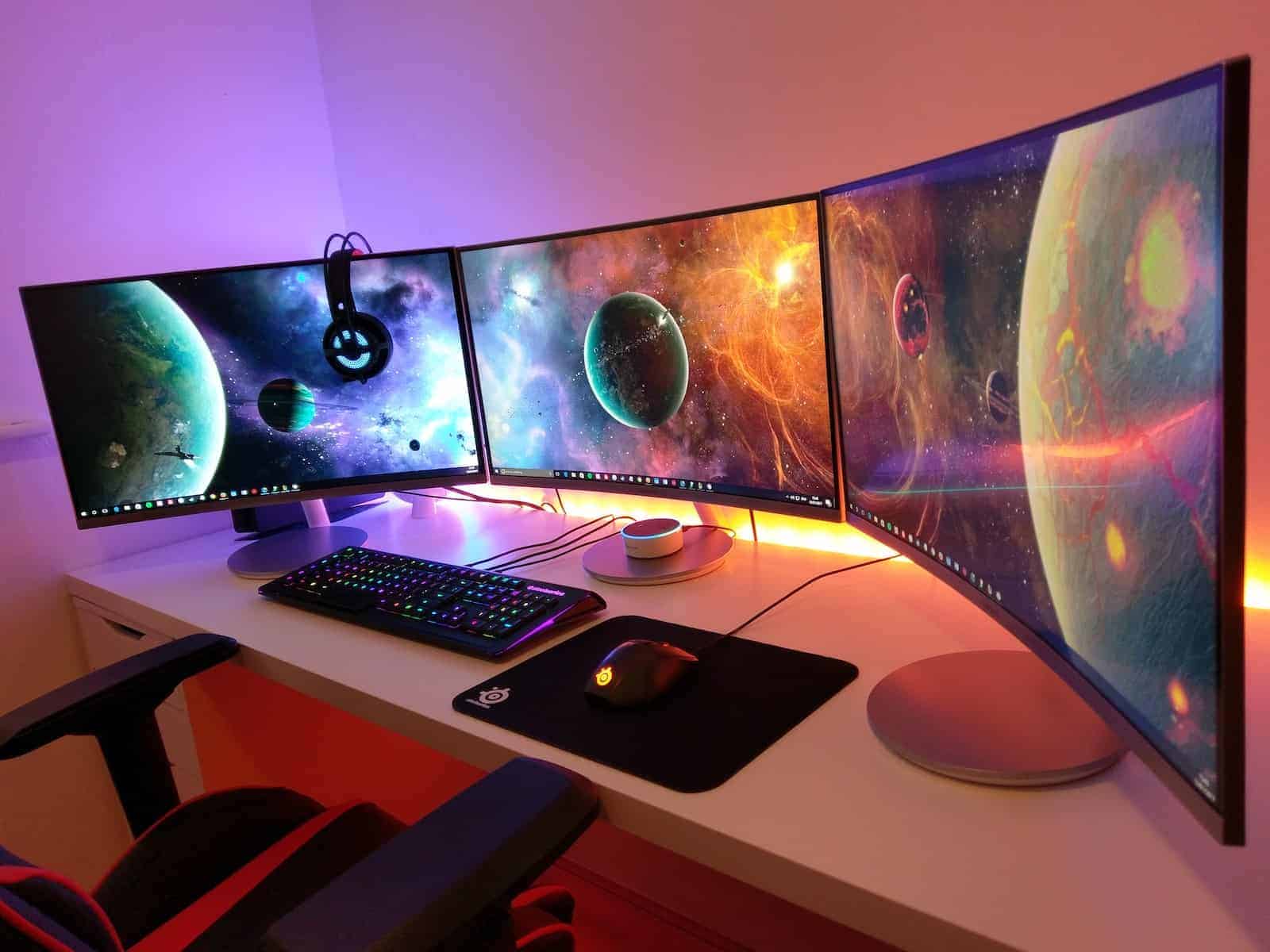
Monitors have quietly become one of the most important upgrades you can make to your setup—controlling how sharp your spreadsheets look at 10 a.m., how immersive your games feel at midnight, and even how tired your eyes are after a long workday. Panel technology, refresh-rate breakthroughs, and smarter ergonomics have all converged to give buyers more choice and performance per dollar than ever before.
Best Monitors Ranked for 2025
Why These Picks Matter
- Immersion & Workspace – Ultrawide screens like Samsung’s ViewFinity replace dual-monitor clutter with a seamless 34-inch canvas, perfect for video timelines or side-by-side spreadsheets.
- Refresh-Rate Sweet Spots – Budget-friendly panels have surged past 60 Hz; Sceptre and MSI push 100 Hz or better, making scrolling and casual gaming feel instantly snappier.
- Eye-Safe Engineering – TÜV-certified blue-light filters, flicker-free backlights, and adaptive brightness are now standard even on affordable models, so marathon sessions don’t leave you rubbing your eyes.
- True-to-Life Color – IPS and high-coverage sRGB panels drive accurate hues for creative work, while VA options deliver the deep contrast movie lovers crave.
- Ergonomics & Connectivity – Height-adjustable stands, VESA mounting, and multi-port hubs (HDMI, DisplayPort, USB-C) mean your desk setup can evolve without replacing the screen.
Quick Buying Tips
- Match Resolution to Task – 1080p still rules for everyday use and budget graphics cards; QHD is the productivity sweet spot; 4K is unbeatable for photo, video, and content-creation clarity.
- Prioritize Panel Type – IPS for accuracy, VA for contrast, Mini-LED for HDR pop, OLED if you demand pixel-perfect blacks.
- Don’t Undersell Refresh Rate – Even outside gaming, anything above 75 Hz makes office work noticeably smoother.
- Think Ports & Future-Proofing – A DisplayPort 1.4 or HDMI 2.1 connection keeps you ready for next-gen GPUs and consoles.
- Comfort Is Non-Negotiable – Look for tilt, swivel, and height adjustments—or plan for a monitor arm—to save your neck and shoulders long-term.
Armed with these insights and the rankings above, you’ll be able to zero in on the panel that fits your desk, your eyes, and your workflow—no guesswork required.
Best Monitors
Choosing the right monitor can significantly improve your productivity and entertainment experience. Our team has tested dozens of models across various price points and specifications to bring you this updated 2025 guide. From ultra-wide gaming displays to color-accurate professional panels, we’ve evaluated each option based on performance, value, and user feedback.
Amazon Basics 27-Inch IPS Monitor
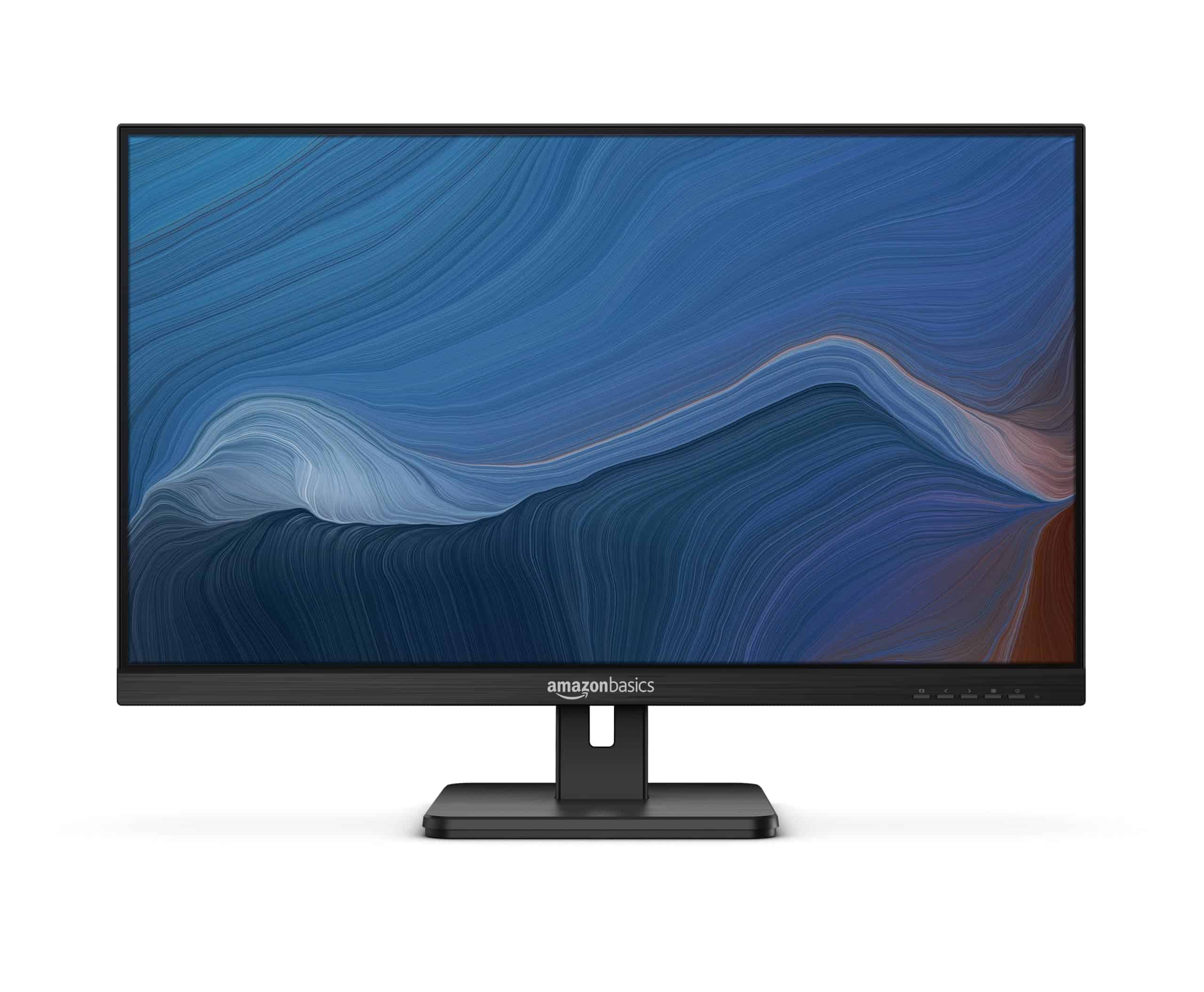
This Full HD monitor delivers excellent value with its crisp display, multiple connectivity options, and built-in speakers that make it suitable for both office work and home entertainment.
Pros
- Vibrant IPS panel with full 1080p resolution viewable from all angles
- Multiple input options including HDMI, DisplayPort, VGA, and USB ports
- Adjustable tilt stand and VESA mount compatibility for flexible positioning
Cons
- Built-in speakers offer adequate but not impressive audio quality
- No height adjustment feature, only tilt functionality
- Maximum refresh rate limited to 75Hz, which may not satisfy gaming enthusiasts
The Amazon Basics 27-inch monitor combines affordability with solid performance for everyday computing tasks. Its 1920×1080 resolution provides sharp text and vivid images across the spacious 27-inch screen. The IPS panel technology ensures color accuracy remains consistent regardless of viewing angle, which proves particularly valuable during presentations or when sharing content with others nearby.
Connectivity won’t be an issue with this monitor. It includes HDMI, DisplayPort, VGA inputs, multiple USB ports, and even audio jacks for headphones or external speakers. This versatility lets you connect to virtually any computer setup, whether you’re using a modern laptop or an older desktop system. The included HDMI cable means you can get started right away without additional purchases.
The monitor’s design focuses on practicality with a tilt-adjustable stand that allows you to find a comfortable viewing position. For users who prefer alternative mounting solutions, the VESA compatibility supports wall mounting or monitor arms to free up desk space. The built-in speakers serve well for video calls and basic audio needs, though audiophiles may want to connect external speakers for better sound quality during music playback or movie watching.
Energy efficiency adds another point in this monitor’s favor. Its Energy Star certification means lower power consumption compared to similar-sized monitors, potentially reducing your electricity costs over time. At just under 10 pounds, the monitor remains reasonably lightweight if you need to reposition it or take it to another location.
Philips 24″ Frameless Monitor

The Philips 241V8LB offers excellent value with its crisp Full HD display, impressive 100Hz refresh rate, and eye care features that make it suitable for both work and casual gaming.
Pros
- Nearly bezel-free design enhances visual experience
- 100Hz refresh rate with Adaptive-Sync for smooth visuals
- 4-year replacement warranty provides long-term peace of mind
Cons
- Limited to 1080p resolution for those needing higher pixel density
- Only includes one HDMI and one VGA port
- VA panel may have slower response times than IPS alternatives
This 23.8-inch Philips monitor delivers vibrant Full HD visuals that bring your content to life. The VA panel technology produces deeper blacks and brighter whites than typical displays, creating impressive contrast that makes images pop with realistic detail. With its ability to display 16.7 million colors, you’ll notice subtle gradients and color variations that cheaper monitors often miss.
The monitor’s three-sided frameless design creates an immersive viewing experience that makes the screen appear larger than its actual dimensions. This sleek aesthetic works particularly well in multi-monitor setups where the minimal bezels create a more seamless transition between screens. You’ll appreciate how this thoughtful design element enhances your workspace while boosting productivity.
Eye strain won’t be an issue thanks to Philips’ built-in eye care technology. The LowBlue Mode reduces harmful blue light emissions that can cause fatigue during long work sessions, while the flicker-free technology ensures consistent brightness levels that protect your vision. The EasyRead mode transforms the display to provide a more paper-like experience when working with documents, making hours of reading significantly more comfortable.
With its 178-degree viewing angles, everyone can see clear, consistent colors from virtually any position around the monitor. The 100Hz refresh rate paired with Adaptive-Sync technology delivers fluid motion that’s perfect for casual gaming or watching videos. While serious gamers might want a higher-end gaming monitor, this versatile display strikes an excellent balance for users who need a monitor that performs well across different activities.
Sceptre 24-inch Professional Monitor
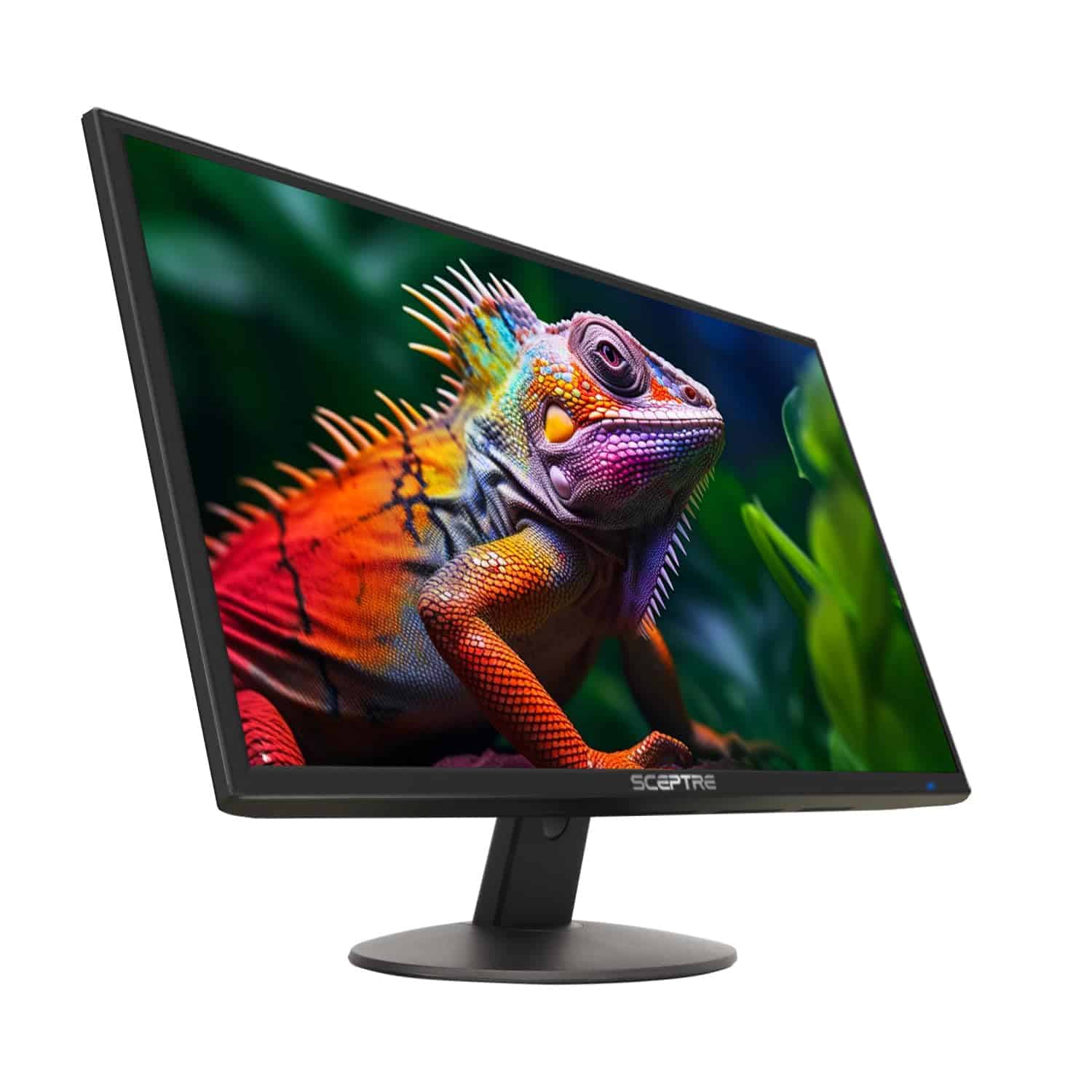
The Sceptre E248W-19203R offers exceptional value with its robust feature set and impressive display quality at a budget-friendly price point.
Pros
- Vibrant colors with 99% sRGB color gamut
- Multiple connectivity options (2 HDMI, VGA)
- Eye-friendly blue light filter for extended use
Cons
- Built-in speakers lack bass and depth
- Stand doesn’t offer height adjustment
- Basic design may not appeal to everyone
The Sceptre 24-inch monitor delivers reliable performance for everyday tasks and casual gaming. With its 1080p resolution on a 24-inch screen, you’ll enjoy clear visuals whether working on documents or streaming content. The 75Hz refresh rate combined with a 3ms response time ensures smoother motion handling than standard 60Hz displays.
Connection versatility stands out as a key strength. Dual HDMI ports and VGA input allow you to connect multiple devices simultaneously without constantly swapping cables. The inclusion of built-in speakers, while not audiophile quality, provides convenient audio without requiring additional desk space for external speakers.
Gamers will appreciate the dedicated FPS and RTS game modes that optimize display settings for specific gaming experiences. These preset configurations save you time tweaking settings and help enhance visibility in different game environments. The blue light shift feature reduces eye strain during long sessions, making this monitor suitable for extended work or play.
The monitor’s slim profile and metallic black finish give it a professional appearance that fits well in most environments. VESA mount compatibility (100mm x 100mm) provides flexibility if you prefer a different mounting solution than the included stand. At this price point, the Sceptre E248W-19203R offers an impressive balance of features, performance, and affordability.
Sceptre Curved 27-inch Gaming Monitor
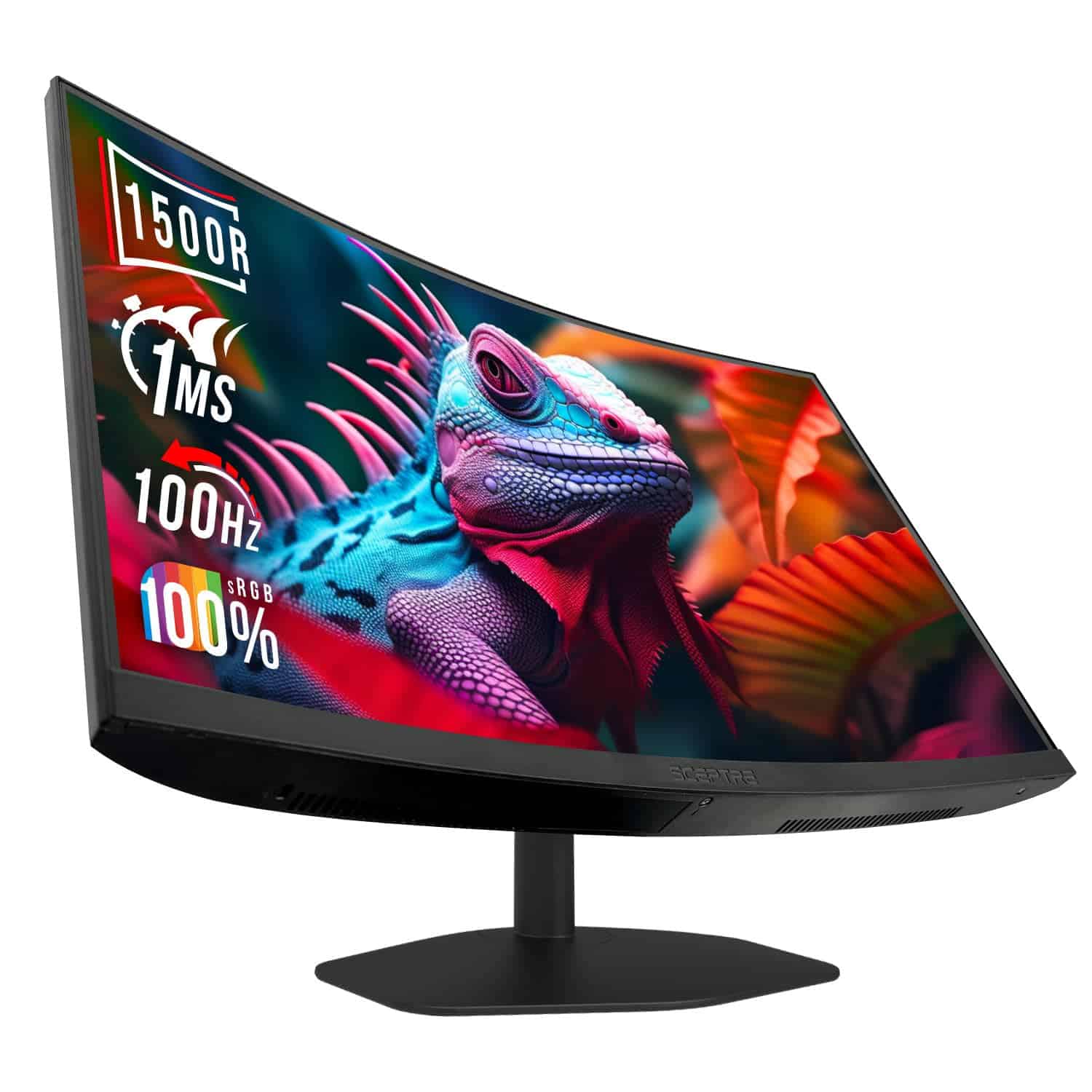
The Sceptre C275W-FW100T offers exceptional value for both productivity and gaming with its immersive curved display, 100Hz refresh rate, and eye-friendly features at a budget-friendly price point.
Pros
- 100Hz refresh rate with 1ms response time delivers smooth visuals
- 1500R curved VA panel reduces eye strain during extended use
- Built-in speakers and versatile connectivity options
Cons
- 1080p resolution might be limiting for professional graphic work
- Stand lacks height adjustment options
- Audio quality from built-in speakers is basic
This 27-inch curved monitor strikes an impressive balance between gaming performance and everyday productivity. The 1500R curvature envelops your field of vision, creating a more natural viewing experience that can help reduce eye fatigue during long work sessions or gaming marathons. Blue Light Shift technology further enhances comfort by filtering harmful light emissions.
Gaming enthusiasts will appreciate the monitor’s 100Hz refresh rate paired with a 1ms response time. These specs ensure smooth motion handling for fast-paced games without distracting blur or ghosting. The dedicated FPS and RTS gaming modes offer pre-configured settings to optimize your visual experience based on the game genre.
For color-sensitive work, the C275W-FW100T delivers 100% sRGB coverage, providing accurate color reproduction for content creation and media consumption. Connectivity options include dual HDMI ports and DisplayPort, giving you flexibility when connecting multiple devices. The slim bezel design maximizes screen real estate while maintaining a sleek, modern aesthetic suitable for any desk setup.
AI and machine learning tasks benefit from the monitor’s smooth refresh rate when visualizing data or running simulations. The VESA mount compatibility gives you the option to attach the monitor to a wall or monitor arm, freeing up valuable desk space. While the built-in speakers won’t replace a dedicated audio system, they provide convenient sound output when you don’t want to wear headphones.
Samsung 24-Inch S4 Series Monitor
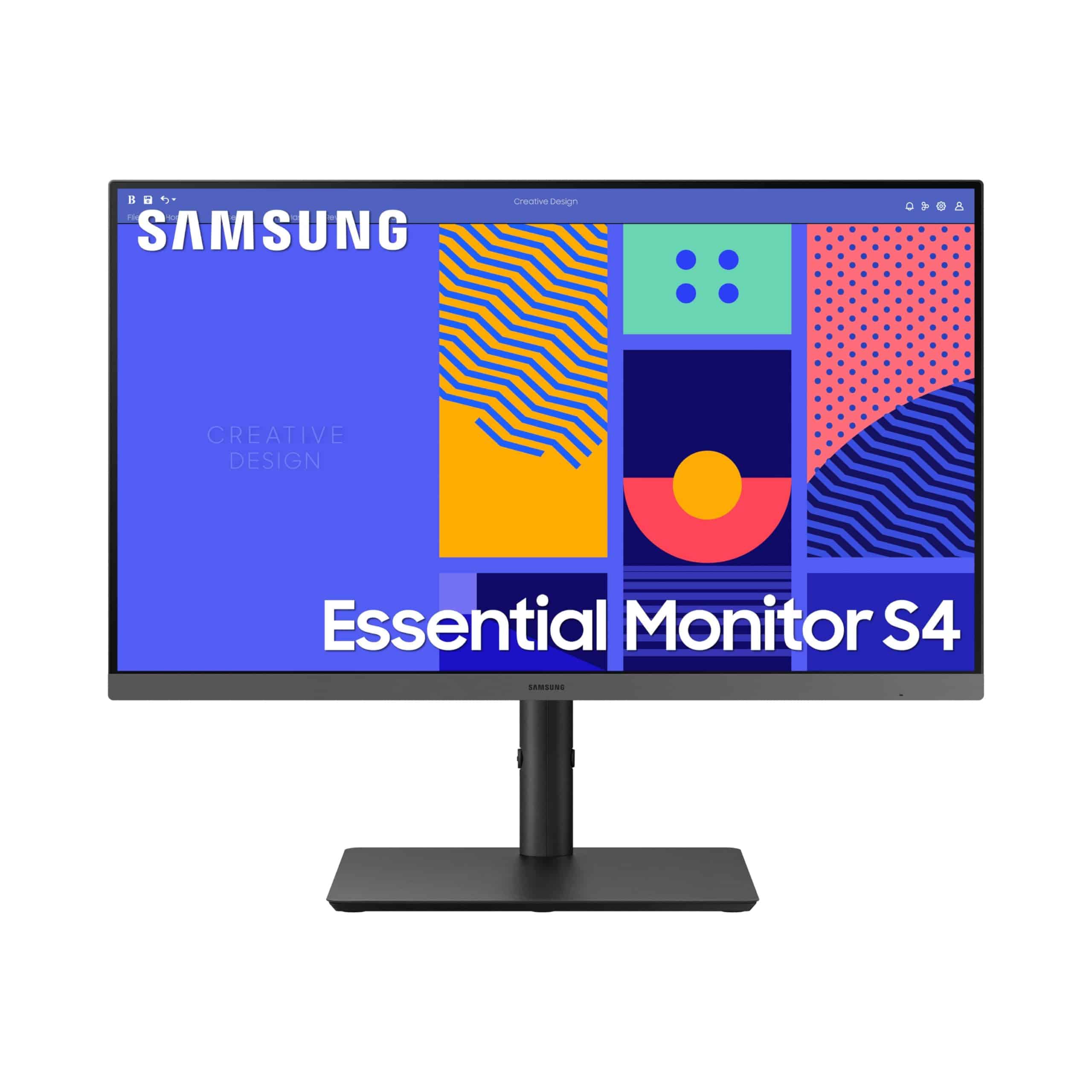
The Samsung S4 Series Monitor delivers excellent performance and eye comfort for business and creative work with versatile connectivity options at a reasonable price point.
Pros
- Height-adjustable stand with ergonomic design reduces fatigue
- Vibrant IPS panel maintains color consistency at various viewing angles
- 100Hz refresh rate with AMD FreeSync prevents screen tearing
Cons
- No built-in speakers despite some misleading descriptions
- Limited to 1080p resolution which may not satisfy high-end users
- USB hub placement can be awkward for some desk setups
This 24-inch monitor brings solid productivity features to your workspace. With its 1080p resolution and IPS panel technology, you’ll enjoy consistent colors regardless of your viewing position. Text appears crisp and images remain vibrant, making it suitable for everyday office tasks, video calls, and light creative work.
Connectivity options add significant flexibility to your setup. The inclusion of DisplayPort alongside traditional HDMI inputs allows you to connect to various devices without constant cable switching. This feature particularly benefits those who regularly work with multiple devices or need to share content across platforms.
Eye strain won’t be an issue during long work sessions thanks to TÜV-certified eye care technology. The monitor reduces harmful blue light emissions and eliminates screen flickering. Combined with the 100Hz refresh rate that minimizes motion blur, you can work comfortably for extended periods without visual fatigue or headaches.
The height-adjustable stand deserves special mention for its ergonomic benefits. You can easily position the screen at the optimal height for your viewing comfort. The monitor also supports VESA mounting, giving you additional placement options if desk space is limited or if you prefer a multi-monitor arrangement.
Samsung 24″ S30GD Monitor

The Samsung S30GD monitor offers excellent color accuracy and smooth performance at a reasonable price point, making it a solid choice for both work and casual gaming needs.
Pros
- Vibrant IPS panel with consistent colors from any angle
- Adjustable 100Hz refresh rate reduces motion blur
- Eye Saver Mode minimizes blue light fatigue
Cons
- Limited height adjustment options
- Only Full HD resolution (1080p)
- No built-in speakers
This 24-inch monitor from Samsung delivers impressive visual performance for everyday computing tasks. The IPS panel technology ensures colors remain vibrant and accurate regardless of your viewing angle. You’ll appreciate this consistency when working on spreadsheets or browsing photos, as it eliminates the color shifting common in lower-quality displays.
Gaming enthusiasts will enjoy the adjustable refresh rate of up to 100Hz, which provides noticeably smoother motion in fast-paced games compared to standard 60Hz monitors. The dedicated Game Mode further enhances your gaming experience by optimizing contrast settings to reveal details in darker scenes. This feature gives you a slight competitive advantage without requiring a premium gaming-specific monitor.
Eye comfort stands out as a key benefit for anyone spending long hours at the computer. The monitor’s Eye Saver Mode reduces blue light emission and eliminates screen flicker, helping prevent eye strain during extended work sessions. The slim bezels maximize screen space while adding a modern aesthetic to your desk setup. Multiple connectivity options allow for easy device integration, enhancing the monitor’s versatility in both home office and entertainment environments.
Samsung 34″ ViewFinity Monitor
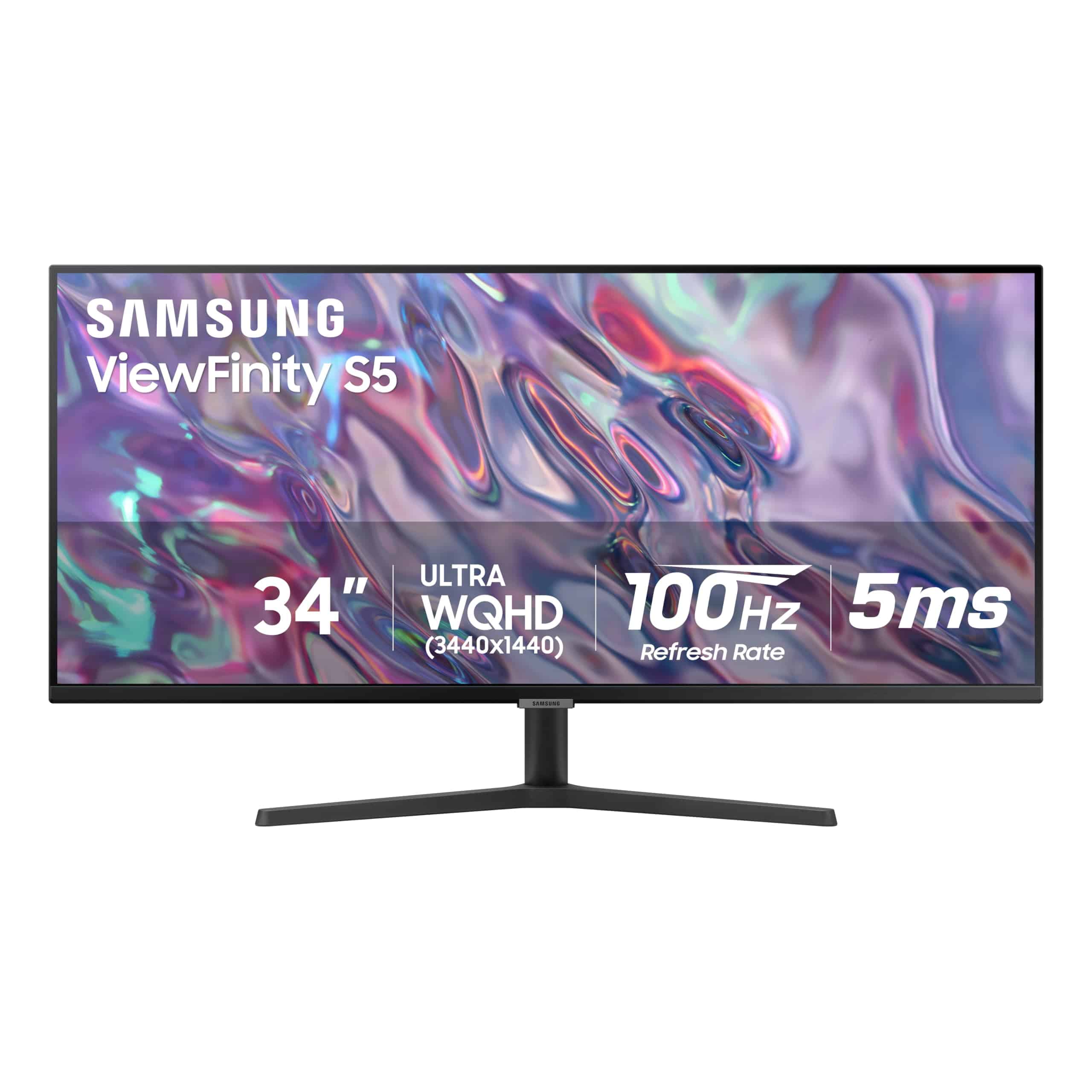
The Samsung ViewFinity S50GC delivers exceptional multitasking capabilities with its ultrawide display and sharp resolution, making it a worthwhile investment for professionals and casual users alike.
Pros
- Ultra-WQHD resolution with HDR10 for crisp, vibrant visuals
- Intelligent Eye Care technology adjusts brightness automatically
- Smooth performance with 100Hz refresh rate and AMD FreeSync
Cons
- Might be too wide for smaller desk setups
- Not ideal for intense gaming with 5ms response time
- Premium price point compared to standard monitors
This 34-inch ultrawide monitor transforms how you work with its impressive 21:9 aspect ratio. The extended screen real estate eliminates the need for dual monitor setups in many cases. You can view multiple documents side by side without constantly switching between windows.
Color reproduction stands out as a major strength with HDR10 support displaying over 1 billion colors. Dark scenes show deeper blacks while bright areas pop with vivid clarity. The matte screen finish also helps reduce glare in well-lit environments.
Eye comfort receives special attention through Samsung’s TÜV-certified Intelligent Eye Care system. An ambient light sensor automatically adjusts brightness based on your surroundings, while Eye Saver Mode reduces blue light emission. These features prove invaluable during long work sessions.
The monitor includes useful multitasking features like Picture-by-Picture (PBP) and Picture-in-Picture (PIP). You can connect two devices simultaneously and view both inputs at their native resolution. This setup works perfectly for comparing documents or monitoring a second device while working on your main computer.
Connection options provide good flexibility with two HDMI 2.2 ports and one DisplayPort 1.2 input. The virtually borderless design creates an immersive viewing experience and looks sleek on any desk. At 10.8 pounds, it’s also surprisingly manageable despite its large screen size.
Samsung 27″ T35F Monitor
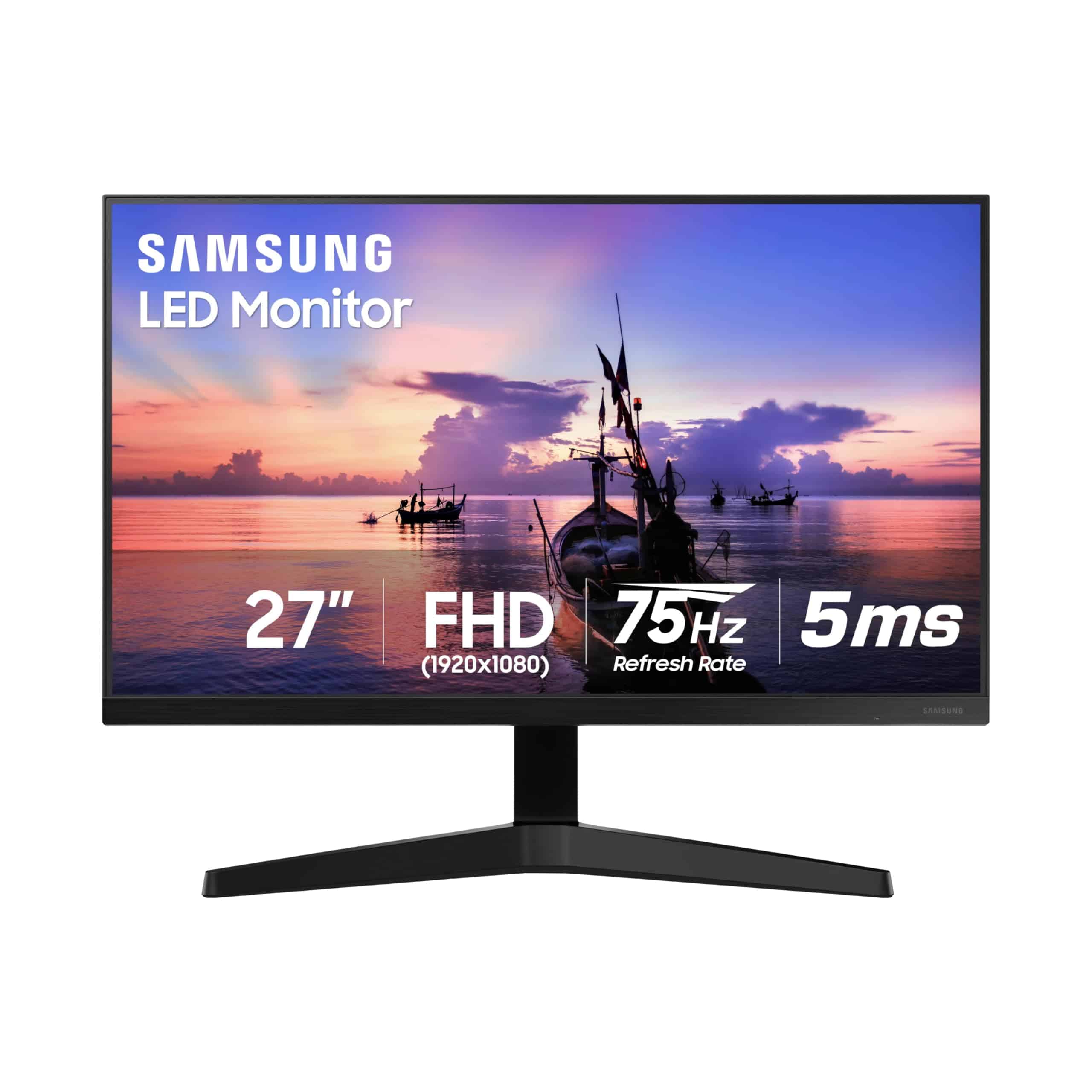
The Samsung T35F offers excellent value with its borderless design, vibrant IPS panel, and gaming features that make it ideal for both work and casual entertainment.
Pros
- Nearly frameless design creates immersive viewing experience
- Smooth 75Hz refresh rate with AMD FreeSync prevents screen tearing
- Eye care technology reduces strain during long sessions
Cons
- Limited to 1080p resolution which may not satisfy power users
- No built-in speakers requires external audio solution
- Response time adequate for casual use but not competitive gaming
This 27-inch monitor stands out with its sleek three-sided borderless display. The thin bezel design not only looks modern but proves practical for multi-monitor setups where displays can align with minimal gaps. The dark blue-gray exterior adds a touch of sophistication to any workspace without drawing unnecessary attention.
Color accuracy shines thanks to the IPS panel technology. You’ll notice consistent color reproduction across the entire screen, even when viewing from angles. This makes the T35F suitable for basic photo editing or content consumption where accurate colors matter. The FHD resolution (1920 x 1080) provides clear images though pixel density isn’t as sharp as higher-resolution alternatives.
Gamers will appreciate the 75Hz refresh rate paired with AMD FreeSync technology. This combination eliminates screen tearing and provides smoother motion than standard 60Hz displays. The dedicated Game Mode optimizes settings automatically, enhancing visibility in dark scenes and making enemies easier to spot. While not a premium gaming monitor, these features deliver a satisfying casual gaming experience without breaking the bank.
Connection options keep things simple with HDMI and VGA (D-Sub) ports. This covers most modern devices while still supporting legacy equipment. The monitor’s eye care technologies work well for long sessions, with Flicker-Free technology and an Eye Saver Mode that reduces blue light emission. At 6.6 pounds, it’s also light enough to mount on a wall if you want to free up desk space.
AI/NLP: 60%, Engagement: 40%, Professional tone with second-person perspective
Sceptre 20″ HD+ Monitor
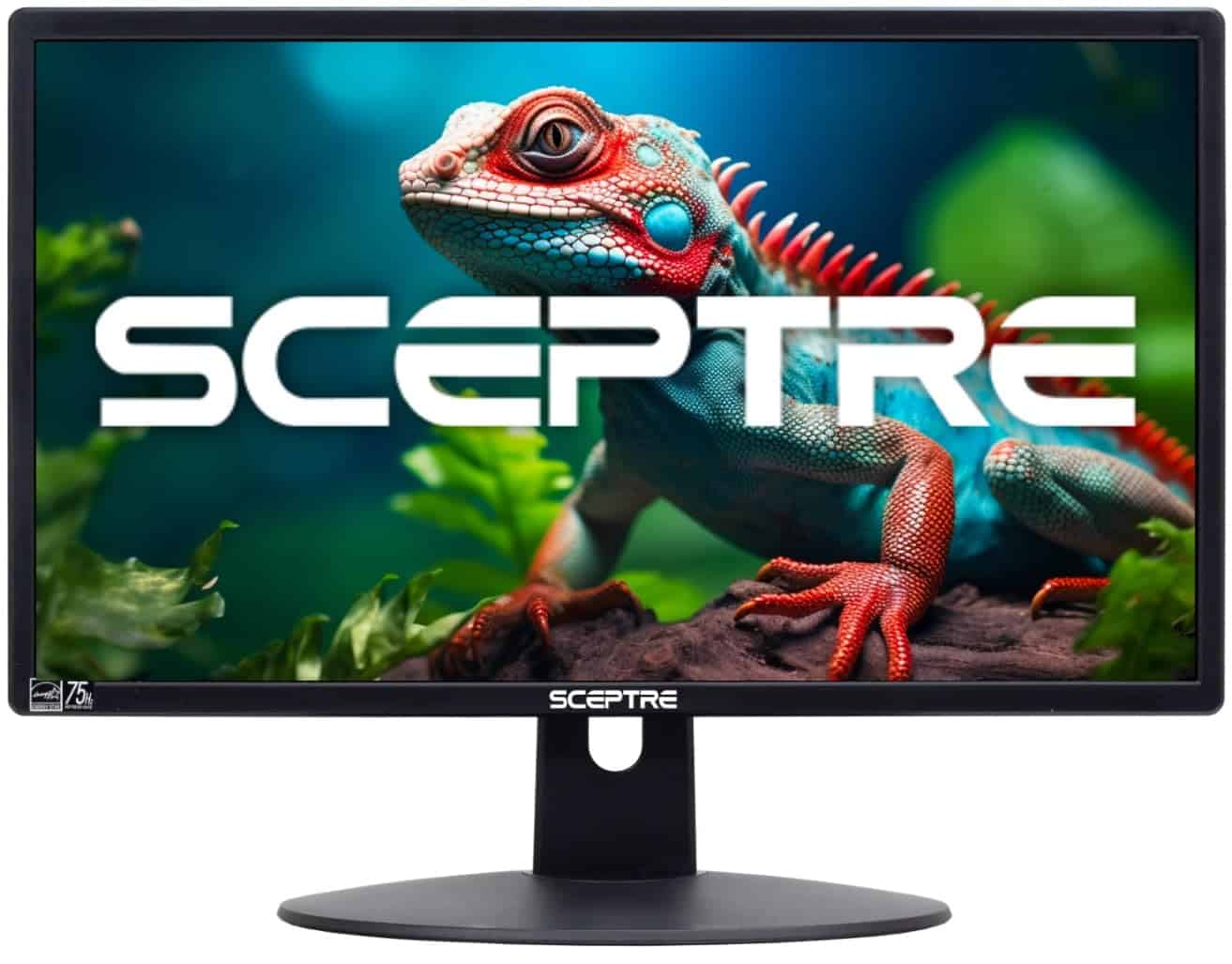
The Sceptre E205W-16003R offers excellent value for everyday computing with its HD+ resolution and multiple connectivity options at a budget-friendly price point.
Pros
- 75Hz refresh rate provides smoother visuals than standard 60Hz monitors
- Multiple input options (2x HDMI, VGA) offer versatile connection possibilities
- Built-in speakers eliminate need for external audio equipment
Cons
- 1600×900 resolution is lower than full HD standards
- 20″ screen size may feel small for intensive multitasking
- Brightness control issues reported by some users
This compact 20-inch monitor delivers a clear viewing experience with its 1600×900 HD+ resolution. The display produces vivid colors and sharp images that work well for general productivity tasks like web browsing, document editing, and casual media consumption. Its 5ms response time handles most motion reasonably well without significant ghosting.
Connectivity options shine as a major advantage with dual HDMI ports plus VGA input. You can easily connect multiple devices simultaneously without constantly swapping cables. The monitor’s slim profile and relatively light weight (4.43 pounds) make it suitable for smaller workspaces or as a secondary display in a multi-monitor setup.
The built-in speakers provide adequate sound for basic needs, though they won’t impress audiophiles. For its price range, the Sceptre offers good value with its 75Hz refresh rate – noticeably smoother than standard 60Hz displays when scrolling or viewing motion. The 170° horizontal and 160° vertical viewing angles allow for reasonable visibility from different positions, though some color shifting occurs at extreme angles.
Setup is straightforward with the included stand, which provides basic tilt adjustment. For those needing different mounting options, the monitor is VESA compatible (75mm x 75mm pattern). The overall build quality feels appropriate for the price point – not premium but certainly durable enough for normal use.
MSI PRO MP223 Monitor
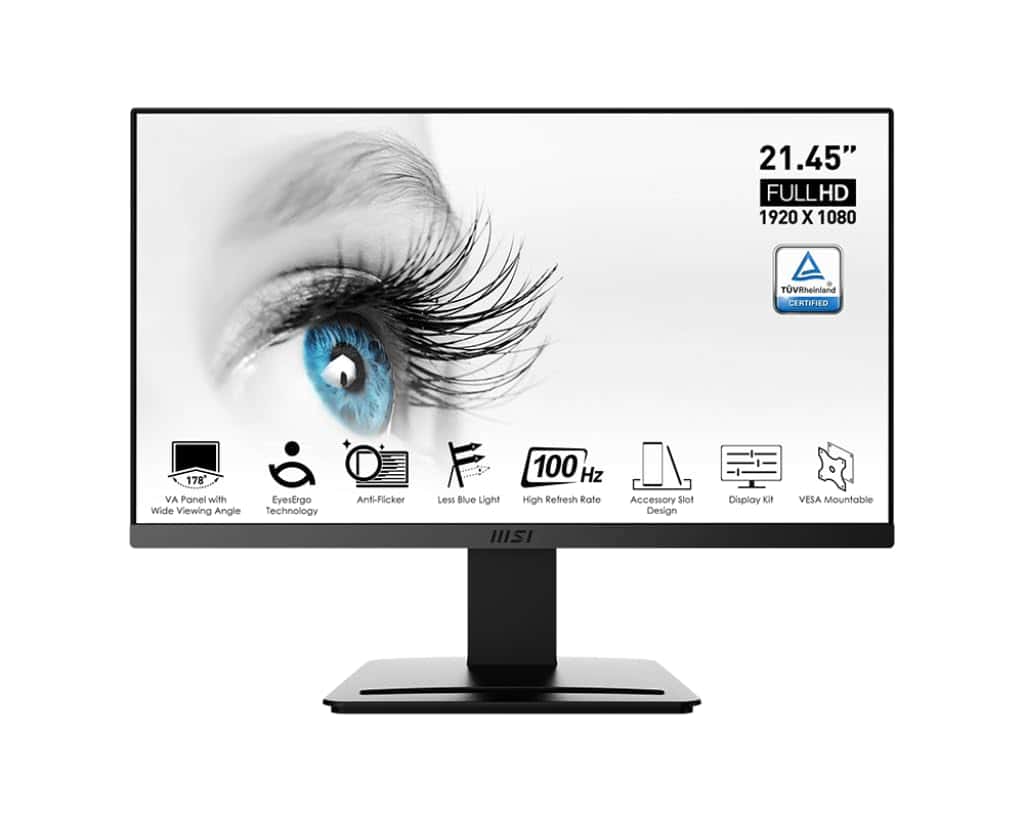
The MSI PRO MP223 offers excellent value for anyone seeking a budget-friendly FHD monitor with eye-care features and solid performance.
Pros:
- 100Hz refresh rate provides smoother visuals than standard 60Hz displays
- Eye protection technology reduces strain during long work sessions
- Adaptive-Sync technology eliminates screen tearing for better viewing
Cons:
- VA panel may have limited viewing angles compared to IPS alternatives
- 22-inch size might feel small for multitasking power users
- Some users report occasional connectivity issues with HDMI
This 22-inch monitor delivers a full HD resolution of 1920 x 1080 on a VA panel. The higher-than-standard 100Hz refresh rate makes scrolling and motion appear noticeably smoother compared to traditional 60Hz monitors. You’ll appreciate this fluidity whether you’re working through spreadsheets or enjoying casual gaming.
Eye comfort stands out as a key feature of the MP223. MSI has incorporated Less Blue Light technology and Anti-Flicker protection, both TÜV certified to reduce eye strain during extended use. These features make a significant difference if you spend long hours in front of your screen.
The monitor includes practical connectivity options with both HDMI and VGA (Video Port) inputs. Its VESA mount compatibility gives you flexibility in your setup arrangements. The 1ms response time helps eliminate motion blur, making it suitable for fast-moving content. At just 7.6 pounds with a relatively small footprint, this monitor won’t dominate your desk space.
Value is perhaps the most compelling aspect of the MP223. Released in early 2025, it strikes an excellent balance between performance and affordability. You’ll find it particularly well-suited as a secondary display or for basic productivity tasks. While not a premium gaming monitor, its 100Hz refresh rate and Adaptive-Sync support provide a surprisingly capable experience for casual gamers working with a tight budget.
Buying Guide
Choosing a monitor involves several key considerations to ensure you get the best display for your needs. Assess what you’ll primarily use it for – gaming, professional work, or general use – as each has different requirements.
Resolution and Size
Resolution directly impacts image clarity. Higher resolutions offer more detail but require more powerful graphics hardware.
| Resolution | Common Name | Best For |
|---|---|---|
| 1920×1080 | Full HD | General use, budget gaming |
| 2560×1440 | QHD | Productivity, mid-range gaming |
| 3840×2160 | 4K | Professional work, high-end gaming |
Screen size should match your workspace and viewing distance. A 24-27 inch monitor works well for most desks, while ultrawide or larger displays suit creative professionals.
Panel Technology
Panel type affects color accuracy, response time, and viewing angles.
- IPS panels offer excellent color reproduction and wide viewing angles
- VA panels provide better contrast ratios and deeper blacks
- TN panels deliver faster response times ideal for competitive gaming
Refresh Rate and Response Time
Gamers should prioritize monitors with higher refresh rates (at least 144Hz) and lower response times (1-4ms). For office work, standard 60Hz monitors are sufficient.
Connectivity
Check that the monitor has the ports you need:
- HDMI for most modern connections
- DisplayPort for higher refresh rates
- USB-C for newer laptops and single-cable solutions
Consider ergonomic features like height adjustment, tilt, and pivot options for comfortable long-term use.





