
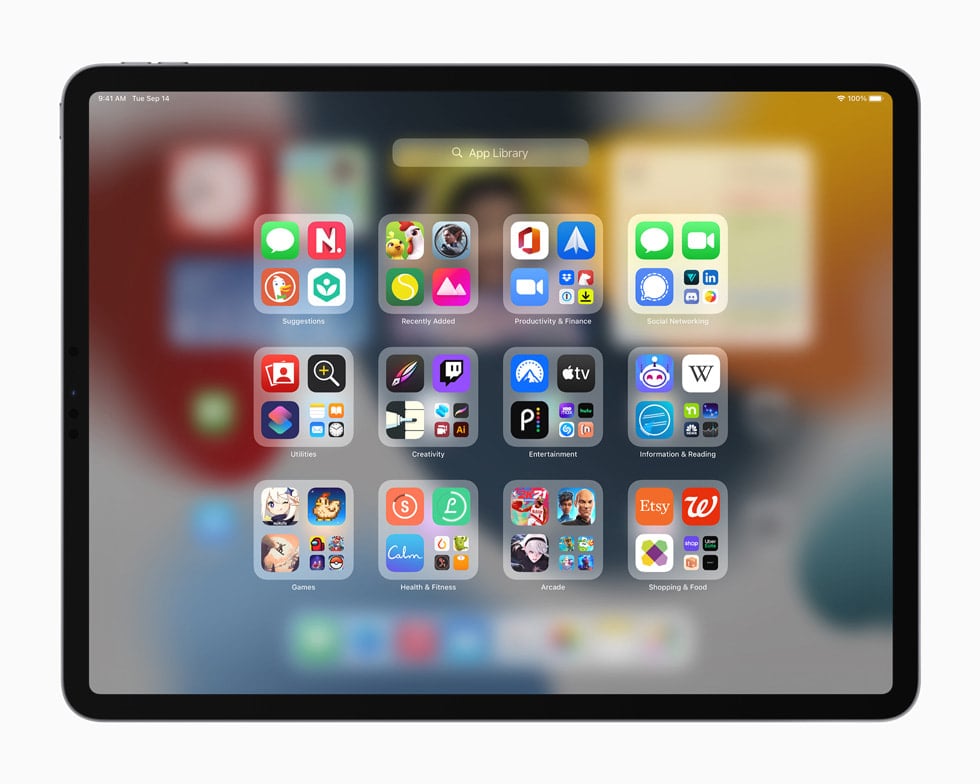
Apple has officially rolled out iPadOS 15.8.5, a maintenance update for iPads that are not supported by the latest iPadOS 16–26 generations. While you won’t find flashy new Apple Intelligence features here, this release is important for security, stability, and performance.
📌 Key Highlights of iPadOS 15.8.5
1. Security Fixes
- Apple confirmed that this update provides important security patches for vulnerabilities that could allow malicious apps or websites to execute code, access sensitive data, or compromise system integrity (source: Apple Support).
- Vulnerabilities patched include:
- WebKit exploits that could allow arbitrary code execution when processing malicious web content.
- Kernel-level fixes to prevent privilege escalation.
- Bluetooth and Wi-Fi security improvements to block potential unauthorized access.
👉 If your iPad is stuck on iPadOS 15, this update is essential to keep it safe online.
2. Bug Fixes and Stability Improvements
According to early testers:
- Battery management has been improved for older iPads, reducing unexpected drain.
- Safari performance is smoother, especially with media-heavy websites.
- Fixes for occasional crashes in Mail and Notes apps.
- Bluetooth accessory pairing is more reliable, especially with keyboards and styluses.
3. Performance Optimizations
- Apple has fine‑tuned background task handling, making older iPads feel slightly snappier.
- Some users report better multitasking stability when switching between apps.
4. Remaining Known Issues
- Some older iPads still experience sluggish animations compared to newer devices.
- A few users report occasional Wi-Fi drops on iPad Air 2 and iPad mini 4 models. Apple may address these in a future 15.8.x patch.
📱 Compatible Devices
iPadOS 15.8.5 is available for iPads that cannot upgrade to iPadOS 16 or later. This includes:
- iPad Air 2
- iPad mini 4
- iPad (5th generation)
- iPad Pro (2015 models)
If your iPad supports iPadOS 16 or later, you’ll be offered those updates instead.
🔧 How to Update to iPadOS 15.8.5
- Open Settings → General → Software Update.
- Tap Download and Install.
- Ensure your iPad is connected to Wi‑Fi and has at least 50% battery (or is plugged in).
- The update size is around 350–500 MB, depending on your device.
✅ Should You Update?
Yes. Even though iPadOS 15.8.5 doesn’t add new features, it’s highly recommended for:
- Security protection against the latest threats.
- Bug fixes that improve daily reliability.
- Better performance on aging hardware.
If your iPad is eligible, updating ensures you stay safe and keep your device running as smoothly as possible.
iPadOS 15.8.5 vs. iPadOS 26: What’s Different?
Apple released iPadOS 15.8.5 on September 15, 2025, as a security and stability update for older iPads, while iPadOS 26 is the cutting‑edge OS for supported models, packed with Apple Intelligence and new productivity features.
Here’s how they stack up:
🔒 Security & Stability
| Feature | iPadOS 15.8.5 | iPadOS 26 |
|---|---|---|
| Security patches | ✅ Latest WebKit, kernel, Wi‑Fi, and Bluetooth fixes | ✅ Latest security, plus real‑time threat detection with Apple Intelligence |
| Performance tuning | ✅ Minor optimizations for older hardware | ✅ Deep system‑level optimizations for M‑series chips |
| Bug fixes | ✅ Mail, Notes, Safari, battery improvements | ✅ Fixes + proactive AI‑driven diagnostics |
🧠 Intelligence & AI
| Feature | iPadOS 15.8.5 | iPadOS 26 |
|---|---|---|
| Apple Intelligence | ❌ Not available | ✅ On‑device AI for writing, image generation, and smart replies |
| Writing Tools | ❌ | ✅ AI rewrite, summarize, and proofread in Mail, Notes, Pages |
| Image Playground | ❌ | ✅ Generate images directly in apps |
| Siri | Basic voice assistant | ✅ Context‑aware Siri with generative AI |
📱 Multitasking & Productivity
| Feature | iPadOS 15.8.5 | iPadOS 26 |
|---|---|---|
| Split View & Slide Over | ✅ Supported | ✅ Enhanced with Stage Manager 2.0 |
| External display support | ❌ (limited mirroring) | ✅ Full multi‑display workflows |
| Quick Note | ✅ Available | ✅ Expanded with AI tagging & summarization |
| App Library & Widgets | ✅ Supported | ✅ Interactive widgets with live updates |
🎨 Creativity & Media
| Feature | iPadOS 15.8.5 | iPadOS 26 |
|---|---|---|
| Apple Pencil | ✅ Works with supported models | ✅ New Apple Pencil Pro gestures & AI sketch cleanup |
| Photos app | ✅ Memories, editing tools | ✅ AI‑powered search, object removal, smart albums |
| Video editing | Basic with iMovie | ✅ Pro‑level tools in Final Cut Pro for iPad (M‑series only) |
🌐 Connectivity & Ecosystem
| Feature | iPadOS 15.8.5 | iPadOS 26 |
|---|---|---|
| Universal Control | ❌ | ✅ Seamless across Mac, iPad, iPhone |
| Continuity Camera | ❌ | ✅ Use iPad as a wireless camera for Mac |
| iCloud features | ✅ Standard sync | ✅ Expanded with AI‑organized iCloud Drive |
| Vision Pro integration | ❌ | ✅ Deep integration with visionOS apps |
⚙️ Device Compatibility
- iPadOS 15.8.5: iPad Air 2, iPad mini 4, iPad (5th gen), iPad Pro (2015 models).
- iPadOS 26: iPads with A14 Bionic or newer, optimized for M1/M2/M4 iPads.
📝 Final Takeaway
- iPadOS 15.8.5 is about keeping older iPads safe and usable. It’s lightweight, stable, and ensures you can browse, email, and use essential apps without major risks.
- iPadOS 26 is about next‑generation productivity and creativity, powered by Apple Intelligence and designed for Apple’s latest hardware.
👉 If you’re on an older iPad, 15.8.5 is the end of the line for features — but you still get security. If you want the AI tools, Stage Manager 2.0, and Pro apps, you’ll need to upgrade to a newer iPad.





