
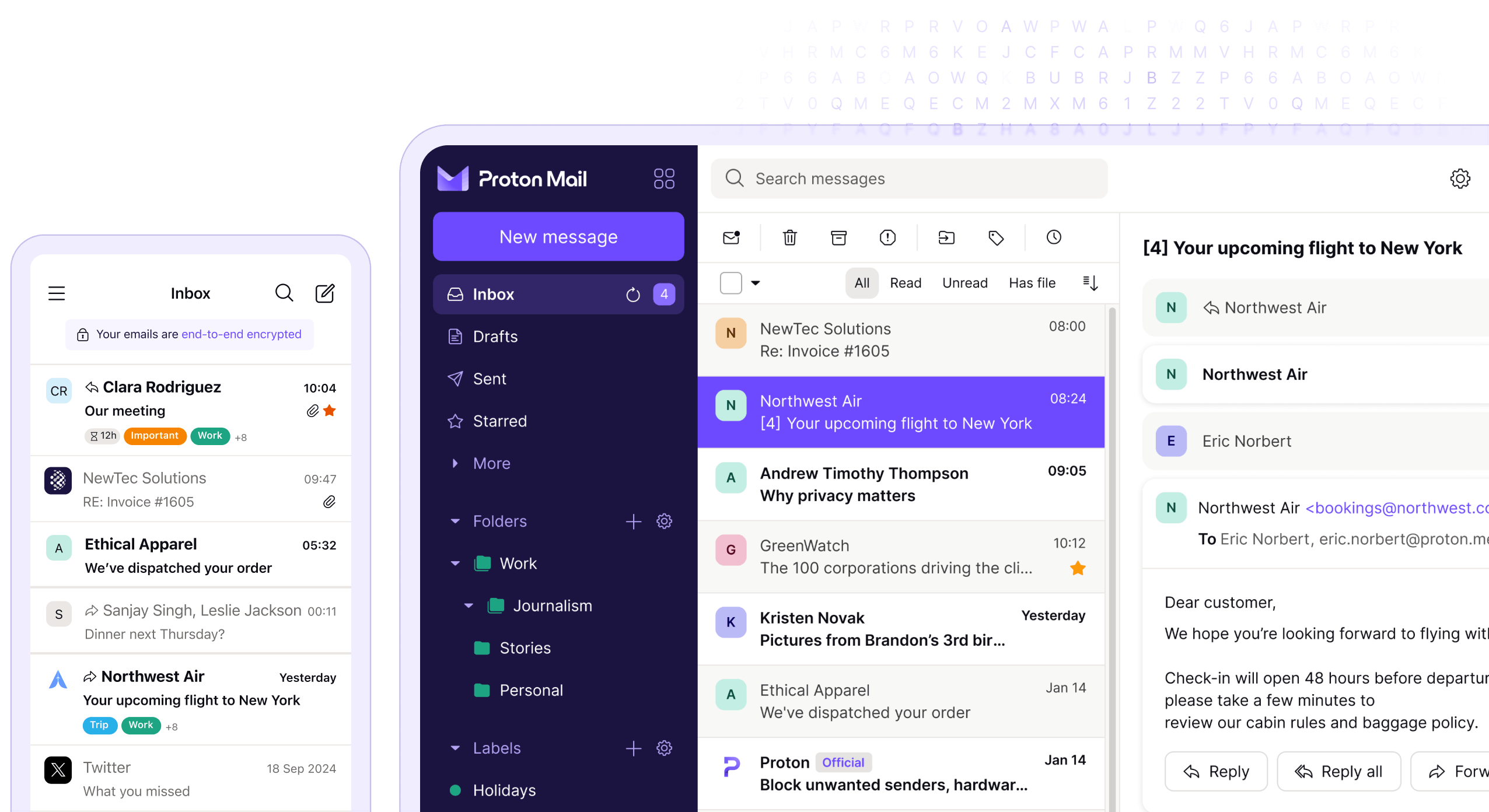
Deciding to delete a ProtonMail account is a significant step. One should be aware of the implications, such as the permanent loss of emails and inability to use the same username again. Before proceeding, it is important to back up any necessary information that may be needed later. Deleting a ProtonMail account is a straightforward process, but one should be certain before taking this action since the decision is irreversible.
ProtonMail, known for its secure email service, allows users to delete their accounts through the settings menu. It is essential to follow the correct steps to ensure that the account and all associated data are completely removed. Users should also consider downgrading to a free plan if their intention is not to delete the account but to modify their subscription.
How to Delete a ProtonMail Account (Complete Guide)
ProtonMail (now branded as Proton Mail) is known for its strong privacy and encryption. However, if you no longer need the service or want to switch providers, you may want to permanently delete your account.
This guide explains how to delete a ProtonMail account, what happens after deletion, and important things to consider before you proceed.
Important Things to Know Before Deleting ProtonMail
Before deleting your account, keep these points in mind:
- Account deletion is permanent
- All emails, folders, and attachments will be permanently erased
- You cannot recover your account or email address
- Any linked Proton services (Drive, Calendar, VPN) may also be affected
- Paid subscriptions must be canceled first
✅ Back up important emails before deleting
Step 1: Cancel Your Proton Subscription (If Applicable)
If you’re on a paid plan, you must downgrade to the free plan before deletion.
- Sign in to your Proton account
- Go to Settings → Dashboard
- Select Subscription
- Click Cancel Subscription
- Confirm the cancellation
Proton does not automatically delete paid accounts.
Step 2: Sign In to Your Proton Account
- Visit https://account.proton.me
- Log in with your Proton username and password
- Complete any two‑factor authentication if enabled
Step 3: Go to the Account Deletion Page
- In account settings, navigate to Settings
- Select Account
- Scroll to Delete Account
- Click Delete your account permanently
Step 4: Verify Your Identity
Proton requires verification to prevent accidental deletions.
You may be asked to:
- Re‑enter your password
- Confirm your username
- Complete CAPTCHA verification
Step 5: Confirm ProtonMail Account Deletion
- Read the warning message carefully
- Check the confirmation box
- Click Delete Account
- Confirm again when prompted
Your ProtonMail account will be permanently deleted.
What Happens After You Delete Your ProtonMail Account?
After deletion:
- All emails and data are erased
- Your Proton email address becomes unusable
- Proton cannot recover your data
- You are signed out of all Proton services
Can You Delete ProtonMail from the Mobile App?
❌ No. ProtonMail accounts cannot be deleted from the mobile app.
You must use:
- A web browser
- The Proton account dashboard
Alternative: Disable or Stop Using ProtonMail
If you’re unsure about permanent deletion, consider:
- Leaving the account inactive
- Removing your email address from online services
- Forwarding emails to another address (before deletion)
Common Issues & Fixes
“Delete Account” Option Not Visible
- Make sure your subscription is canceled
- Ensure you’re logged in via a browser
- Check that you’re in Account settings, not Mail settings
Forgot Your Password?
- You must regain access before deleting
- Proton cannot delete accounts without verification
Frequently Asked Questions
Can Proton delete my account for me?
No. For security reasons, only the account owner can initiate deletion.
Does deleting ProtonMail delete Proton VPN and Drive?
Yes, if they are tied to the same Proton account.
How long does deletion take?
Deletion is immediate and irreversible.
Final Thoughts
Deleting a ProtonMail account is straightforward, but it’s a permanent action. Make sure you’ve backed up all important emails and canceled any active subscriptions before proceeding.
If privacy is your main concern, Proton’s deletion process ensures your data is fully removed and cannot be recovered.
Key Takeaways
- Deleting a ProtonMail account permanently erases all data.
- Users cannot reuse their ProtonMail username after deletion.
- The deletion process is final, so important emails should be backed up.
Deleting Your ProtonMail Account
Deactivating a ProtonMail account is an irreversible action that permanently eliminates access to emails and contacts. It’s essential to understand the results of this action and to carry out the necessary steps correctly to avoid unintended loss of data.
Understanding the Consequences
Before you decide to delete your ProtonMail account, be aware that this action is permanent. All your emails and contacts will be lost, and you cannot recover them once the account is gone. If you have a premium subscription, make sure to cancel it. Remember that if you use the same email address as a login for other services, you will need to update those accounts.
Pre-Deletion Checklist
Before deleting your account, follow these important steps:
- Backup any important emails or contacts; they will not be retrievable after deletion.
- Confirm to cancel any active subscription to avoid continued charges.
- Ensure you are willing to lose your current email address. You cannot create a new account with the same username in the future.
Step-by-Step Account Deletion Process
To delete your account, do as follows:
- Sign in to your ProtonMail account using your username and password.
- Go to Settings by clicking the option at the top of your screen.
- In the sidebar, select ‘Account’.
- Scroll to the bottom and find the Delete account section.
- Click ‘Delete your account’, then follow the prompts to confirm.
After Deletion: What Next?
Upon completing the account deletion process, ProtonMail removes your data from their servers in Switzerland. You will no longer have access to any Proton services with that account. If you need a secure email service in the future, you must sign up for a new ProtonMail account. Remember, choose a different username as the old one will not be available.





