
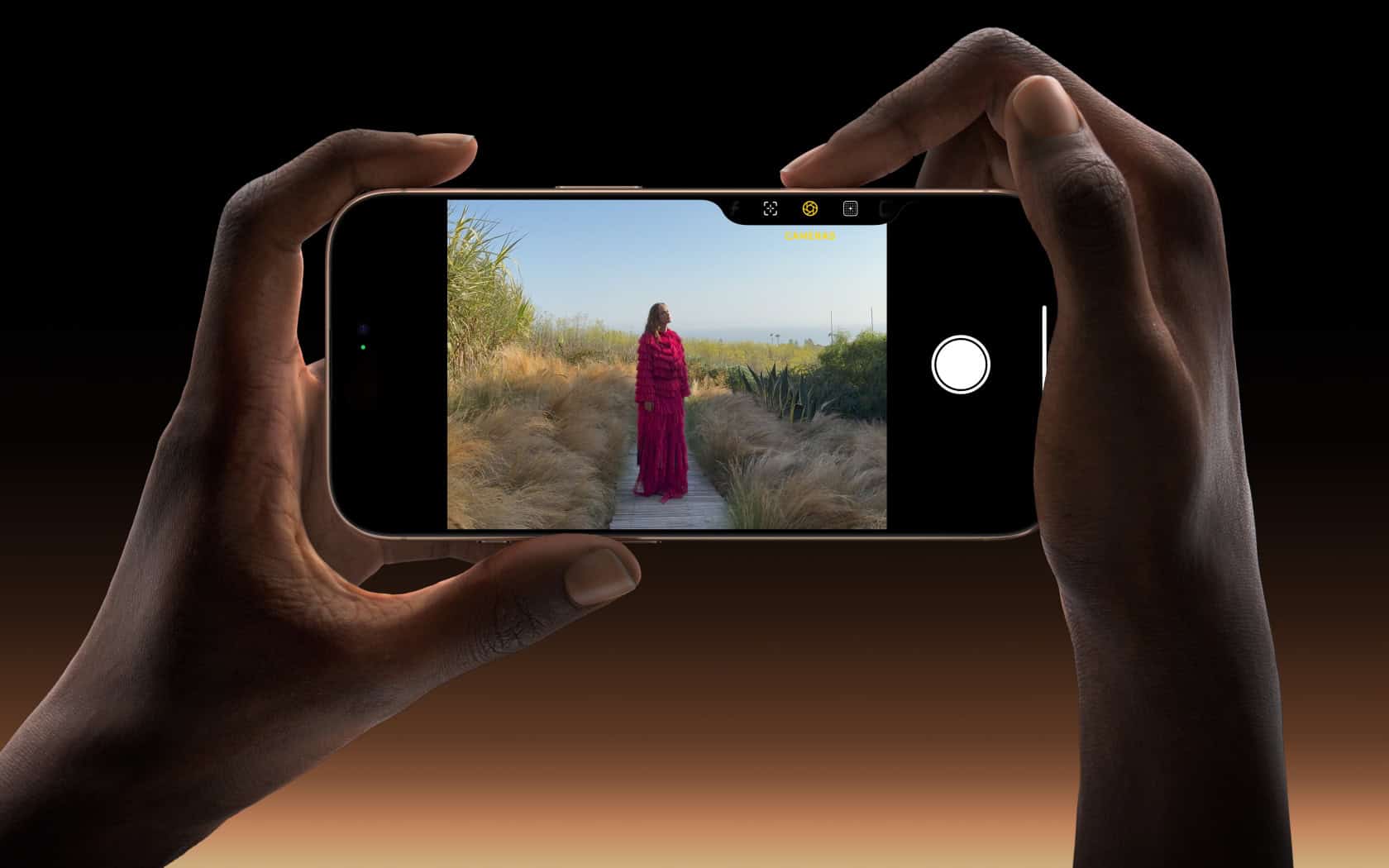
Apple ProRes is a high-quality video compression format developed by Apple Inc. It’s designed for use in video production and post-production, offering excellent performance and image quality preservation within a manageable file size. This format has been a staple for professionals in the film and television industry since its introduction in 2007. It supports a range of video resolutions, including up to 8K, and provides a good balance between file size and quality.
The introduction of Apple ProRes to the iPhone 13 Pro series has marked a significant step towards empowering mobile filmmakers with professional-grade video capabilities. With ProRes, users can capture, edit, and distribute broadcast-quality video right from their iPhones. This signifies a shift in the production landscape, where high-end video creation is becoming more accessible. The format is known for its flexibility and compatibility with various editing software, aiding a smooth post-production process.
What is Apple ProRes: Exploring the High-Quality Video Codec
Apple ProRes is one of the most widely used professional video codecs in the film and post-production industry. Developed by Apple Inc., it strikes a balance between high image quality and efficient performance, making it a go-to choice for editors, colorists, and cinematographers working on macOS and iOS devices.
1. What Is Apple ProRes?
Apple ProRes is a “visually lossless” lossy video compression format introduced in 2007 with Final Cut Studio 2. It was designed to handle high-resolution video (up to 8K) while maintaining smooth playback and editing performance.
Unlike heavily compressed codecs like H.264 or H.265, ProRes preserves much more image data, allowing for better color grading, faster rendering, and less strain on hardware during editing.
In short, ProRes is a professional-grade codec that balances quality, performance, and storage efficiency.
(Source: Apple Support, Wikipedia)
2. Why ProRes Matters in Video Production
ProRes was designed for post-production workflows, where editors need flexibility and speed. Here’s why it’s so popular:
- 🎥 High Image Quality: Retains detail and color depth suitable for professional editing and grading.
- ⚙️ Optimized for Performance: Takes full advantage of multicore processors for real-time playback.
- 💾 Efficient Storage: Compresses files without sacrificing noticeable quality, saving disk space.
- 🧩 Wide Compatibility: Supported across Apple’s ecosystem (Final Cut Pro, iMovie, Logic Pro) and major NLEs like Adobe Premiere Pro and DaVinci Resolve.
3. The ProRes Family of Codecs
Apple offers several ProRes variants, each balancing quality and file size differently.
| Codec Variant | Bit Depth / Chroma | Use Case |
|---|---|---|
| ProRes 422 Proxy | 10-bit 4:2:2 | Lightweight for offline editing |
| ProRes 422 LT | 10-bit 4:2:2 | Good for limited storage environments |
| ProRes 422 | 10-bit 4:2:2 | Standard high-quality choice for most workflows |
| ProRes 422 HQ | 10-bit 4:2:2 | Higher data rate for broadcast and cinema |
| ProRes 4444 | 12-bit 4:4:4 | Supports alpha channel, ideal for compositing and VFX |
| ProRes 4444 XQ | 12-bit 4:4:4 | Highest quality and color fidelity, used in feature films |
Each version offers different trade-offs between file size, quality, and performance, giving editors flexibility depending on their project’s needs.
(Source: Trusted Reviews)
4. Apple ProRes on iPhone
Starting with the iPhone 13 Pro, Apple brought ProRes recording to mobile devices. This feature allows creators to capture professional-grade footage directly on their phones, ideal for workflows that move between mobile and desktop editing.
However, because ProRes files are large, Apple limits recording to 1080p at 30fps on lower storage models (128GB) and up to 4K at 30fps on higher-capacity models.
(Source: iGeeksBlog)
5. How ProRes Compares to Other Codecs
| Codec | Compression Type | Quality | Editing Performance |
|---|---|---|---|
| H.264 / H.265 (HEVC) | Long-GOP | High compression, lower quality | Slower for editing |
| ProRes | Intra-frame | Visually lossless | Smooth real-time playback |
| DNxHR (Avid) | Intra-frame | Comparable to ProRes | Similar performance |
ProRes stands out for its intra-frame compression, meaning each frame is encoded independently. This makes scrubbing and editing much faster compared to long-GOP codecs (like H.264), which rely on groups of frames.
6. Final Thoughts
Apple ProRes has become a cornerstone of professional video editing. It provides a unique combination of high fidelity, efficient performance, and broad compatibility, making it ideal for everything from independent films to Hollywood productions.
Whether you’re editing on a Mac, shooting on an iPhone, or grading in DaVinci Resolve, ProRes ensures your footage looks its best without slowing down your workflow.
Sources:
- Apple Support – About Apple ProRes
- Wikipedia – Apple ProRes
- Trusted Reviews – What Is Apple ProRes?
- iGeeksBlog – Apple ProRes on iPhone Explained
Key Takeaways
- Apple ProRes is a professional video compression format developed by Apple.
- It balances high image quality with manageable file sizes for video production.
- The iPhone 13 Pro series introduced ProRes, expanding its use to mobile content creators.
Overview of Apple ProRes
Apple ProRes is a video codec designed for high-quality, high-performance editing in post-production environments. It maintains high image fidelity with large resolutions and robust color information, even at reduced file sizes.
Defining the Codec
A codec is a tool that compresses and decompresses digital video. Apple ProRes is an advanced codec offering high-quality, visually lossless video compression. It ensures that videos have less data without losing detail. This makes it easier to store and edit high-definition (HD), 4K, and even larger video formats.
Different ProRes Formats
Apple ProRes comes in several formats to meet different needs. The main variations include:
- ProRes 422 Proxy: Offers reduced file sizes for rough editing processes.
- ProRes 422 LT: Balances quality and data rate; suitable for many productions.
- ProRes 422: A good compromise between file size and quality.
- ProRes 422 HQ: Provides higher data rate for better image quality.
- ProRes 4444 and 4444 XQ: Preserve color information and offer alpha channels for graphics. These are the highest-quality codecs in the ProRes family.
Each format is designed to offer a balance between quality and performance depending on the project’s requirements.
Compatibility and Usage
Apple ProRes is compatible with many editing software platforms and is widely used by video professionals. It provides a high editing performance, making it possible for editors to work with 1080p, 4K, and higher resolutions without excessive strain on computing resources. The codec supports full-frame, 10-bit quality at both 4:2:2 and 4:4:4 color sampling, which is vital for high-dynamic range (HDR) content and preserving the finest details in shadows and highlights.





