
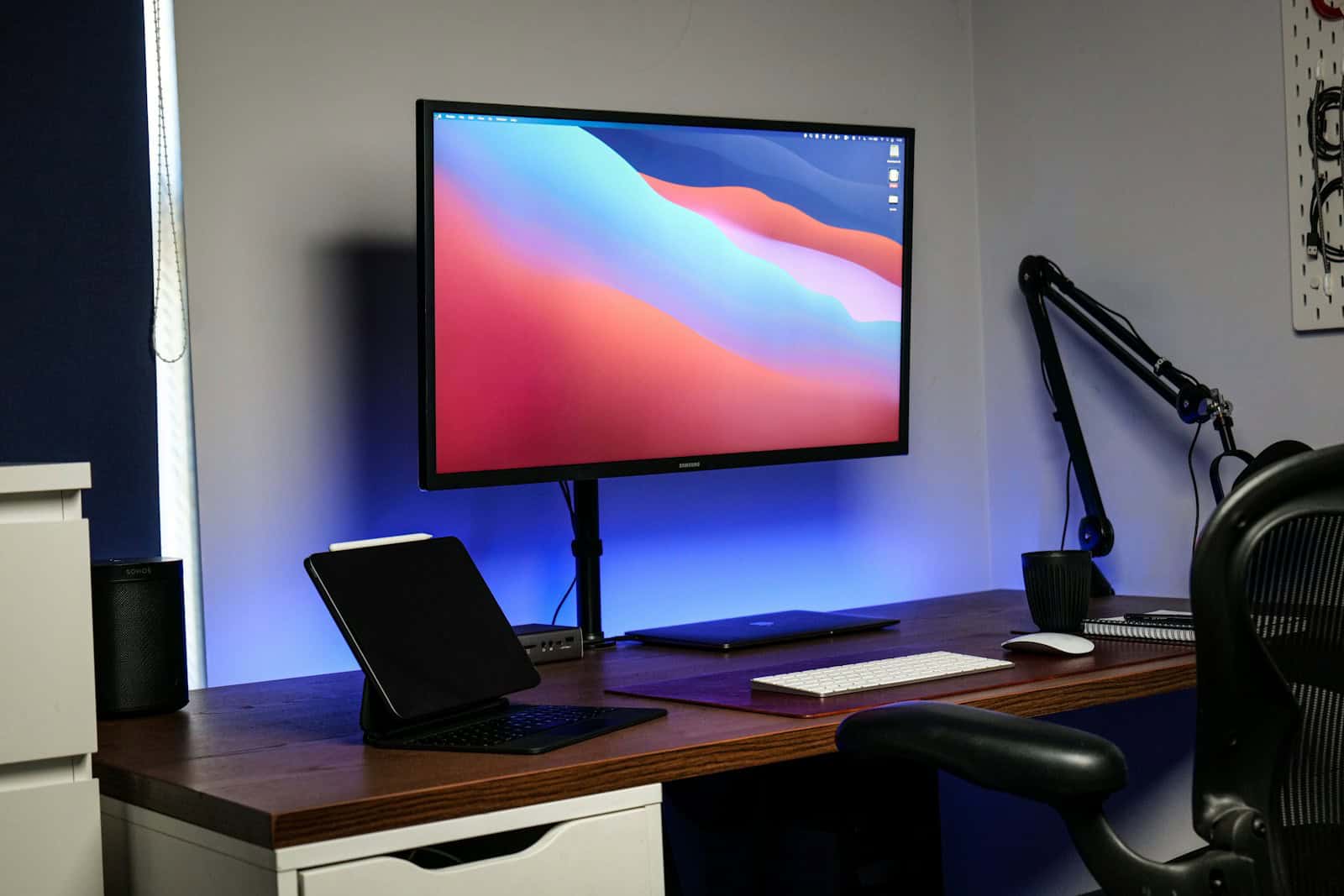
Mounts play a crucial role in creating an organized, ergonomic, and visually appealing space—whether at home or in a professional office environment. From TV wall mounts and monitor arms to projector and tablet mounts, the right choice can improve comfort, save space, and enhance productivity.
This ultimate guide will walk you through everything you need to know to choose the best mounts for your home or office, helping you make a confident, informed decision.
Why Choosing the Right Mount Matters
Selecting the wrong mount can lead to poor viewing angles, limited adjustability, or even safety hazards. A high‑quality mount offers:
- Improved ergonomics and posture
- Better space utilization
- Increased safety and stability
- A cleaner, more professional appearance
Whether you’re setting up a living room, home office, conference room, or workstation, the right mount makes a noticeable difference.
Types of Mounts and Their Uses
Understanding the different types of mounts is the first step.
1. TV Wall Mounts
Ideal for living rooms, bedrooms, and conference spaces.
- Fixed mounts: Low‑profile and affordable
- Tilting mounts: Reduce glare and improve viewing angles
- Full‑motion mounts: Offer maximum flexibility and swivel
Best for: Entertainment setups and meeting rooms.
2. Monitor Mounts & Arms
Designed for desks and workstations.
- Single or dual monitor arms
- Gas‑spring or mechanical arms
- Desk clamp or grommet mounts
Best for: Home offices, corporate desks, and productivity setups.
3. Projector Mounts
Used in offices, classrooms, and home theaters.
- Ceiling‑mounted or wall‑mounted
- Adjustable height and tilt
- Cable‑management features
Best for: Presentations, training rooms, and media rooms.
4. Laptop, Tablet, and Accessory Mounts
Compact mounts for flexible use.
- Laptop stands and arms
- Tablet wall mounts
- Keyboard and CPU mounts
Best for: Hybrid workspaces and creative professionals.
Key Factors to Consider When Choosing a Mount
1. Compatibility (Size & Weight Capacity)
Always check:
- Screen size range
- Maximum weight capacity
- VESA mounting pattern (for TVs and monitors)
Choosing an incompatible mount can damage your device or cause instability.
2. Adjustability & Range of Motion
More adjustability means better comfort.
Look for:
- Tilt (up/down)
- Swivel (left/right)
- Height adjustment
- Rotation (portrait/landscape)
This is especially important for monitors and office setups.
3. Mounting Location & Installation Type
Consider where and how the mount will be installed.
- Drywall vs concrete vs studs
- Desk clamp vs wall mount
- Ceiling height (for projectors)
Professional installation may be worth it for heavier equipment.
4. Ergonomics & Comfort
For office environments, ergonomics should be a top priority.
- Eye‑level screen positioning
- Reduced neck and shoulder strain
- Adjustable monitor height and distance
Proper ergonomics can significantly improve productivity and well‑being.
5. Build Quality & Materials
Choose mounts made from:
- Heavy‑duty steel or aluminum
- Reinforced joints
- Durable finishes
High‑quality materials ensure longevity and safety.
6. Cable Management
Good mounts include built‑in cable channels or clips.
Benefits include:
- Cleaner appearance
- Reduced cable wear
- Easier maintenance
This is especially important in professional offices.
Home vs Office Mounting Needs
| Feature | Home Use | Office Use |
|---|---|---|
| Adjustability | Moderate to high | High |
| Appearance | Minimalist | Professional |
| Durability | Standard | Heavy‑duty |
| Cable Management | Optional | Essential |
| Safety Standards | Basic | Strict compliance |
Office environments typically require more robust, ergonomic solutions.
Safety Tips for Mount Installation
- Always mount into studs or reinforced surfaces
- Do not exceed weight limits
- Use provided hardware
- Double‑check level alignment
- Test stability before full use
Improper installation is the most common cause of mount failure.
Budget vs Premium Mounts
- Budget mounts: Suitable for lightweight screens and basic setups
- Mid‑range mounts: Best balance of quality and price
- Premium mounts: Superior adjustability, durability, and aesthetics
Investing more upfront can save replacement and repair costs later.
Final Thoughts
Choosing the best mounts for your home or office is about more than just compatibility—it’s about comfort, safety, and long‑term usability. By understanding mount types, prioritizing ergonomics, and selecting quality materials, you can create a cleaner, more efficient space that works for you.
Quick Recommendation Summary
- Living room TV: Full‑motion wall mount
- Home office monitor: Adjustable gas‑spring monitor arm
- Corporate workspace: Heavy‑duty dual monitor mount with cable management
- Conference room: Ceiling‑mounted projector system





