
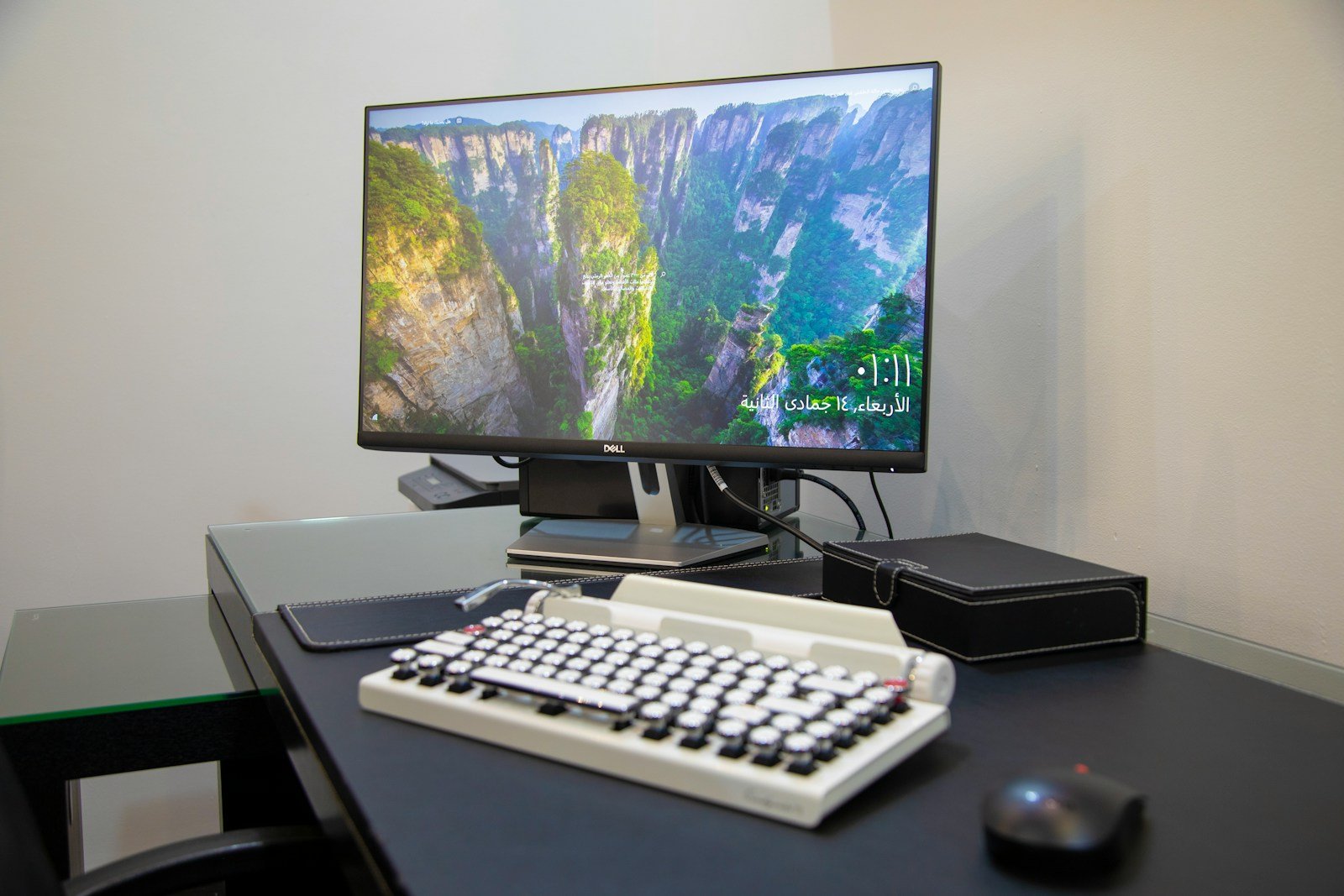
All-in-one desktop PCs pack a full computer into a single unit with the display. They save space and look neat on a desk. Many people like them for home and office use.
When buying an all-in-one PC, think about what you’ll use it for. Some have big screens and strong parts for tasks like video editing. Others are simpler and cost less for basic work and web use. Look at the screen size, CPU, RAM, and storage to find one that fits your needs.
Top brands make good all-in-one PCs. Apple, Dell, HP, and Lenovo offer models with different features and prices. Compare a few to see which one works best for you. Make sure it has the ports you need for your devices too.
How to Buy an All-in-One Desktop PC: A Complete Guide

All-in-One (AIO) desktop PCs combine the computer’s components, monitor, and often speakers into a single sleek unit. They save space, reduce cable clutter, and offer a clean, modern look—ideal for home offices, families, or anyone wanting a streamlined setup. Here’s how to choose the best AIO desktop PC for your needs.
1. Determine Your Primary Use Case
- General Use: Web browsing, streaming, office apps — mid-range specs will suffice.
- Creative Work: Photo/video editing, graphic design — look for powerful CPUs, dedicated GPUs, and high-res displays.
- Gaming: Some AIOs have gaming-capable GPUs, but desktops or laptops usually offer more power.
- Business/Professional: Consider security features, ports, and upgradability.
2. Screen Size and Resolution
- AIOs typically range from 21 to 32 inches.
- Larger screens enhance productivity and entertainment.
- Aim for at least Full HD (1920×1080); 4K displays are available on premium models.
- Touchscreen options add versatility but may increase cost.
3. Performance Components
- Processor (CPU): Intel Core i5/i7 or AMD Ryzen 5/7 are common for solid performance.
- Memory (RAM): Minimum 8GB; 16GB+ recommended for demanding tasks.
- Storage: SSDs (256GB or more) offer speed; some models combine SSD + HDD for capacity.
- Graphics: Integrated graphics suffice for most tasks; discrete GPUs are better for creative work or light gaming.
4. Connectivity and Ports
- Look for multiple USB ports (including USB-C), HDMI, Ethernet, and audio jacks.
- Built-in Wi-Fi (preferably Wi-Fi 6) and Bluetooth are standard.
- Some AIOs offer SD card readers — useful for photographers.
5. Design and Ergonomics
- Adjustable stands for tilt and height improve comfort.
- Slim bezels and premium materials enhance aesthetics.
- Consider the placement of speakers and webcam quality if you do video calls.
6. Software and Operating System
- Windows 11 is the most common OS on AIOs.
- Some models come with macOS (Apple iMac).
- Pre-installed software may vary; check for bloatware or useful bundled apps.
7. Budget and Warranty
- Entry-level AIOs start around $600-$800.
- Mid-range models with better specs typically cost $1,000-$1,500.
- Premium or specialized AIOs (like the Apple iMac or gaming-focused ones) can exceed $2,000.
- Check warranty length and support options.
8. Recommended All-in-One PCs in 2025
- Apple iMac remains a top choice for creative professionals and macOS users.
- Dell Inspiron and HP Envy AIOs offer solid Windows-based performance.
- Microsoft Surface Studio targets creatives with a flexible touchscreen design.
Final Tips
- Prioritize components based on your use to get the best value.
- Consider future-proofing with upgradeable RAM or storage if possible.
- Read user reviews for reliability and real-world performance.
- Test the display and ergonomics in-store if you can.
By following this guide, you’ll find an all-in-one desktop PC that fits your space, style, and computing needs perfectly.
Key Takeaways
- All-in-one PCs combine the computer and display in one unit
- Choose based on your main tasks and budget
- Compare specs like screen size, CPU, RAM, and storage
Assessing Your Needs and Making the Right Choice
Picking the right all-in-one computer means knowing what you need and want. Think about how you’ll use it and what features matter most to you.
Determining the Purpose and Use
Think about what you’ll do with your new computer. Will you use it for work, school, or fun? This helps you pick the right specs.
For basic tasks like web browsing and word processing, a less powerful system will do. But if you edit photos or videos, you’ll want more power.
Gamers need strong graphics cards and fast processors. Designers benefit from big, high-res screens and lots of memory.
Selecting the Appropriate Size and Display Quality
Screen size and quality are key for all-in-one PCs. They affect how much you can see and how clear it looks.
Sizes range from 21 to 34 inches. Bigger screens are great for multitasking but take up more space.
Look at resolution too. Full HD (1920×1080) is good for most uses. 4K (3840×2160) offers super sharp images but costs more.
Think about where you’ll put the computer. Make sure it fits your desk or workspace.
Understanding Processor, Memory, and Storage Options
The processor (CPU) is the brain of your computer. Intel Core i5 and AMD Ryzen 5 are good mid-range options.
RAM helps your computer run smoothly. 8GB is okay for basic use, but 16GB or more is better for heavy tasks.
For storage, solid-state drives (SSDs) are fast but pricey. Hard drives offer more space for less money. Some PCs have both.
Graphics cards matter for gaming and design work. Built-in graphics are fine for everyday use, but serious users may want a dedicated GPU.
Check the ports too. Make sure there are enough USB slots for your needs.
Comparing Top All-in-One Desktops
All-in-one desktops come in many types. Some are cheap, some are for work, and others are for games. Let’s look at the best ones for different needs.
Budget-Friendly All-In-One PCs
The Dell Inspiron 24 5420 is a good choice for those on a budget. It has a 24-inch screen and can do basic tasks well. This PC is great for school work or web browsing.
Another low-cost option is the HP Envy 24. It has a nice display and works well for home use. The Envy 24 is a step up from the Dell in terms of looks and power.
Both these PCs offer good value. They can handle everyday tasks without breaking the bank. For most people, these budget all-in-ones will do the job just fine.
The Best Premium All-in-One Computers for Professionals
The HP Envy 34 All-in-One (2022) is a top pick for pros. It has a huge 34-inch screen that’s great for work. The Envy 34 is fast and can run tough programs with ease.
Apple’s iMac is another high-end choice. It looks sleek and has a sharp 4.5K screen. The iMac is known for its speed and ease of use.
For those who need the best, the HP EliteOne 870 G9 is worth a look. It’s built for business and has strong security features. This PC can handle any work task you throw at it.
All-in-One Computers for Gaming and Creative Work
Gamers and artists need PCs with extra power. The Microsoft Surface Studio 2 fits the bill. It has a screen that can lie flat, which is perfect for drawing.
HP’s Envy 34 is also good for creative tasks. Its big screen and strong parts make it great for video editing.
For serious gamers, some brands make special all-in-one gaming PCs. These have powerful parts that can run the newest games. They often come with extras like RGB lights.
Creative pros might like the Apple iMac. It has a great screen for photo and video work. Plus, it runs Mac software that many artists prefer.





