
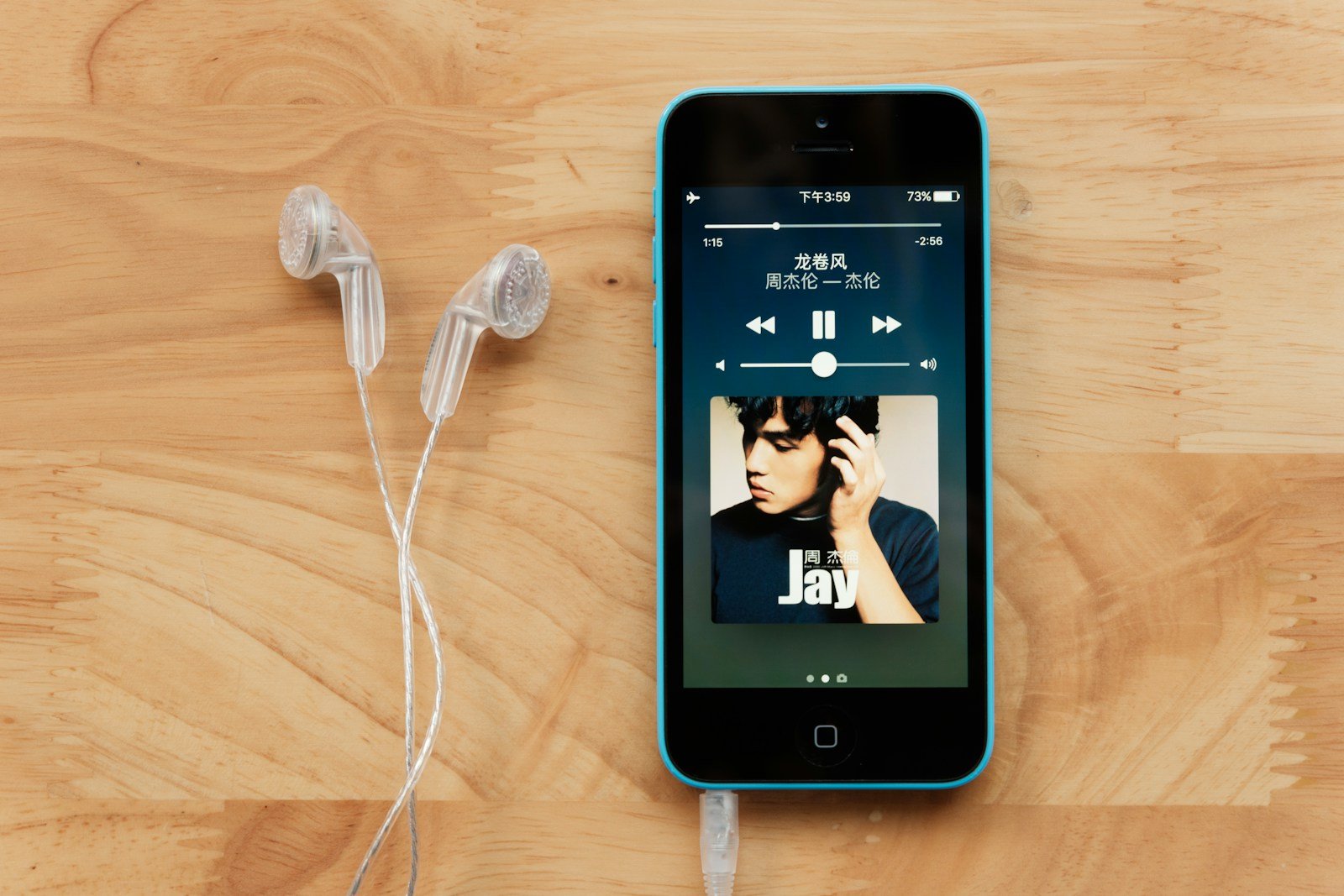
For iPhone users, finding the right music player app can make a big difference in your listening experience. With many apps available, you can choose the one that fits your needs best, from free options to paid ones offering advanced features. Instead of sticking with the default Apple Music app, exploring alternatives can help you discover new ways to enjoy your favorite tracks.
Many music player apps offer unique features. These include user-friendly interfaces, customizable playlists, and options to improve sound quality. You can find apps that allow offline listening, giving you the flexibility to enjoy music without using data. Specialized features, such as pitch shifting, crossfading, and sleep timers, can enhance your listening sessions.
There are plenty of free and paid music player apps to consider. Some offer advanced options without extra charges, while others require a subscription. Choosing the right app can turn your iPhone into a powerful music device with capabilities beyond the basic player. With the right app, music becomes more accessible and enjoyable on the go.
Why Use a Third-Party Music Player?
While Apple Music is great, third-party apps can offer:
- Offline playback for local files (MP3, FLAC, WAV, etc.)
- Custom equalizers and sound enhancements
- Cloud integration (Dropbox, Google Drive, OneDrive)
- More control over playlists and file organization
🏆 Top Music Player Apps for iPhone (2025)
1. Vox Music Player
- Formats Supported: MP3, FLAC, APE, WAV, ALAC, more
- Key Features:
- Hi-Res audio playback up to 24-bit/192kHz
- Cloud integration via Vox Cloud
- Built-in equalizer and gapless playback
- Why It’s Great: Perfect for audiophiles who want lossless playback.
- Price: Free (premium subscription available)
- App Store: Vox Music Player
2. JetAudio – HD Music Player
- Formats Supported: MP3, WAV, FLAC, M4A, OGG
- Key Features:
- 20-band equalizer
- Sound effects (reverb, bass boost, AM3D audio enhancer)
- Folder browsing and playback speed control
- Why It’s Great: Highly customizable sound tuning.
- Price: Free (Pro version available)
- App Store: JetAudio
3. Evermusic
- Formats Supported: MP3, M4A, FLAC, WAV, AAC
- Key Features:
- Stream from cloud storage (Google Drive, Dropbox, OneDrive)
- Offline playback for downloaded files
- Smart playlist creation and equalizer
- Why It’s Great: Ideal for users who store music in the cloud.
- Price: Free (Pro upgrade available)
- App Store: Evermusic
4. FLAC Player+
- Formats Supported: FLAC, MP3, AAC, ALAC
- Key Features:
- Native FLAC playback
- AirPlay and Bluetooth support
- Folder management and metadata editing
- Why It’s Great: Simple and reliable for FLAC collections.
- Price: Free
- App Store: FLAC Player+
5. Poweramp Music Player (iOS Beta)
- Formats Supported: MP3, FLAC, WAV, AIFF, ALAC
- Key Features:
- Advanced equalizer and tone controls
- High-resolution audio engine
- Dynamic playlists and album art management
- Why It’s Great: A long-time Android favorite now available for iOS users.
- Price: Free (in beta testing phase)
- App Store: Coming soon in 2025
6. Foobar2000
- Formats Supported: MP3, FLAC, AAC, WMA, WAV
- Key Features:
- Lightweight, fast, and highly configurable
- ReplayGain support and gapless playback
- Perfect for organizing large local libraries
- Why It’s Great: Minimalist interface but powerful under the hood.
- Price: Free
- App Store: Foobar2000
7. Cesium Music Player
- Formats Supported: Uses your iTunes/Apple Music library
- Key Features:
- Clean, classic interface
- Gesture controls and customizable sorting
- Offline playback support
- Why It’s Great: A modern take on the old iPod interface.
- Price: $2.99 (one-time purchase)
- App Store: Cesium Music Player
⚙️ What to Look For in a Music Player App
| Feature | Why It Matters |
|---|---|
| Format Support | Ensures your music files play without conversion |
| Cloud Integration | Access your music from anywhere |
| Equalizer Settings | Customize your audio experience |
| Offline Mode | Listen without internet |
| UI & Navigation | Smooth, intuitive experience |
🧠 Final Thoughts
- For audiophiles, go with Vox or Foobar2000.
- For cloud users, Evermusic is the best choice.
- For customization lovers, JetAudio and Poweramp stand out.
- For simplicity and nostalgia, Cesium is perfect.
Key Takeaways
- Many music apps offer free and paid options.
- Special features can improve how you enjoy music.
- The right app can turn your iPhone into a powerful player.
Key Features and Benefits of Music Player Apps for iPhone
Music player apps for iPhone come with several features that make listening to music enjoyable and efficient. These apps offer various ways to manage, play, and enhance your music experience.
Varied Music Sources and Integration
Music player apps for iPhone support a range of sources and integrations. Users can stream from services like Apple Music, Spotify, and Amazon Music. These apps often allow playing local files, including MP3 and FLAC formats. This flexibility means users can access their library, stream new music, and even enjoy podcasts from one app. Integration with cloud services lets users sync their music across devices. eSound, for example, allows streaming from cloud services for seamless playback.
Music Management and Organization
Managing and organizing music is crucial for an enjoyable listening experience. Music player apps let users create, manage, and edit playlists with ease. They offer tools for sorting music by album, artist, genre, and recently played songs. Features like bookmarks and smart playlists help users quickly find their favorite tracks. Jams On Toast organizes music in an album-wise layout, inspired by vinyl records, offering a visually appealing way to manage your library.
Audio Quality and Playback Options
High-quality audio and flexible playback are key features. Many apps support advanced audio formats like FLAC, ensuring high-fidelity sound. Features like equalizers, crossfade, and gapless playback enhance audio quality. Some apps even support Dolby Atmos for an immersive sound experience. Apps like VOX and FLACBox are known for their support of high-quality audio and customizable playback settings.
User Experience Enhancements
A great user experience is essential. Features like intuitive user interfaces and fluid controls make these apps easy to use. Many apps offer gesture controls for play, pause, and skip, making navigation simple. Customizable themes and ad-free versions enhance the user experience further. jetAudio provides adaptive themes that match album colors, adding a personalized touch to the interface.
Compatibility and Accessibility
Music player apps are designed to work across various Apple devices. They support iPad, iPod, Apple Watch, and even CarPlay, offering a unified music experience. Siri integration allows voice commands for hands-free control. This compatibility ensures users can enjoy their music anytime, anywhere. Apps that support offline listening enable music enjoyment without an internet connection, making them perfect for travel or data-saving.





