
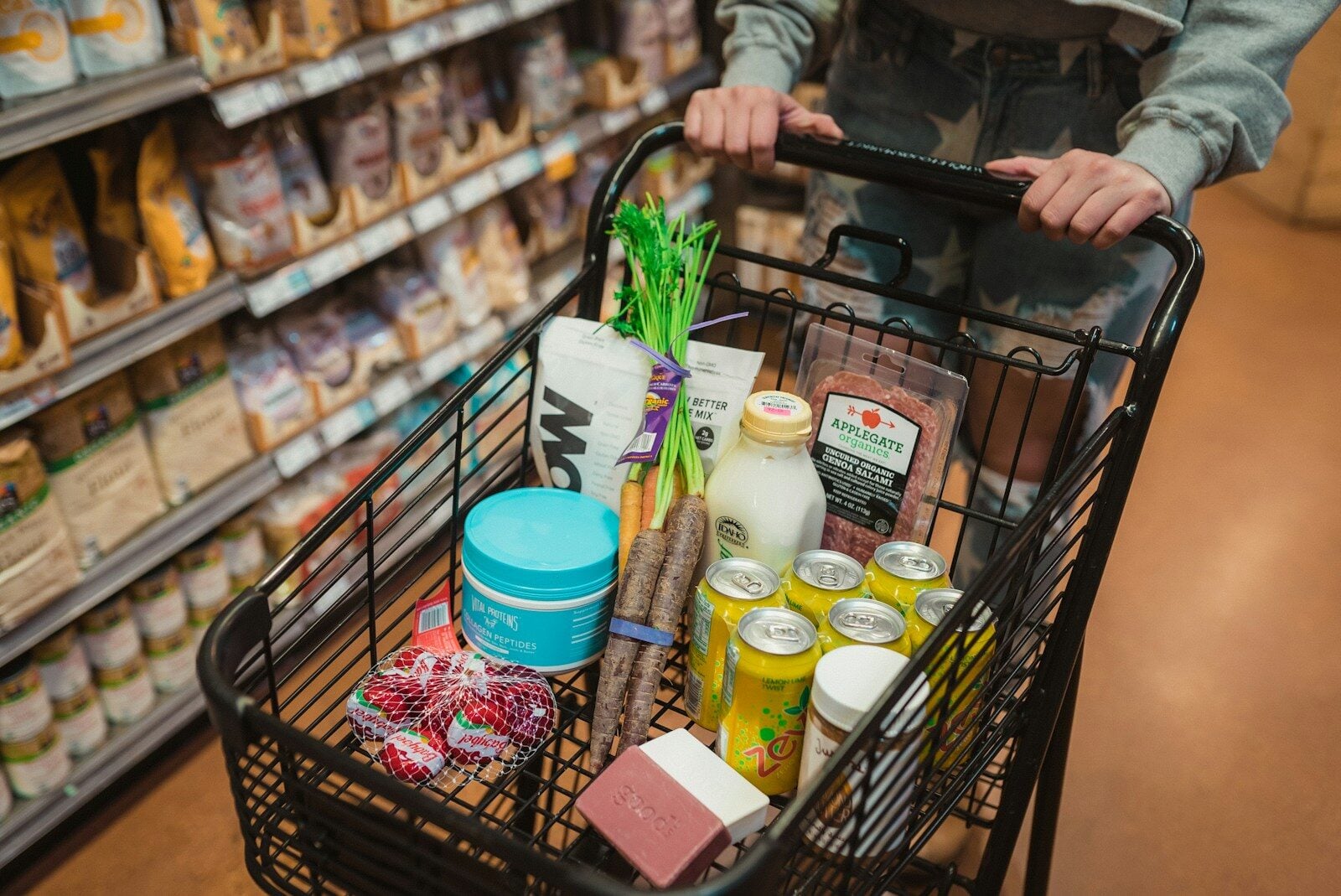
With the rise in food costs, finding ways to stretch the grocery budget becomes a priority for many shoppers. An app that compares grocery prices is a tool that can help consumers do just that. By leveraging technology, these applications provide valuable insights into where shoppers can find the best deals on products they need, saving both time and money. They allow users to see prices from various stores at a glance, making it convenient to compare and choose where to buy groceries.
Most of these apps offer additional features to enhance the shopping experience. Beyond just comparing prices, they often come with the ability to sort shopping lists by distance to the store, get alerts for nearby deals, or check store hours. Some even include functionalities like attaching photos to shopping lists to ensure the correct items are purchased. With these capabilities, price comparison apps serve as a practical aide for smarter grocery shopping.
Apps That Compare Grocery Prices: A Complete Guide
With grocery prices fluctuating and inflation affecting everyday essentials, more shoppers are turning to price comparison apps to stretch their budgets. Instead of driving from store to store, these apps let you compare prices, browse weekly ads, and find the best deals — all from your phone.
Here’s a complete guide comparing the most popular grocery price comparison apps, how they work, and which one might be right for you.
Why Use Grocery Price Comparison Apps?
Before diving into the apps, here’s why they matter:
- ✅ Save money by finding the lowest price
- ✅ Compare weekly ads quickly
- ✅ Discover digital coupons
- ✅ Plan smarter shopping trips
- ✅ Avoid impulse purchases
Even small savings on staples can add up to hundreds of dollars per year.
1. Flipp
Best for: Comparing weekly ads and finding deals
How It Works
Flipp aggregates weekly ads and flyers from major retailers in your area. You can search for specific items (like “milk” or “chicken breast”) and see which store has the best current deal.
Pros
- Easy-to-use interface
- Shows local weekly ads
- Digital coupon clipping
- Search by product
- Free to use
Cons
- Not always real-time shelf pricing
- Doesn’t always show exact brand comparisons
Ideal For
Deal hunters who plan shopping around weekly promotions.
2. Basket (Basket Savings)
Best for: Direct price comparisons across stores
How It Works
Basket allows users to compare grocery prices at nearby stores. The app relies partly on crowdsourced data, with users contributing price updates.
Pros
- Side-by-side price comparisons
- Clean, simple layout
- Shows price history
Cons
- Limited coverage in some areas
- Relies on user-submitted pricing
- Not every product is listed
Ideal For
Shoppers who want to compare exact item prices between stores like Walmart, Target, and local chains.
3. Instacart
Best for: Comparing prices across major chains (with delivery option)
How It Works
Instacart lets you shop from multiple grocery stores in one app. While primarily a delivery service, it also allows you to compare product prices between stores.
Pros
- Real-time pricing
- Large store coverage
- Delivery or pickup options
- Easy product search
Cons
- Prices may be slightly higher than in-store
- Service and delivery fees
- Not designed purely for comparison
Ideal For
Busy shoppers who want both price comparison and delivery convenience.
4. Grocery Pal (by Inmar Intelligence)
Best for: Finding sales and coupons
How It Works
Grocery Pal focuses on sales, discounts, and digital coupons from participating retailers.
Pros
- Coupon integration
- Weekly deals
- Store loyalty card syncing
Cons
- Limited retailer participation
- Less detailed price comparisons
Ideal For
Coupon users looking to maximize discounts.
5. ShopSavvy
Best for: Comparing packaged goods prices (including groceries)
How It Works
ShopSavvy lets you scan barcodes to compare prices at nearby stores and online retailers.
Pros
- Barcode scanner
- In-store and online comparisons
- Price alerts
Cons
- Better for packaged items than fresh produce
- Ads in free version
Ideal For
Shoppers comparing pantry staples, household goods, and packaged foods.
6. Store-Specific Apps (Walmart, Target, Kroger, Aldi, etc.)
Best for: Checking exact in-store pricing
Many grocery chains have their own apps that show:
- Current prices
- Weekly ads
- Digital coupons
- Inventory availability
Pros
- Accurate store pricing
- Loyalty rewards integration
- Personalized deals
Cons
- Must check multiple apps to compare
- Not centralized
Ideal For
Shoppers loyal to specific chains.
Comparison Overview
| App | Best For | Real-Time Pricing | Coupons | Delivery Option |
|---|---|---|---|---|
| Flipp | Weekly ads | ❌ Limited | ✅ Yes | ❌ No |
| Basket | Direct comparisons | ⚠️ Varies | ❌ No | ❌ No |
| Instacart | Multi-store shopping | ✅ Yes | ✅ Some | ✅ Yes |
| Grocery Pal | Sales & coupons | ⚠️ Limited | ✅ Yes | ❌ No |
| ShopSavvy | Packaged goods | ✅ Yes | ❌ No | ❌ No |
| Store Apps | Accurate pricing | ✅ Yes | ✅ Yes | ✅ Sometimes |
Which App Is Best?
It depends on your shopping style:
- Deal-focused shopper: Flipp
- Comparison-focused shopper: Basket
- Convenience-focused shopper: Instacart
- Coupon optimizer: Grocery Pal
- Barcode scanner fan: ShopSavvy
- Store loyalist: Individual store apps
Many savvy shoppers actually use two or three apps together to maximize savings.
Tips for Maximizing Savings
- Compare staple items weekly (milk, eggs, bread, meat)
- Buy non-perishables in bulk when on sale
- Use cashback apps alongside comparison apps
- Set price alerts when available
- Avoid comparing only brand names — check store brands too
Final Thoughts
Grocery price comparison apps can make a noticeable difference in your monthly budget. While no single app does everything perfectly, combining tools like Flipp, Basket, and store-specific apps can help you shop smarter and spend less.
In today’s economy, informed shopping isn’t just convenient — it’s essential.
Key Takeaways
- Price comparison apps assist in finding the best grocery deals.
- These apps often include features that save time and reduce errors.
- They provide both price visibility and shopping convenience.
Features and Functionality
Modern grocery price comparison apps offer a range of features aimed at saving time and money for shoppers. They allow for efficient price checking and bring personalized discounts right to one’s smartphone.
Comparison Tools
Price comparison apps let users compare product prices from different grocery stores. Users can see who sells their favorite items for less. Price differences among stores become clear, and shoppers can find the best deals.
Integration with Local Stores
These apps have data on numerous local grocery stores. This data means users can check prices and deals from stores they already visit. The integration provides a personalized shopping experience.
Barcode Scanning for Price Match
Shoppers can scan barcodes using their phones. This handy feature checks if a better price is available elsewhere. It helps users to price match and save money on the go.
Shopping List Synchronization
Users can sync their shopping lists across devices. This feature ensures they won’t forget what they need to buy. Lists update in real-time, so they always have their lists handy.
Loyalty Card Management
These apps manage loyalty cards in one place. Shoppers can access all their cards and associated discounts without carrying them. Users can apply digital coupons at checkout to save money.
Meal Planning Assistance
Some apps offer meal planning tools. They suggest recipes and keep track of ingredients. This helps in efficient grocery shopping and can also assist in sticking to a budget while ensuring nutritious meals.





